



Table of contents
Looking to get flawless color, sharp detail, and professional results from your prints? This guide breaks down the best techniques for full-color digital prints and what actually works – comparing methods like giclée, DTF, and sublimation side by side.
We’ll also share practical tips for preparing your print files so your final results match your vision down to the last pixel.
Best techniques for full-color digital prints at a glance
|
Printing technique |
Cost level |
Works best on |
Print feel |
Durability |
Best for |
|
Giclée printing |
$$$ |
Fine art paper, canvas |
Matte, soft, museum-grade |
High |
Fine art prints and photo reproductions |
|
DTG (Direct-to-Garment) |
$$ |
100% cotton fabrics |
Smooth, breathable |
Moderate to high |
Custom apparel and small batches |
|
DTF (Direct-to-Film) |
$$ |
Cotton, polyester, blends |
Slightly textured, flexible |
High |
Versatile apparel and accessories |
|
Dye sublimation (AOP) |
$$$ |
Polyester fabrics, coated surfaces |
Soft, seamless |
Very high |
All-over prints, mugs, tote bags, and banners |
|
UV printing |
$$$ |
Hard surfaces (wood, metal, glass, acrylic) |
Glossy, raised texture |
Very high |
Signage, decor, mugs, and rigid materials |
|
Heat transfer printing |
$ |
Cotton, blends, hard goods |
Glossy, smooth |
Moderate |
Custom apparel, tote bags, and small merchandise |
|
Laser printing |
$ |
Cotton blends, paper, synthetics |
Firm, slightly glossy |
Moderate |
Detailed spot color designs and small runs |
7 Full-color printing techniques: The breakdown
1. Giclée printing
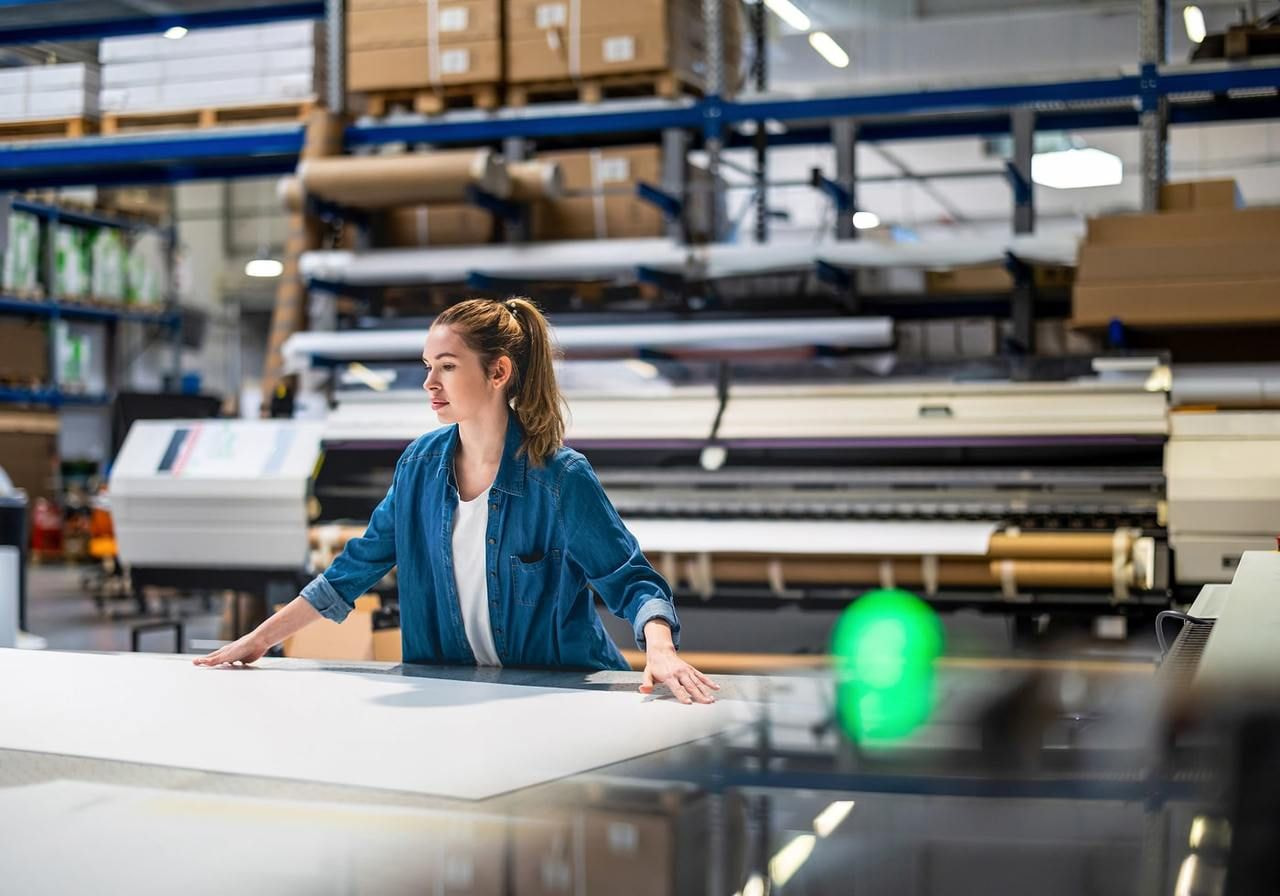
Giclée printing is the go-to choice for artists chasing gallery-level quality in their digital artwork. This printing method uses inkjet printers with CMYK inks and ultra-fine nozzles to spray pigment-based color onto paper or canvas, creating high-quality prints with stunning depth and detail.
Best for: High-end art reproductions, photo prints, and limited-edition collections on premium paper or canvas.
Print: Smooth, matte, and vibrant, capturing every brushstroke and texture without losing quality.
Pros:
-
Unmatched color accuracy and depth
-
Ideal for printing digital art or photography
-
Long-lasting pigments resist fading
Cons:
-
More costly than standard digital printers
-
Not suited for bulk production
Think of it as digital printing evolved, designed for fine art prints that require precise color matching and a rich tonal range across the entire color spectrum.
2. DTG (Direct-to-Garment) printing
DTG printing blends artistry and technology for vivid, long-lasting prints. This digital printing process sprays CMYK inks directly onto fabric using specialized inkjet printers, then heat-cures them for durability. The result? Bright, detailed printed images that feel soft to the touch and move naturally with the fabric.
Best for: Cotton t-shirts, hoodies, and sweatshirts, especially small-batch or custom orders.
Print: Smooth and breathable with a natural feel – no thick layers or plastic texture.
Pros:
-
Full-color designs with vibrant colors
-
Great for digital art and detailed prints
-
Cost effective for small runs
Cons:
-
Not ideal for polyester or dark fabrics
-
Slower than screen printing for bulk production


3. DTF (Direct-to-Film) printing
DTF printing flips the printing process on its head – designs are first printed onto a special film, coated with adhesive powder, and then heat-pressed onto fabric. Using CMYK printing and fine process color layering, this method creates durable, flexible, and bright designs without losing quality.
It’s one of the most versatile printing technologies for apparel brands experimenting with textures and finishes.
Best for: Cotton, polyester, blends, and even nylon fabrics – great for business owners printing small or mid-sized runs.
Print: Slightly textured surface with bold, opaque color printing that pops.
Pros:
-
Works on almost any fabric
-
Highly durable and stretch-resistant
-
Maintains color brilliance after multiple washes
Cons:
-
Slightly raised feel compared to DTG printing
-
Requires film and adhesive handling
Meet DTFlex: Printful’s premium take on DTF printing
Looking for sharper colors, cleaner details, and a finish that feels as good as it looks? Meet DTFlex, Printful’s exclusive next-gen upgrade to standard DTF printing. Perfected over ten years, this method delivers bold, durable prints on everything from cotton tees to nylon jackets – and even custom hats.
DTFlex combines precision, flexibility, and lasting vibrancy, giving your designs that true retail-quality edge.


4. Dye sublimation printing (AOP)
Dye sublimation uses heat and transfer paper to turn solid dye into gas, embedding it deep into polyester fibers. It’s a form of digital printing that delivers flawless, edge-to-edge designs – ideal for full color printing and promotional products.
The result is vivid, seamless prints that won’t crack, peel, or fade, even with frequent wear or washing.
Best for: All-over designs on polyester garments, mugs, tote bags, and home decor.
Print: Soft, smooth, and lightweight, blending perfectly into the fabric’s weave for high-quality results.
Pros:
-
Perfect for large full-color printing designs
-
Produces vibrant colors with no texture
-
Long-lasting and fade-resistant
Cons:
-
Only works on light-colored polyester
-
Not suitable for cotton fabrics
5. UV printing
UV printing uses ultraviolet light to cure specially formulated inks directly onto rigid or semi-rigid surfaces like wood, acrylic, glass, metal, and plastic. The ink sits on top of the surface instead of absorbing into it, so it creates a raised, textured finish with strong durability – but it doesn’t flex or stretch well, which makes it unsuitable for fabric printing.
Best for: Hard surfaces, signage, promotional products like banners, and decorative art pieces.
Print: Glossy, detailed, and durable with a tactile finish that enhances visual appeal.
Pros:
-
Works on a wide range of materials
-
Produces vibrant colors and sharp detail
-
Instantly dry, scratch-resistant prints
Cons:
-
More expensive setup for small runs
-
Limited flexibility for fabrics
6. Heat transfer printing
Heat transfer printing uses transfer paper, heat, and pressure to bond digital artwork onto fabrics or hard materials. This printing process relies on digital printing or dye sublimation to create high-resolution images, which are then transferred using a heat press.
The result is bright, durable color printing ideal for small runs or custom designs with sharp process color details.
Best for: Cotton and blended fabrics, tote bags, and small batches of promotional products.
Print: Smooth and glossy with vivid tones across the color spectrum, depending on the file format and color mode used during file preparation.
Pros:
-
Versatile for apparel, accessories, and hard goods
-
Delivers sharp, printed images with strong print color accuracy
-
Great for beginners and small print shops
Cons:
-
May crack or fade over time
-
Limited breathability on fabric surfaces
7. Laser printing
Laser printing combines digital precision with the classic heat transfer concept, using toner-based technology instead of ink. The design is printed on transfer paper with a CMYK process, then heat-pressed onto the final surface.
This printing method offers crisp color printing, accurate color reproduction, and excellent edge definition, meant for logos, spot color graphics, or small runs.
Best for: Detailed design elements on cotton blends, promotional products, and short-run apparel lines for local printers.
Print: Slightly glossy, with a firm surface and vivid tones that precisely match across the color spectrum.
Pros:
-
Fast and affordable setup for low-volume jobs
-
Excellent for fine lines and digital artwork
-
Great color consistency and sharp details
Cons:
-
Not suitable for stretchy fabrics
-
Less durable than dye sublimation or offset printing
Preparing your digital files for flawless full-color printing
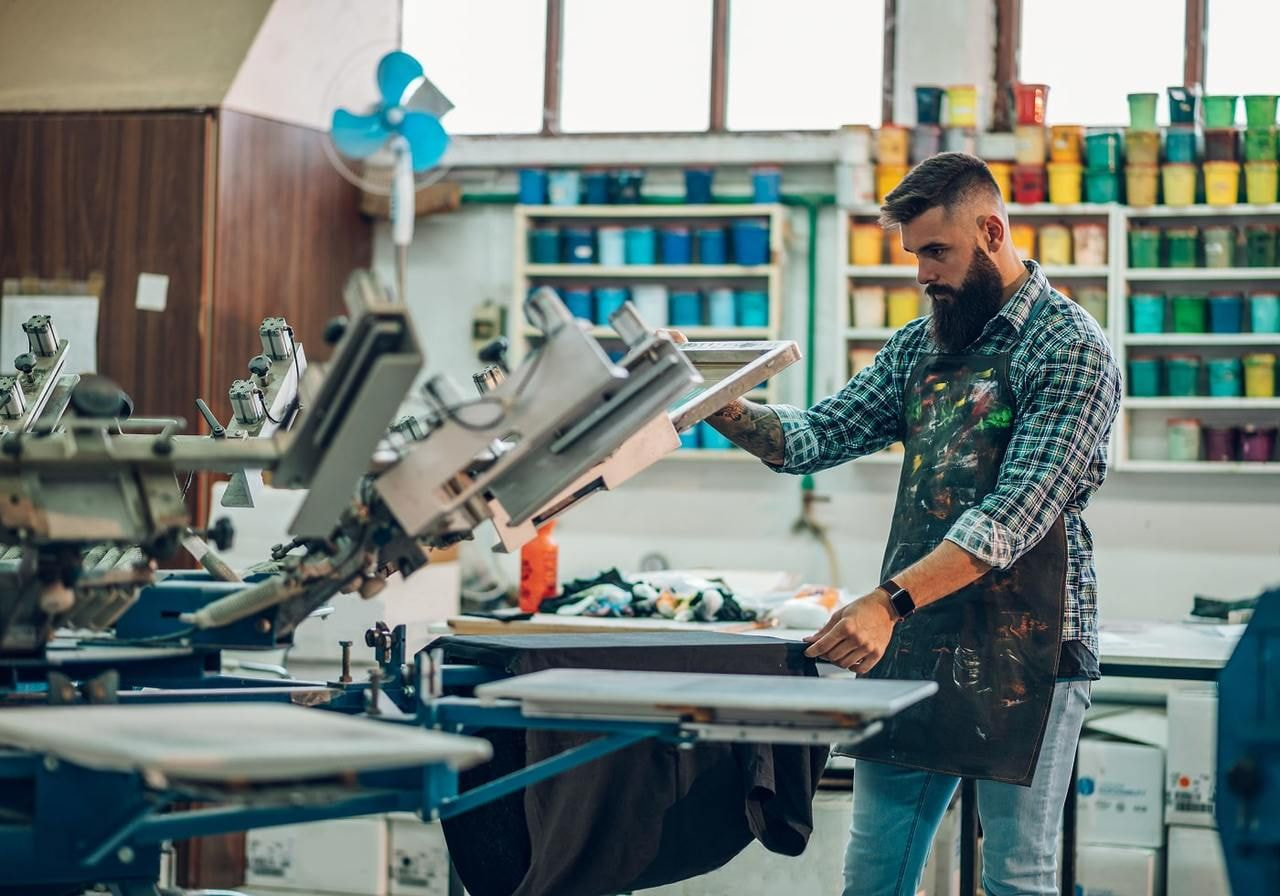
Your masterpiece deserves to look as stunning on paper as it does on screen. This section covers the behind-the-scenes setup that makes all the difference, from color modes and file prep to test prints that save you from costly do-overs.
Calibrate your monitor for accurate color reproduction
Before you start printing, make sure your screen is telling the truth. A poorly tuned monitor is the number-one reason for screen-to-print color shift – those moments when your “perfect teal” turns into swamp green.
Start with your monitor’s default color profile, then:
-
Use calibration software or tools like the X-Rite i1Display or DisplayCAL for pro-level tuning.
-
Set brightness around 80-120 cd/m² – your screen shouldn’t glow like a lightbox.
-
Adjust contrast until you can distinguish subtle differences in shadow and highlight areas.
-
Work under natural or neutral lighting, avoiding yellow desk lamps that distort perception.
-
Enable soft proofing in design programs to simulate printed output.
Revisit calibration monthly for consistent, precise color matching and stable color management. It’s a quick routine that separates casual creators from experienced professionals and guarantees your final prints look exactly as intended.
Choose the right color mode: CMYK vs RGB for print quality
Your screen glows in RGB; your printer breathes CMYK. The RGB color mode (red, green, blue) blends light, giving your monitor that backlit vibrancy. But printers layer CMYK printing – cyan, magenta, yellow, and black – to build tones with process color blending.
So before exporting your digital artwork, switch to CMYK and preview your design. This prevents neon hues or strange desaturation when printing. If you’re using offset printing, CMYK is non-negotiable, it’s literally how the printing plate lays down inks.
Pro tip: If your artwork includes spot color elements (like brand logos), label and separate those layers to keep them exact. RGB is for the screen. CMYK is for the final product.
Valuable read: RGB vs. CMYK: Guide to Color Spaces
Set up bleed, crop marks, and resolution correctly
A clean design can still look sloppy if you skip the basics. Bleed prevents awkward white edges, crop marks guide trimming, and resolution keeps every pixel sharp.
Do this:
-
Add ⅛ inch bleed around your artwork so designs extend past trim lines.
-
Include crop marks in your exported file – your local printer will thank you.
-
Keep resolution at 300 DPI or higher for print clarity.
-
Always export at print size, not scaled, to avoid blurry design elements.
For offset printing, these steps help align the printing plate with laser precision. Think of them as your print’s safety net – skip them, and your masterpiece risks losing its edge (literally).
Format your file for print perfection
Your printer doesn’t guess, it follows instructions. Choosing the right file format and prepping your artwork properly keeps those instructions clear.
-
Use PNG or JPEG for photos and detailed digital artwork.
-
Opt for SVG or PDF for vector graphics, logos, and scalable designs.
-
In Canva, Photoshop, or Illustrator, always outline text or embed fonts before exporting – no mystery font disasters.
-
Save in CMYK files instead of RGB, and double-check process color settings.
For Print on Demand, clean file preparation means fewer surprises and sharper color accuracy. It’s the behind-the-scenes polish that turns average prints into pro-level work.
Run a test print before large print runs
Every experienced professional swears by this step. A single test print can reveal paper texture quirks, unexpected color shifts, or issues with file preparation that you won’t see on-screen.
Here’s how to test smart:
-
Print a small sample using the right paper for your project.
-
Check color management consistency – does the red still pop, or does it lean orange?
-
Inspect for white edges, sharpness, and overall final product tone.
Adjust your design, tweak your color settings, and reprint if needed. It’s a low-cost step that guarantees high-quality results and keeps your reputation spotless – literally.
Conclusion
Mastering the best techniques for full-color digital prints is all about choosing the right printing process, prepping your files like a pro, and understanding how colors behave from screen to substrate.
At Printful, we make it easy. From DTG printing for soft, detailed apparel to dye sublimation for seamless all-over designs, and our exclusive DTFlex printing for next-level precision, our technology brings your digital art to life.
Ready to turn your next project into something tangible? Create, upload, and print with Printful today.
Digital printing: FAQ
Screens use RGB (red, green, blue) light, while printers rely on magenta, yellow, and black inks within the CMYK color mode. This difference often causes color variation. Calibrate your monitor, enable soft proofing in Adobe Illustrator or another design software, and run test prints to achieve closer visual alignment through proper color management.
Use CMYK color mode for any print project. RGB works for digital screens, but CMYK printing translates colors accurately using process color mixing. Converting your files before exporting ensures the print matches your intended design and prevents muted tones or inaccurate shades.
Always start with large, high-quality images – small files stretched to fit will blur. Set your artwork to 300 DPI before you start designing, not after. Create your design at the exact size you plan to print, and use vector graphics for logos or text so they remain sharp, regardless of the print size.
Bleed extends your artwork beyond the trim area to avoid white edges, while crop marks show where to cut. Together, they help maintain alignment and accuracy in your final product. Every experienced professional uses them for consistent results in offset printing or digital print workflows.
It depends on your project. Giclée printing and DTG excel at detail and tone. Dye sublimation gives seamless, all-over coverage, while DTF offers superior durability and flexibility. Mix in colors for branding precision or add texture through specialty finishes to amp up your print quality.

By Baiba Blain
With 7+ years of experience in translation and creative writing, Baiba now leads a squad of talented writers, balancing research-backed storytelling with team guidance, quality assurance, and SEO processes. Outside of work, she enjoys exploring old castles, spontaneous road trips, and talking back to her cats. 10/10 arguments won so far.

