



Table of contents
Setting up your first TikTok shop can feel like a lot – the required documents, the product uploads, the rules you need to follow. Most of that worry comes from not knowing where to start.
Once you see the full path laid out, the setup is far more manageable than it seems. This guide walks you through how to sell on TikTok Shop from scratch, so you can go from a blank account to your first real order in no time.
What is TikTok Shop?
TikTok Shop is an in-app shopping feature that lets businesses and creators sell products directly in the TikTok app, creating a seamless shopping experience. A shopper can see a product in a video and buy it in a few taps, without opening a browser or leaving their feed.
With TikTok Shop, you can:
-
List products and manage orders inside the TikTok Shop Seller Center
-
Tag products in videos and live shopping streams so TikTok users can buy as they watch
-
Run promotions through product discounts, flash sales, coupons, and more
-
Track TikTok Shop sales with its built-in analytics
TikTok Shop is available in select countries, including the US and UK. Setting up a shop is free, but you need to pay a referral fee (also called a commission) on each sale, and the rate varies by region.
Why sell on TikTok Shop?
With TikTok Shop, the path from product discovery to sale is short – potential customers can find something in a video and buy it without switching apps. In fact, 70% of US social buyers have made a purchase on TikTok in the past year – more than on any other social platform.
Here’s why many small businesses have started selling on TikTok Shop:
-
Follower count doesn’t limit your product visibility. TikTok shows content to people based on their interests, not how big your profile is. That algorithm is why 82% of TikTok users discover new brands while using the app, whether or not they follow them.
-
People come to discover. 62% of US users use the app to look at product reviews or recommendations from TikTok creators.
-
Shoppers buy in the moment. People can order the tagged products in short-form videos or live shopping streams. This format is especially suitable for low-cost, impulse-friendly items.
-
The buying power is strong. Among TikTok users ages 25 to 44, 47% went on to buy a product they first heard about on the platform, making this demographic the app’s most active shoppers.
TikTok Shop rewards a steady product and content strategy more than a single viral hit. Sellers who consistently create videos, test different formats, and build trust before pushing for a sale tend to see stronger results than those who chase a single big moment.
What can you sell on TikTok Shop?
You can sell almost any physical product on TikTok Shop, as long as it’s not on TikTok’s prohibited items list.
Here are some products that sell well on TikTok:
-
Print-on-demand merch like t-shirts, mugs, and tote bags
-
Beauty and skincare products
-
Home decor and lifestyle accessories
-
Fitness gear and apparel
-
Tech gadgets and kitchen tools
-
Pet accessories
Make sure your products don’t use trademarks, copyrighted characters, or artwork you don’t own the rights to. TikTok’s IP policy can get your listings pulled or your TikTok Shop account suspended.
How to become a seller on TikTok Shop in 6 easy steps
Now that you know what sells and why the platform is worth exploring, here are six steps on how to sell things on TikTok Shop.


Step 1: Register as a TikTok Shop seller
Start by registering through the TikTok Shop US Seller Center using your existing TikTok account or a new one. Choose a seller type, and that determines which of the following documents you should submit:
-
Individual. A government-issued ID, the last four digits of SSN or ITIN, tax information such as a W-9 form, proof of address, and a personal bank account.
-
Sole proprietorship. Your legal company name, registered address, and EIN, on top of the personal details above.
-
Corporation or partnership. Your EIN, the matching business tax form, and identity details for the business owners.
You must be at least 18 to sell on TikTok Shop US, in any seller type.
Selling in the UK works in a similar way, though the required documents differ. UK sellers register through the UK Seller Center and provide details like a National Insurance number and a UK passport or driving license.
Quick tip: Make sure your personal and business information matches across all of the official documents. Any discrepancy, like Bob on your bank account and Robert on your ID, can trigger a manual review or a denial.
Step 2: Set up your TikTok Shop
Next, you need to tell TikTok how your orders will be shipped.
TikTok Shop gives sellers three ways to handle fulfillment:
| Method | How it works | Best for |
|---|---|---|
| Seller Shipping | You fulfill each order with your own carrier and rates, then upload tracking yourself. | Print-on-demand sellers and anyone who wants full control of packaging and carriers. |
| TikTok Shipping | You ship from your own warehouse, but TikTok provides discounted labels, selects the carrier, and handles tracking updates automatically. | Small businesses that hold their own stock and want lower label rates. |
| Fulfilled by TikTok (FBT) | You send inventory to TikTok warehouses, and TikTok stores, packs, and ships every order. | High-volume sellers with steady stock who want to hand off logistics. |
If you sell on TikTok Shop with Printful, choose Seller Shipping in the TikTok Seller Center. This option lets Printful print and ship each order on demand. Our guide to setting up TikTok shipping walks through the warehouse, shipping template, and rate setup.
Once your shipping is set up, use the Shop Design tool in the TikTok Shop Seller Center to customize your storefront. You can auto-generate a layout from a prompt, build one from a template, or customize it fully from scratch.

Step 3: Add products
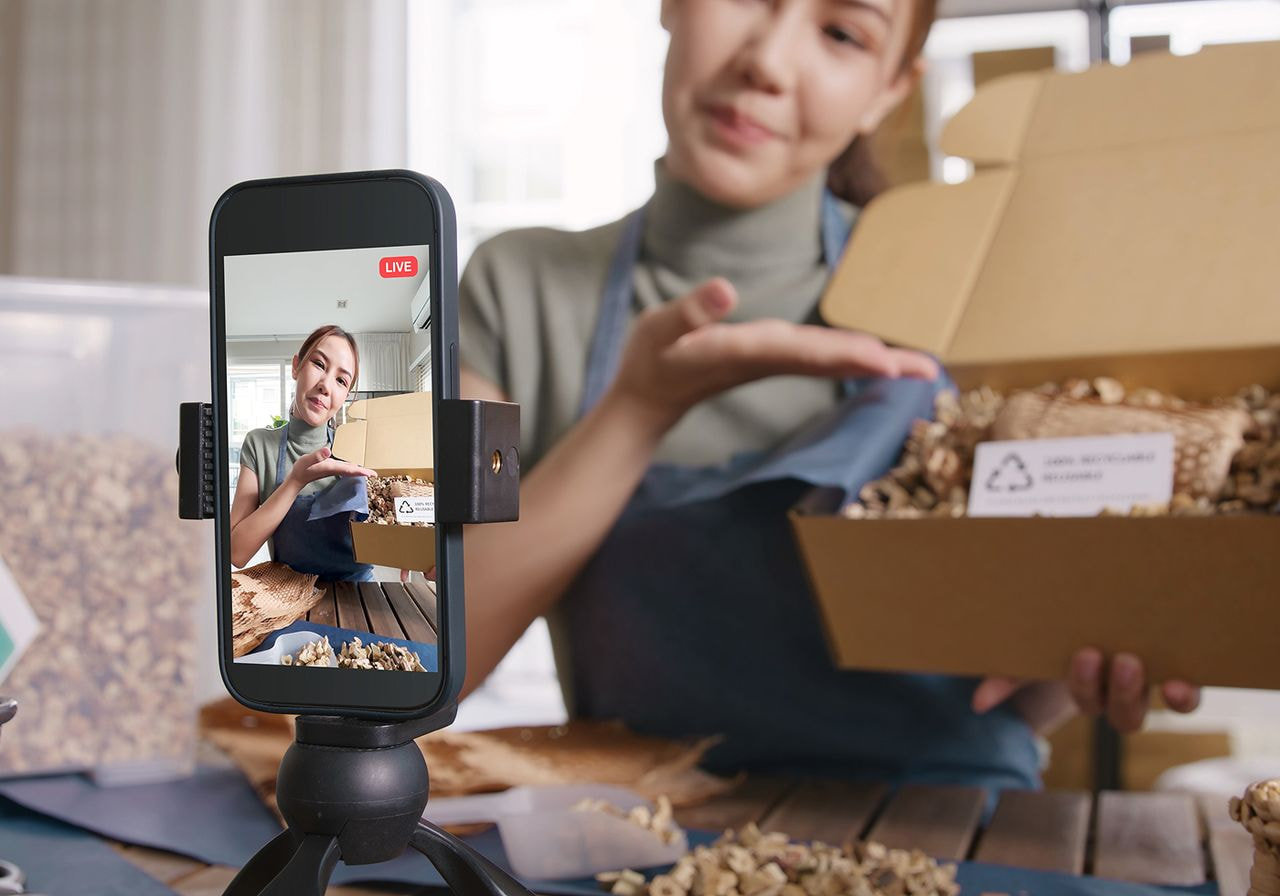
In your TikTok Seller account, you can list one item at a time, upload multiple products in bulk using a spreadsheet, or sync from another platform. TikTok’s own guide to adding products covers each method in detail.
Printful sellers can follow our guide to connecting Printful to TikTok Shop. Once synced, you can publish designs straight to your shop. Every time a customer orders, we print and ship the item for you.
Important tip: Read TikTok’s fulfillment SLAs before you list. Regular orders must ship within 2 business days, and missing that window can result in penalties or auto-cancellations. Printful sellers should check which products meet TikTok Shop’s requirements.
Next, pay attention to your product pages – they can affect your TikTok Shop sales.
-
Use at least five high-quality images showing the product from different angles.
-
Write clear titles that follow TikTok’s format – brand, product, target audience, and key features – like “Riverside Co. Heavyweight Cotton Hoodie for Men Brushed Fleece Oversized Fit.”
-
Make the description longer than 80 characters to meet TikTok’s quality bar and explain the benefits. Instead of “great quality tee,” write “soft, pre-shrunk cotton that keeps its shape and color wash after wash.”
-
Make sure your listings are as accurate as possible to earn good reviews. They provide proof that turns browsers into buyers.
What to expect as a new TikTok Shop seller
Every new shop starts in the New Shop Probation Program, a short ramp-up period with daily caps on orders and listings. Beginner status allows 50 orders and 100 listings per day. You’ll advance to Standard, Premium, and Pro as you reliably fulfill orders and keep customers happy.
Step 4: Link your TikTok Shop Seller account to your TikTok profile
To add product links to your content, you need to connect your TikTok Shop account with the regular TikTok account you use to post. Without this link, your marketing efforts are limited to the Shop tab, leaving no way to sell directly from your TikTok videos or live streams.
Go to TikTok Shop Seller Center, open Linked TikTok Accounts, and follow the prompts to connect your official account. The profile name must match your shop name.
Once linked, your profile will automatically be upgraded to a TikTok Business Account. This type of account lets you run ads, see deeper analytics on your posts, and add clickable links to your profile.
Step 5: Create shoppable content
Shoppable content is any TikTok video or LIVE that includes a product link, allowing viewers to buy the item right away. It appears as a small orange shopping bag icon in the bottom-left corner of the post.
You can link a single item, a product category, a collection, or your whole shop. Older content from the last 30 days can also become shoppable. This is how small businesses drive sales on the TikTok app on a limited budget. TikTok’s guide to linking products covers the full process.
Some of the best-selling TikTok videos don’t feel like an ad – they’re just normal posts that happen to have a product link, the kind where viewers flood the comments asking, “Where did you get that t-shirt?”
Here are some tips on creating engaging content with shoppability in mind:
-
Start with your viewers. Knowing your audience demographics, such as age, interests, and the problems they’re trying to solve, helps you create content that resonates with your target market.
-
Show the product in real life. Wear the hoodie on a coffee run, or use the mug at your desk.
-
Teach something useful. Educational content like styling tips, sizing advice, or three ways to wear one shirt gives viewers a reason to watch and trust you.
-
Go live to sell in real time. Host TikTok LIVE sessions to demonstrate products, answer questions on the spot, and create a sense of urgency that pushes viewers to buy before the stream ends.
-
Jump on TikTok trends that fit. Trending sounds, formats, and dance challenges can help your product reach new viewers, as long as the trend suits your brand and doesn’t feel forced.
-
Show the behind-the-scenes. Packing an order or unboxing a sample makes your shop feel real and builds trust with potential buyers.
Step 6: Promote and grow your TikTok Shop
TikTok’s discovery engine rewards videos that people watch and share, so consistent organic posting is key to finding your first buyers. Once you see which content styles actually drive sales, put money behind the winners.
Here are some ways to start promoting and growing your shop:
-
Post consistently. Aim for at least one post a day when you start selling. Posting when your audience is most active also helps.
-
Encourage user-generated content. Viewers often trust other users’ recommendations more than a brand’s own promotion because they seem more genuine. Make it easy for buyers to tag you, repost any positive testimonial, and credit the creator.
-
Run promotions to create urgency. Product discounts, flash sales, and coupons in the Seller Center give shoppers a reason to buy now.
-
Look into TikTok Shop’s affiliate program. Small creators are worth a look – their audiences often trust their recommendations more than a big name’s. A smaller following usually means a more personal connection with followers.
-
Send samples to creators. Free samples get your product into creators’ hands, letting them create videos that build brand awareness for your business.
-
Scale winners with TikTok Ads. Once a video or product is already converting on its own, GMV Max puts a budget behind it to reach even more potential customers.
Whatever your strategy looks like, the foundation is the same – find a product and a content format that sell, then amplify them. Chasing one viral moment is far less reliable than building a rhythm of engaging content, promotions, and creator partnerships that compound over time.
Avoid these common TikTok Shop selling mistakes
When learning how to sell stuff on TikTok Shop, new sellers might run into a few avoidable roadblocks. Here are the most common ones.
Weak product listings
TikTok sorts every listing into a quality tier, and pages with low-resolution images or bare descriptions can result in lower brand visibility in search and recommendations.
Solution: Meet TikTok’s Good-tier bar with five or more high-resolution images, clear titles, and informative product descriptions.
Ignoring performance data
Many sellers open a TikTok Shop, start posting, and never check their numbers. TikTok’s analytics show which products sell, where your sales come from, and how your content performs, so ignoring them means guessing at what works.
Solution: Check your TikTok metrics regularly. Use the data to optimize campaigns, double down on what’s working, and cut what isn’t.
Overspending on ads
TikTok Ads are powerful, but diving in without a strategy can waste money fast. Sellers sometimes promote every video instead of testing and scaling the winners.
Solution: Let your organic content show you what converts before you pay to promote it. Once a video is earning sales on its own, use ads to push that proven winner to a wider audience.
Rushing the process
Selling on TikTok Shop rarely takes off overnight. New sellers often post a few times, see that their content isn’t converting, and give up – when most shops build momentum over weeks of steady content.
Solution: Treat the first stretch as a ramp-up. Keep posting, use your first few months to build a track record, and give your content time to find an audience.
Final thoughts
Now you know how to sell on TikTok Shop, from registering as a seller to promoting your products. The platform’s real advantage is product discovery. Every video can reach people who don’t follow you yet, so even a small shop can quickly find customers with the right content strategy.
Remember – the content that sells best reads less like an ad, and more as something a creator would genuinely recommend. Set up your TikTok Shop today and connect it with Printful to start selling without inventory.
Read next: TikTok statistics you should know
Frequently asked questions
Yes. TikTok Shop lets you sell through the Shop tab, add product links to your short-form videos and live streams, and let customers buy without leaving the app.
Setting up a TikTok Shop itself is free, but you have to pay a referral fee on each sale, which is 6% in the US and 9% in the UK, plus small withdrawal fees when taking out your earnings. Running TikTok Ads is optional and incurs an extra cost only if you use them.
No – you can open a TikTok Shop and start selling with zero followers.
For many sellers, TikTok Shop is worth it. The TikTok app’s discovery-driven algorithm can put a new shop in front of buyers faster than other platforms, where reach usually depends on an existing audience or ad spend.
TikTok pays the money into the bank account you set up when you registered. The countdown to payout starts when the order reaches the customer. New sellers wait about 31 days for their first payouts, and that duration shortens as your shop builds a strong track record.
View-based payouts come from TikTok’s Creator Rewards Program, which pays creators roughly $0.40 to $1.00 per 1,000 qualified views. This is separate from anything you earn through selling products.

Maisha is a content writer with 6+ years of experience in turning complex topics into clear, search-optimized content. She believes readability always wins, no matter how SEO trends shift. Outside of writing, she’s usually trying new recipes (but never following them), watching niche YouTube videos, or planning food-fueled adventures.

