


Table of contents
TikTok Shop shipping is one of the first things that can confuse new print-on-demand (POD) sellers. You can’t publish a product until this is set up, so you need to get it right to start selling.
In this guide, we’ll show you how TikTok Shop shipping works, which model fits POD, and how to set it up with Printful so your orders route to fulfillment automatically.
How does TikTok Shop shipping work?
On TikTok Shop, every order must comply with the platform’s service-level agreements (SLAs) for dispatch and shipping time. Meeting those deadlines keeps your listings active and your account in good standing.
To set up TikTok Shop shipping, you need to choose from three different fulfillment models:
|
Model |
Carrier and labels |
Tracking information |
POD compatible? |
|
Seller Shipping |
Chosen by you or your POD supplier |
Reported by your POD supplier |
Yes |
|
Fulfilled by TikTok (FBT) |
Handled by TikTok’s multiple warehouses |
Automatic |
No |
|
TikTok Shipping |
Auto-assigned by TikTok |
Automatic |
No |
Seller Shipping
Seller Shipping lets you opt for self-fulfillment and manage your shipping logistics, either yourself or through a print-on-demand supplier.
With POD, your supplier makes each item after the sale, sends it via an approved shipping service, and reports the tracking information to Seller Center. This is the model Printful fulfills through.
Fulfilled by TikTok (FBT)
FBT stores your inventory in TikTok’s warehouses and manages the entire shipping process for you. While convenient, it’s not eligible for POD orders because there’s no stock to send to a warehouse in advance.
TikTok Shipping
TikTok Shipping is TikTok Shop’s platform-managed shipping option that partners with major carriers.
TikTok automatically selects the shipping carrier based on package size, weight, and destination. Sellers can then use discounted shipping labels from logistics partners such as USPS, UPS, and FedEx.
Unlike FBT, you keep stock in your own space instead of sending it to TikTok’s warehouses. You’re expected to manage inventory issues and arrange for the carriers to pick up each order yourself.
Read more: Print on Demand vs inventory
How Seller Shipping works for print-on-demand sellers
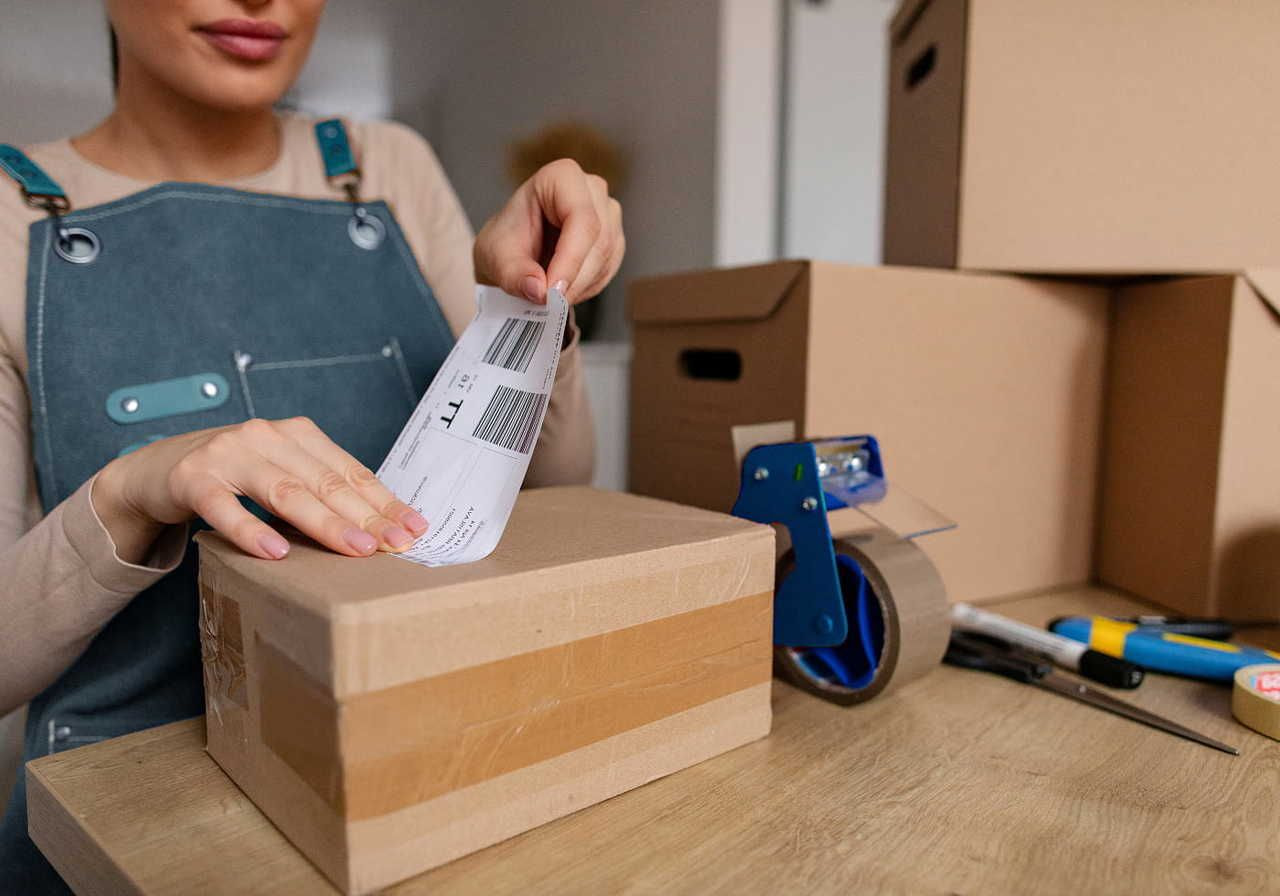
Seller Shipping (or Shipped by Seller in the UK) lets you handle the full fulfillment cycle from order to delivery.
With Printful, your supplier does the actual work: producing each item, dispatching it, and sending tracking back to the Seller Center. That said, TikTok still holds your account to every deadline.
Here’s how an order moves through Seller Shipping, start to finish:
Set up a TikTok Shop shipping template
TikTok Shop lets sellers build shipping templates, and you need at least one published before any product goes live. A template defines the regions you deliver to and the shipping costs buyers pay. Leave a region out, and customers there can’t check out.
Set your handling time
Handling time is the number of business days between a purchase and the carrier handoff. Regular listings have a 2-business-day dispatch window, while Made-to-Order products extend it to accommodate longer production times.
Route the order through an approved carrier
Each order ships through a carrier on TikTok’s approved list, such as USPS, UPS, and FedEx. Printful handles fulfillment end-to-end – from printing labels to dispatching shipments – so there are no extra steps on your end.
Printful’s TikTok Shop integration only handles domestic shipping orders. That means a US shop delivers to US buyers and a UK store deals with UK orders – no customs clearance or border crossings to manage.
Upload tracking information
Valid tracking goes into Seller Center once an item leaves the facility, and buyers can then follow their package’s journey in the TikTok app. If the status says “Shipped,” it means the parcel is with the carrier and in transit.
If you enter the wrong number or courier, you have a single chance to correct it. After that, you need to request assistance through a support ticket. Make sure to double-check the shipment details to avoid penalties.
Meet the delivery deadline
TikTok measures delivery speed against the service type for each order to hold sellers to a consistent standard.
For orders that use Standard and Free economy shipping options, the package must be successfully delivered to the customer’s address within six business days of purchase. At that point, the tracking status should change to “Delivered.”
If a seller offers an Express shipping option, that window drops to three business days.
Handle lost packages and returns
A parcel with no carrier scans for ten calendar days or seven business days is marked as lost, and TikTok can automatically refund the buyer. The seller is responsible for return-to-sender costs, so any incorrect or incomplete address is your expense, not TikTok’s.
Which Printful products can ship on time for TikTok Shop?

Printful fulfills TikTok Shop orders using major customization methods, including direct-to-garment (DTG) printing, embroidery, all-over printing, and direct-to-film (DTF) printing.
DTG and embroidery are fast enough to meet TikTok’s standard delivery windows on their own, so they’re a good place to start when choosing products to sell.
Slower techniques like all-over print and direct-to-film take longer to produce, so they can miss TikTok’s standard timeline if you list them as regular products. That’s where Made-to-Order comes in.
Use Made-to-Order to offer products with longer production times
Switching on the Made-to-Order listing option lets you set a handling time between three and 14 business days, and TikTok builds the delivery deadline around that number rather than the standard six days.
We recommend setting a five-day handling time, which gives most orders plenty of time to be produced and shipped without cutting it close to the deadline.
You can qualify for Made-to-Order listings as soon as your store is connected to Printful, provided your TikTok Shop account is in good standing: a Shop Performance Score of at least 3.5, an Account Health Rating above 150, and no High Risk flag.
Made-to-Order listings also show a “Made-to-order, includes production time” note next to an estimated delivery date. This way, customers know what to expect before checking out.


How to set up shipping for TikTok Shop with Printful
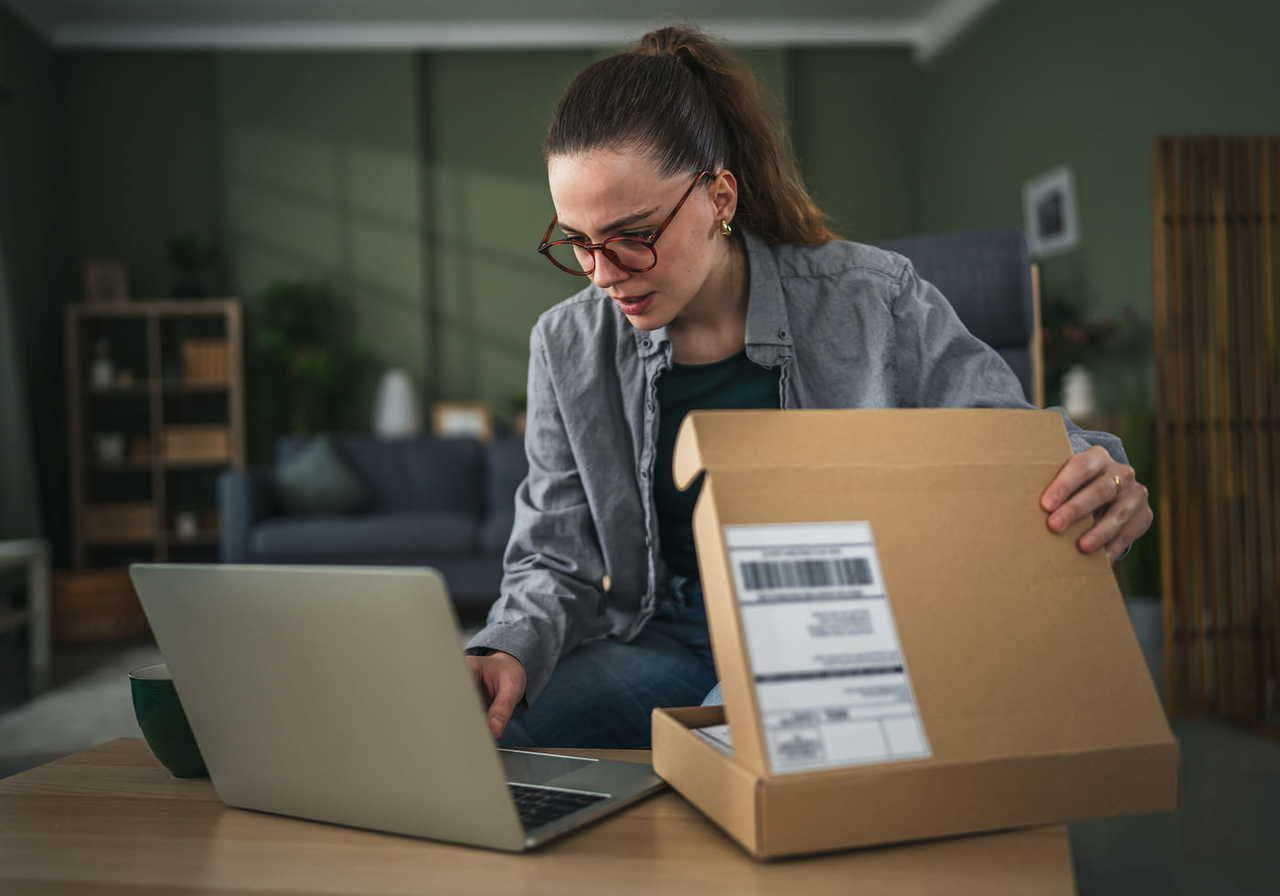
Configuring your TikTok shipping settings for POD isn’t as complicated as it sounds. We break it down step by step in our Help Center, but here’s the short version of what you need to do.
1. Set up your TikTok Shop account
First, open and connect your TikTok Shop account so Printful can sync with it. If you’re starting from scratch, our guides on how to start a TikTok Shop and how to connect Printful to TikTok Shop walk through the full process.
2. Add your warehouse address
In the Seller Center, go to Logistics → Warehouses and add a warehouse using the Printful facility for your region rather than your home or office address.
-
US: Steele Point Industrial Park, 11201 Ed Brown Rd, Unit A, Charlotte, NC 28273
-
UK: Air 50, Well Ln, Wolverhampton WV11 1XR
Set both the pickup and return warehouse addresses using the same details.
3. Switch to Seller Shipping
TikTok sets each new shop to its own shipping method by default, so it’s important not to miss this step.
Go to Logistics → Shipping and switch to Seller Shipping. In the UK, enable “Shipped by Seller” and disable “Shipped via Platform”. Without this, Printful won’t receive the order details it needs, and your products won’t publish.
4. Create a shipping template
After enabling Seller Shipping, you need to create at least one shipping template.
In the US, choose the quantity-based shipping rate model and set up one template per product category. In the UK, use the weight-based option.
Pull your rates from Printful’s Shipping Speeds and Pricing page so that what buyers pay aligns with what you’re charged.
How to offer free shipping on TikTok Shop
Offer free shipping on TikTok Shop by setting the rate in your shipping template to $0 and folding the shipping cost into your product price. This way, the buyer sees no separate charge at checkout.
Many TikTok Shop sellers also set a shop-wide threshold, where orders above a set amount ship free – nudging shoppers to make larger purchases.
Frequently asked questions
For Free Economy and Standard shipping orders on TikTok Shop, the package has to reach the customer’s address within six business days of purchase. Meanwhile, orders using Express shipping should arrive within three business days. Made-to-Order products extend the timeline, since the item is made only after the sale, then moves into transit.
TikTok Shop offers three shipping models: Seller Shipping, TikTok Shipping, and Fulfilled by TikTok. Seller Shipping lets the merchant or their provider dispatch each order, TikTok Shipping assigns a carrier to pick up and deliver it, and Fulfilled by TikTok requires you to send products to TikTok’s own warehouses, where it handles storage, packing, and shipping.
Shipping costs on TikTok Shop can appear expensive for a few reasons. Some sellers charge a flat rate per package regardless of destination, which can result in overcharging for nearby deliveries. Others price by weight or quantity, so a bulky or heavier order raises the rate. Each order also involves handling and packaging labor, not just transit, which adds to the total cost.
Someone always pays for shipping on TikTok Shop, and how you handle that cost is your choice. You can charge the customer at checkout, where fees and delivery times vary by seller, or offer free shipping and fold the cost into your product price. Either way, the shipping rate is a real cost that has to be included somewhere in your pricing.
Launch your TikTok Shop with Printful
Setting up TikTok Shop shipping is only half the battle when it comes to getting your first order out the door. Make sure to keep your account healthy, meet delivery deadlines, and set realistic handling times that match how fast your products actually ship.
For Printful sellers, stick to eligible DTG and embroidery products and enable Made-to-Order listings for anything that needs extra production time. Let us handle fulfillment while you focus on designing and selling.
Read next:

Maisha is a content writer with 6+ years of experience in turning complex topics into clear, search-optimized content. She believes readability always wins, no matter how SEO trends shift. Outside of writing, she’s usually trying new recipes (but never following them), watching niche YouTube videos, or planning food-fueled adventures.

