


![How to create company merch with Printful [6 easy steps + actionable tips]](https://files.cdn.printful.com/o/upload/blog-post-img-upload/3d/3da3a0e8eac7745ddbec0c04c8636f8c_l)
Table of contents
Want to know how to create company merch people actually keep? Start with custom products your team, clients, or community will use, then match each item with your brand identity, budget, and delivery plan.
With Printful, create merch once, share it through MerchShare, and let everyone pick their own size, color, and delivery address. Skip the spreadsheet and the boxes of leftover tees. Here’s how to set it up in 6 steps, plus the design and ordering choices that make merch worth keeping.
Quick answer: How to create company merch
To create branded merch, choose the purpose first: employee gifts, event giveaways, client thank-yous, internal culture, or a public merch store. Then select custom products, add your brand logo or campaign artwork, review mockups, save the product as a template, and share it with recipients through MerchShare. Through the link, each recipient chooses their size, color, and delivery details.
For public launches, connect Printful to your own online store, set your retail price, and sell custom merch to create an additional revenue stream.
What is Printful MerchShare?
MerchShare is Printful’s group-ordering tool. It helps companies send branded merch to groups without collecting every size, color, and address in a spreadsheet. You design a product, save it as a template, enable sharing, and send the link to employees, clients, partners, or event guests.
Recipients open the link, choose their preferences, and add delivery details. They don’t need a Printful account to order, and there are no minimums. You decide who pays: your company or each recipient.
Use MerchShare for:
-
Remote teams – send your own merchandise to employees in different cities or countries
-
Onboarding kits – give new hires a corporate gift without guessing sizes
-
Events – share one link with attendees, speakers, volunteers, or partners
-
Partner gifts – let recipients choose the item they’ll actually use
-
Small team drops – launch your first merch drop without placing a bulk order first
Why create branded merchandise with Printful?
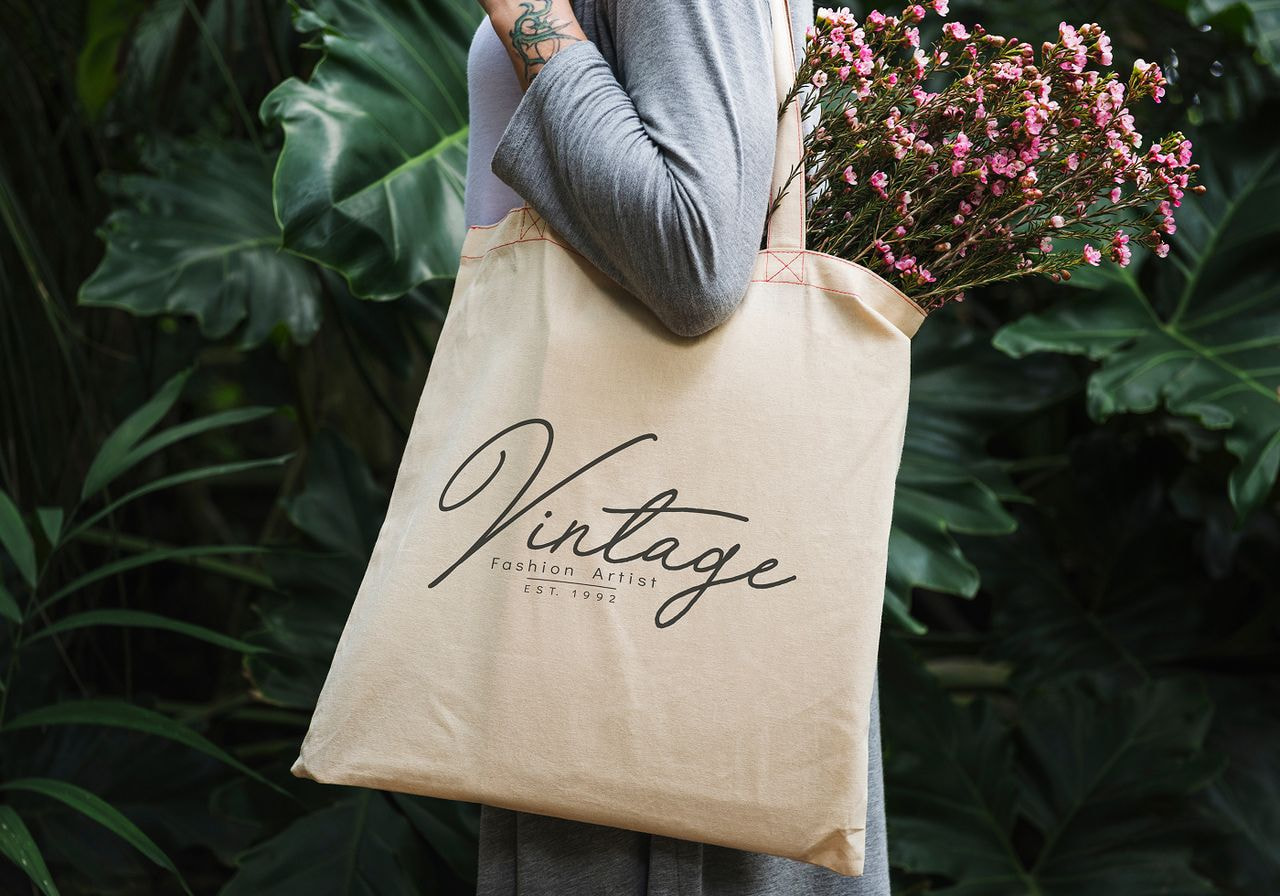
The best branded merchandise gives people something useful and gives your company a repeatable distribution system. A hoodie worn every week does more for brand identity than a cheap pen forgotten in a drawer.
Printful prints, packs, and ships custom company merch so you don’t have to. That changes your job from “Where do we store 300 shirts?” to “Which branded products fit the people receiving them?”

Less admin, fewer order mistakes
Traditional group orders turn into spreadsheet archaeology: shirt sizes, delivery addresses, missing apartment numbers, color preferences, and one person who replies three weeks late.
With MerchShare, recipients enter their own details. That reduces manual sorting and lowers the chance of a shipping or size mistake. Your team still controls the design, product, and payment flow.
Lower inventory risk
With Print on Demand, products get made after someone orders. You don’t need to predict every size, color, and quantity before people respond.
That helps companies avoid unsold stock, storage problems, and unnecessary upfront costs. For a small campaign, order one item. For a wider rollout, share a MerchShare link. Already know exactly what people want? That’s when bulk orders make sense (more on that later).
Create merch for distributed teams
Remote and hybrid teams still like matching gear. They just don’t all walk past the same reception desk.
Printful lets you send custom company merchandise to employees, partners, and customers in multiple locations. Use it for team-building gifts, onboarding, work anniversaries, internal events, launches, and team milestones.
High-quality products protect the brand
People judge your company by the item in their hands. A rough print, stiff fabric, or awkward logo placement turns your custom merch into a quality problem.
Choose high-quality products by checking fabric, fit, print area, decoration method, packaging needs, and intended use. Then order samples before a wider rollout. If something arrives with a manufacturing error, Printful offers a free reprint or refund when you report it within 30 days of delivery, and there’s no need to send the item back.
How to create company merch in 6 steps

Follow this process when you need to create merchandise for employees, customers, creators, partners, or event attendees.
1. Set up a Printful account
Register your company account, then select the payment method you’ll use for orders. Need HR, ops, or a designer in there too? Invite them under Settings > Users and give each person a role, like Designer or Manager, so they only see what they need.
Outcome: You have one place to manage designs, templates, orders, billing, and fulfillment.
2. Choose custom products
Pick products based on who will use them. A developer team, gym staff, sales team, and conference attendees won’t use the same items in the same way.
Start with categories people already wear, carry, or keep nearby:
-
Apparel – t-shirts, hoodies, sweatshirts, polos, hats, and jackets
-
Workday items – notebooks, mugs, water bottles, mouse pads, and desk accessories
-
Travel and event items – tote bags, backpacks, caps, lanyards, and outerwear
-
Premium gifts – embroidered apparel, drinkware, home goods, and selected tech accessories
-
Digital backups – gift cards, coupons, subscriptions, and virtual swag bags
For employee welcome kits, match the product to the moment. A welcome gift might include a hoodie, mug, notebook, and sticker. For a sales kickoff, branded apparel and desk items may make more sense.
Outcome: You choose your own merch that people can use outside the meeting where they receive them.
3. Design your custom merch in Printful’s merch maker
Use Printful’s free merch Design Maker to create your promotional products. The design process is simple, and there are zero setup fees:
-
To create products, upload a logo, slogan, campaign artwork, team phrase, or event design
-
Place the design on the t-shirt or other product in just a few clicks
Our design studio has everything you need to create your own merchandise: text tools, clipart, backgrounds, shapes, and patterns. Use it to create branded product designs from scratch, adjust your existing artwork, or generate mockups before ordering samples.
Good creative designs on merch start with functional items:
-
For apparel – keep logos on t-shirts readable and avoid placements that fold awkwardly
-
For drinkware – in the merch maker, check wrap area, handle placement, and left-handed/right-handed visibility
-
For bags – use larger artwork so the design stays visible from a distance
-
For desk items – keep text short because small products punish tiny details
-
For team drops – add a date, team name, internal joke, or event mark
Outcome: You have a design sized and placed for the actual product.
4. Save the product as a template
Once the product, color, size range, and design look ready, save it as a product template. Templates help you reuse merchandise design across teams, seasons, events, and locations.
Create separate templates for different groups when needed. For example, keep one hoodie for engineering, one mug for customer support, and one tote for conference attendees.
Outcome: Reuse the product setup without rebuilding the same item every time.
5. Share the MerchShare link
Go to Dashboard > My products > Product templates, and choose the item. Click the 3 dots then Share and adjust sharing settings. Choose who pays for the orders: Your company can cover the order (enable Charge me for all orders), or recipients can pay for their own items. For company-paid orders, each order shows up in your Dashboard as a draft – review and confirm it before it goes into fulfillment.
Enable the shareable link and MerchShare, then copy the link and send it to your recipients.
Tell people exactly what to do:
-
Choose the item, size, and color
-
Add the delivery address
-
Submit the order by the deadline
-
Check spelling and apartment details before confirming
Outcome: Your recipients choose their own details, and you don’t chase replies in ten different message threads.
6. Let Printful handle production and shipping
After recipients submit their choices, Printful handles production, packing, and shipping. Use the same account to monitor orders from your Dashboard, check order status, and manage any fulfillment questions.
For external merch sales, Printful receives customer orders from your store, produces the item, and ships it to the buyer. For internal merch, MerchShare keeps the group order process organized.
Outcome: You send company merchandise without buying piles of stock, packing boxes, or turning HR into a shipping department.
Best custom merchandise ideas for companies
The right custom merchandise depends on the audience, season, and use case. Here’s what tends to work for the most common ones:
|
Use case |
Products to consider |
Why it fits |
|
Employee onboarding |
Hoodies, t-shirts, mugs, notebooks, stickers |
Gives new hires a practical starter kit |
|
Internal events |
Caps, tote bags, drinkware, posters |
Creates a shared moment without complex sizing |
|
Client gifts |
Embroidered apparel, premium drinkware, desk items |
Feels useful beyond the first unboxing |
|
Conferences |
Tote bags, t-shirts, caps, stickers |
Travels across the event floor |
|
Remote teams |
Hoodies, mugs, mouse pads, home office items |
Reaches employees outside one office |
|
Retail merch |
Apparel, posters, bags, accessories |
Builds customer loyalty with brand fans |
Valuable read: 50 Surprisingly creative merch ideas + examples
Merch maker tips for better branded products
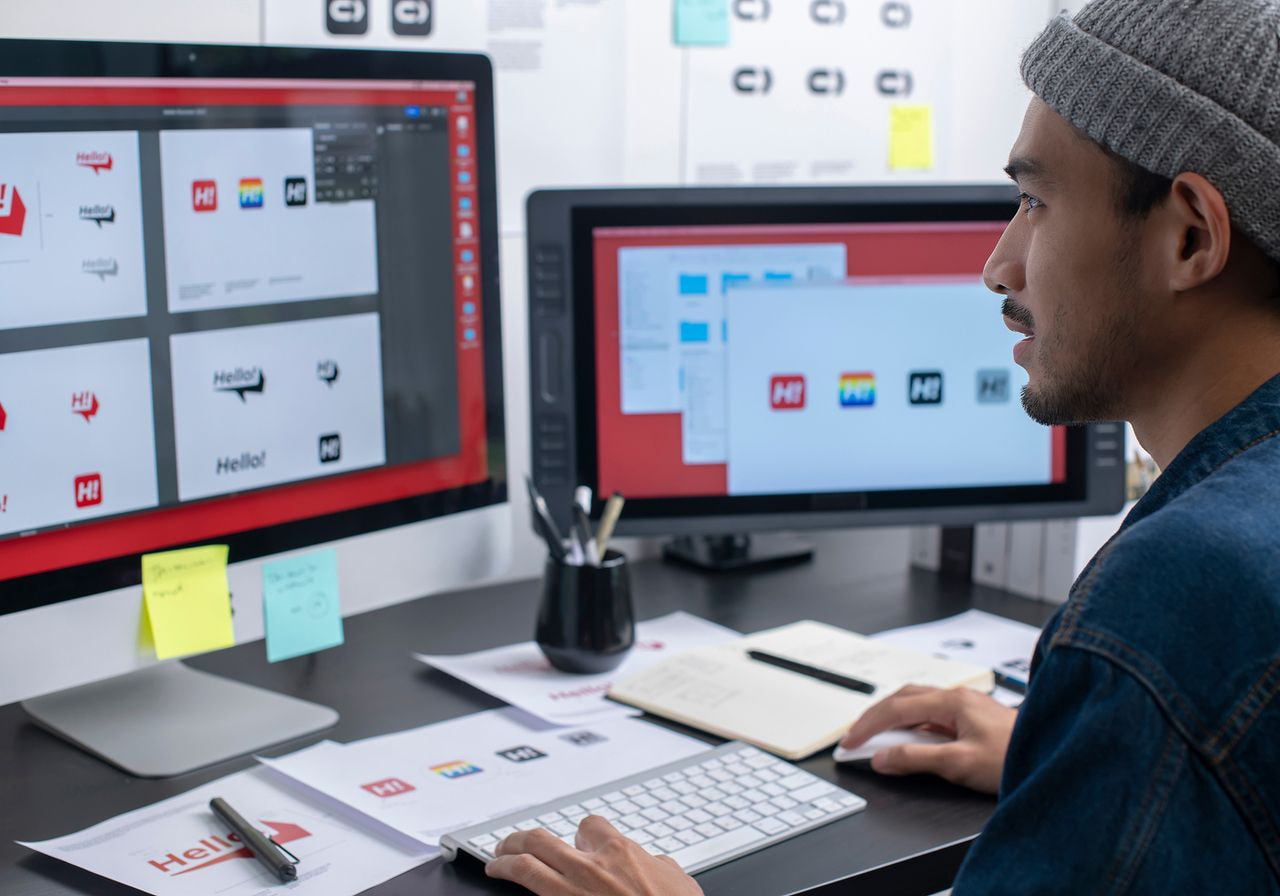
Printful’s free merch maker takes care of the technical side. Run through these design tips before you approve the first sample to catch weak ideas while they’re still cheap to fix.
Design for the target audience
A startup hoodie, law firm notebook, creator tote, and restaurant cap all carry different expectations. Before you make merch, write down who receives it and where they’ll use it.
Before you design merch, ask:
-
Where will they use this item? At work, at home, at events, or while traveling?
-
Would they use this product without your logo on it?
-
Does the design match your brand values?
-
Does the item fit your team’s climate, role, and dress code?
-
Does the product solve a practical need?
That question – “Would they use this without our logo?” – cuts weak merch ideas fast.
Use the brand logo with restraint
Your brand logo doesn’t need to cover the full chest. Small embroidery, sleeve details, tonal prints, back-neck placements, and inside labels can make branded apparel feel more wearable.
For public branded items, add the logo where people expect it. For employee merch, consider subtle designs people can wear outside work.
Build one design system
Set a few ground rules before you create any products:
-
Logo placement – chest, sleeve, back, tag, or corner
-
Color rules – brand colors, neutrals, seasonal colors, or team colors
-
Typography – one or two fonts
-
Design variations – employee, event, client, and public store versions
-
Approval rules – who signs off before production
A system shortens the creative process because each new drop follows the same logic.
Create mockups before ordering
Use the merch maker to create designs, test placements, and generate mockups. Show mockups to a small internal group before ordering samples.
Ask people what they would actually use. Their answers help you catch issues before the full rollout: tiny text, awkward placement, colors that clash with the blank, or a product nobody asked for.
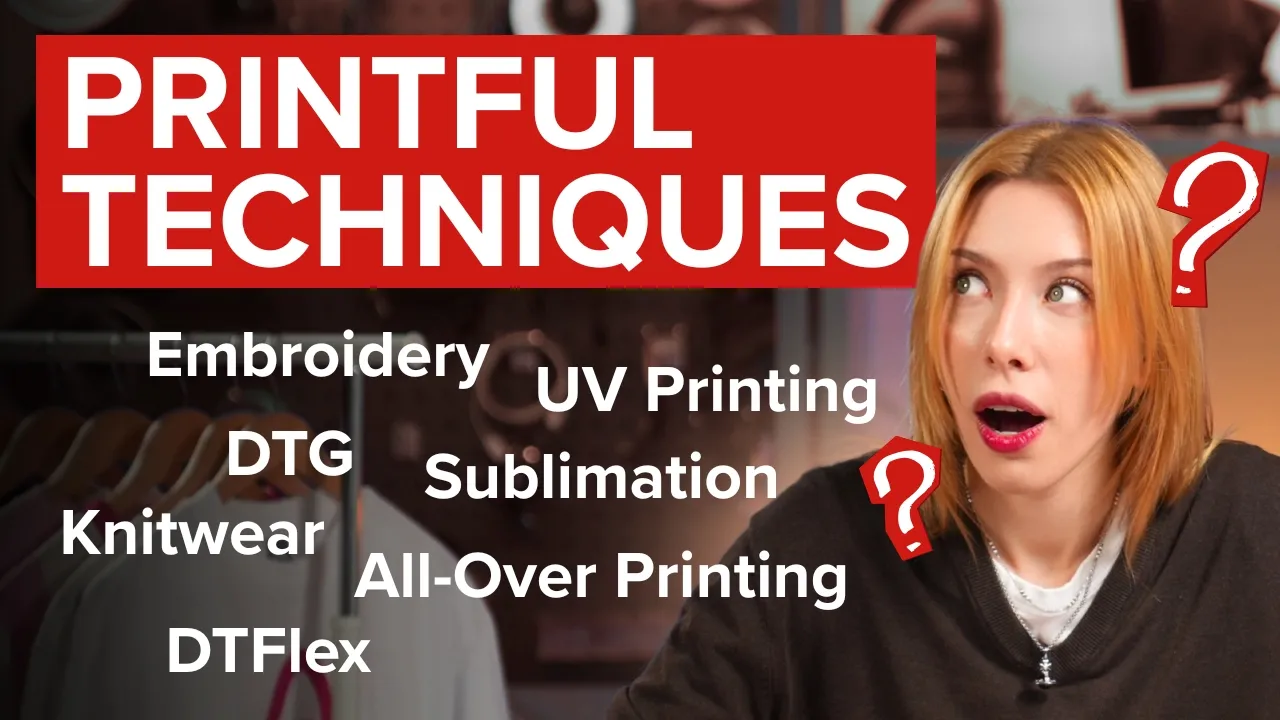
Printing techniques and print methods for company merch
Choose the decoration method before you finalize the design. Different print methods handle detail, texture, fabric, color, and order volume differently.
|
Method |
Use it for |
Design notes |
|
Direct-to-garment (DTG) printing |
Detailed prints on cotton apparel, small runs with no order minimums (order as few as just 1) |
Use for colorful artwork, photos, and soft-feel designs |
|
Screen printing |
Large apparel runs (at least a couple hundred units) with simple artwork |
Best for fewer colors and repeatable placements |
|
Logos, initials, caps, polos, and premium apparel |
Keep details simple and lines thick enough for stitches |
|
|
All-over print |
Full-product patterns and large graphics |
Design across seams, edges, and bleed areas |
|
Digital printing methods |
Posters, accessories, and other non-apparel merch items |
Match file size, resolution, and product template |
Traditional garment printing methods often require more planning around order quantity, screens, or inventory. With Print on Demand, you can test products before ordering in larger quantities.
Want to see more? Printful’s YouTube channel has step-by-step product and design walkthroughs.

Bulk orders vs merch on demand
Use merch on demand for flexibility, low upfront costs, and reduced inventory risk. Order in bulk when you already know the quantity, size mix, deadline, and storage plan.
At Printful, bulk discounts start at 25 pieces of the same product. Feel free to mix sizes and colors to hit that number. The discount applies automatically at checkout and grows the more you order – up to 55% off. The bulk price calculator on each product page shows your exact savings.
|
Option |
Use it when |
Watch for |
|
Merch on demand |
You need one item, small batches, remote team orders, or testing |
Per-item cost may exceed large bulk pricing |
|
You know the demand and need your own merch in bulk for one event |
Size mistakes, storage, leftover stock, and cash tied up early |
|
|
MerchShare |
You need group orders with individual sizes and address choices |
Recipients need a deadline and clear instructions |
|
Public merch store |
You want to sell merch online |
Traffic, product pages, support, and pricing affect results |
A cost-effective merch plan doesn’t always mean the cheapest blank. It means the product fits the use case, the recipient wants it, and your team avoids paying for boxes of items nobody claims.
How to sell merch online with Printful
Some companies create branded merch for internal culture. Others sell custom merch to customers, fans, event attendees, or creator communities. Printful supports both.
To sell online, connect Printful to your own store through our integrations, add custom products, set the retail price, and publish the listing. When online orders come in, Printful produces and ships the product.
Use this path when you want to:
-
Create a public merch store for customers, fans, or community members
-
Sell branded products tied to a campaign, event, launch, or content series
-
Test products online before placing larger orders
-
Track merch sales and identify the items worth expanding
-
Protect profit margins by checking base cost, shipping, taxes, discounts, and payment fees
Begin with a small drop: one apparel item, one accessory, and one simple design system. Then start selling merch through the channel your audience already uses.
Company merch checklist
Before you launch your first merch drop, confirm these details:
-
Purpose – internal gifting, public sales, event merch, or client appreciation
-
Audience – employees, customers, fans, partners, applicants, or attendees
-
Product list – apparel, drinkware, accessories, desk items, or digital backups
-
Design files – logo, slogan, artwork, colors, and placement rules
-
Decoration method – DTG, embroidery, all-over print, screen printing, or another method
-
Order type – MerchShare, merch on-demand, sample order, or bulk orders
-
Payment setup – company-paid, recipient-paid, or public checkout
-
Delivery plan – addresses, regions, deadlines, and shipping expectations
-
Feedback loop – survey recipients, review photos, and track performance through usage or sales.
FAQ
Start with the purpose, audience, and product use case. Then choose custom products, add your brand logo in Printful’s merch maker, order samples, and use MerchShare for group delivery.
This process helps you create branded merchandise without managing spreadsheets, storage, and fulfillment yourself.
Yes. With Print on Demand, Printful produces items only after someone orders. That helps companies reduce upfront costs, avoid unsold stock, and test custom merch before placing larger orders.
Use MerchShare for internal distribution or connect Printful to a store if you want to sell online.
No. You can order a single item, and MerchShare has no minimums. If you’re ordering larger quantities, Printful’s bulk discounts kick in at 25 pieces of the same product.
T-shirts are the classic pick, but hoodies, caps, mugs, water bottles, notebooks, tote bags, mouse pads, and tech accessories are strong options too. For executive gifts, consider embroidered apparel or premium drinkware.
For remote teams, choose items that fit home offices, daily routines, and different climates.
Turn your logo, typography, colors, and brand values into a few simple design rules. Printful’s free merch maker lets you place artwork, add text, test product colors, and create mockups. Keep the design readable, wearable, and matched to the product size and print area.
Yes. Connect Printful to your online store or marketplace, publish your corporate merchandise, set a retail price, and promote the product to your audience. When customer orders arrive, Printful produces and ships them. Start with a small drop, then expand based on merch sales.
MerchShare helps companies share product templates with groups. Employees, partners, or event guests choose their own size, color, and delivery details through a shared link.
Use it for onboarding gifts, remote team drops, conferences, partner gifts, and company-wide merch without manual order collection.
Start selling merch or order yours for the team with Printful
Great company merch starts with one simple test: would the recipient use this if the logo disappeared? If yes, your custom merch is on the right track.
Start with the products people want, add branding with restraint, and let Printful handle production and shipping.
Ready to send merch without the spreadsheet? Set up a free Printful account, create merchandise, and share your first MerchShare link today. There are no minimums, so you can start with a single hoodie.

Zane is a sharp-witted writer with a deep interest in eCommerce, branding, and creative entrepreneurship. With a knack for blending humor, insight, and no-nonsense advice, she crafts engaging content that helps merchants learn and businesses grow. When she’s not dissecting industry trends, she's exploring philosophy, music, and the perfect balance between solitude and connection.

