



Table of contents
If you’re looking for Patreon alternatives, it’s usually because the fees are taking a bigger bite out of your income, or the platform doesn’t run the way you want it to.
The good news is there’s no shortage of alternatives to Patreon, whether you earn through tips, memberships, digital products, or a paid community.
This guide compares ten platforms by fees, features, and who they’re best suited for, so you can find the best Patreon alternative and keep more of your earnings.
Patreon alternatives at a glance
|
Platform |
Best for |
Free plan |
Paid plans from |
Platform fee* |
|
Ko-fi |
Tips and commissions |
✓ |
$12/mo (Gold) |
0% on tips, 5% otherwise |
|
Buy Me a Coffee |
Simple one-off support |
✓ |
– |
5% |
|
Substack |
Paid newsletters |
✓ |
– |
10% |
|
Gumroad |
Selling digital products |
✓ |
– |
10% + $0.50 |
|
Ghost |
Owned publishing |
– |
$29/mo |
0% |
|
Podia |
Selling courses and downloads |
– |
$42/mo |
0%, or 5% on the cheapest plan |
|
Mighty Networks |
Community building |
– |
$79/mo |
0.5% to 2%, depending on plan |
|
Circle |
All-in-one community business |
– |
$89/mo |
0.5% to 2%, depending on plan |
|
MemberPress |
WordPress membership sites |
– |
$179.50/yr |
0%, or 4.9% on the cheapest plan |
|
Kajabi |
Established course businesses |
– |
$143/mo |
0% with Kajabi Payments, or up to 2% with an outside processor |
*Standard payment processing fees apply on top of every platform fee above.
Note: Memberful is not on this list because Patreon owns it, so it’s not a true alternative for creators leaving Patreon.
Why are creators looking for Patreon alternatives?
Most creators start looking for Patreon alternatives for two reasons: the fees are taking an increasing share of their income, or the platform’s membership features don’t align with how they want to run their online business.
What Patreon does well
Patreon lets creators make money from subscription revenue, with built-in tools for billing and member management. Key features that make it stand out from other platforms include:
-
Built-in audience discovery features. Patreon’s own directory helps send fans to your page, so some exposure happens on the platform itself. Most alternatives expect you to bring all your own traffic.
-
Structured membership tiers. Patreon is built around ongoing supporter relationships through paid subscriptions – a better fit for earning recurring income than for collecting one-time tips.
-
Native video and community features. Patreon bundles video hosting, livestreams, and community tools – including chats, comments, and DMs – into the platform, with nothing extra to connect.
Where Patreon falls short
Patreon’s weak points come down to cost and control:
-
Platform fees. Creators pay 10% to Patreon – plus standard payment processing fees – once they start earning.
-
iOS charges. Apple adds a 30% App Store fee to purchases made in the Patreon iOS app, though fans in the US can check out on the mobile web and avoid it.
-
Billing change. Patreon will stop allowing members to pay per post rather than subscribe to a tier by November 1, 2026. Legacy creators who miss the deadline will automatically be migrated to fixed monthly billing, which can freeze payouts until they reset their prices.
-
No one-off tips. There’s no simple tip or donation button for fans who just want to send a few dollars without becoming a paying member.
-
Merch. Patreon closed its merch program to new creators, so they need to sell physical products elsewhere.
Quick tip: Want to offer merch alongside your membership? With Printful’s print-on-demand service, you can create and sell custom products through your own store, and you only pay when you make a sale – there’s no need to buy stock upfront.
10 Best Patreon alternatives for creators
Some of these Patreon competitors suit indie creators and artists who want a free, simple start, while others fit serious creators building a business with courses and events.
1. Ko-fi
Source: Ko-fi
Best for: Artists and creators looking for a simpler, more affordable Patreon alternative.
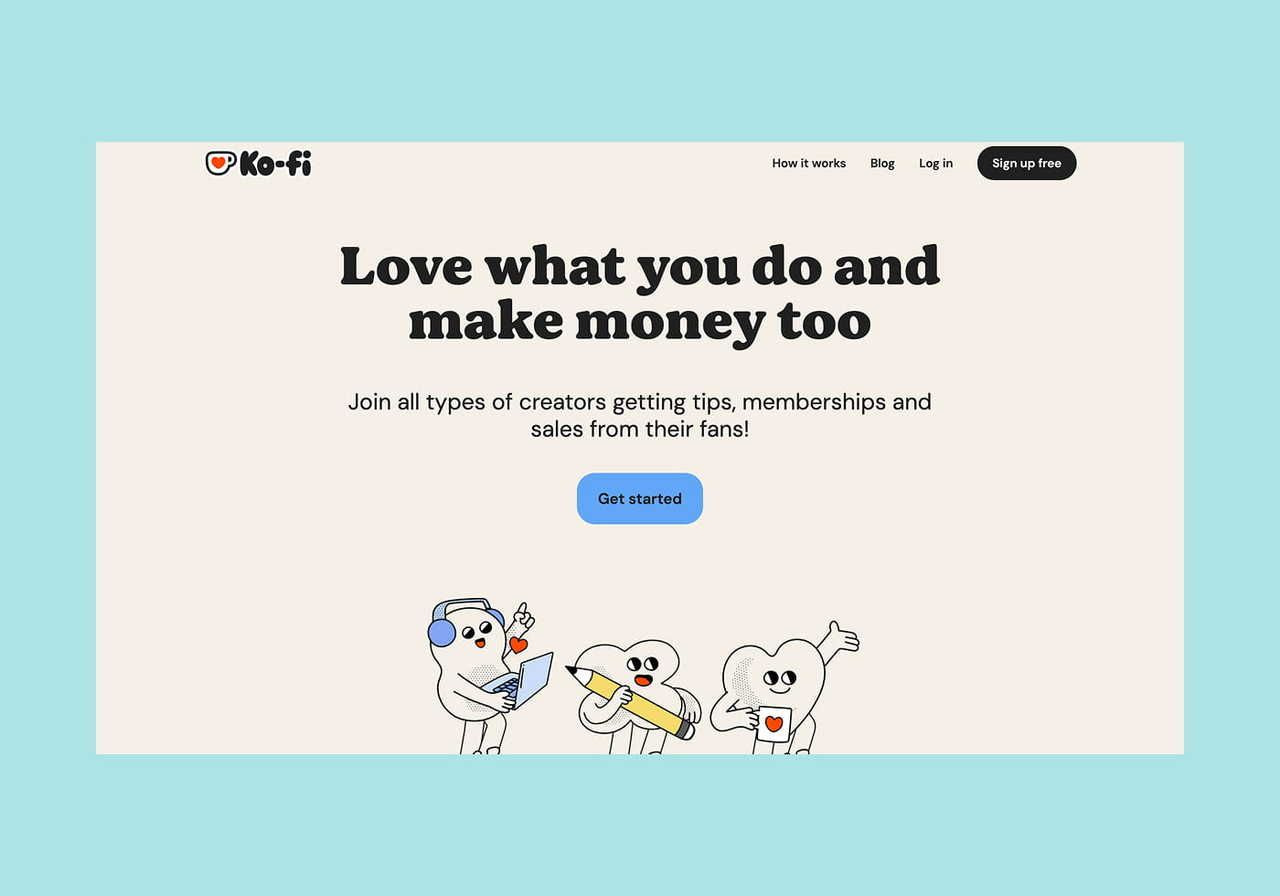
Ko-fi brings tips, subscription tiers, commissions, and a digital storefront into a single platform, so fans can support you in several ways from day one.
Highlights:
-
Fans pay through your own PayPal or Stripe account, so you get payouts directly instead of having your earnings sit in a platform balance.
-
Commissions let fans order custom work – pet portraits, tarot readings, music lessons – to make extra money.
Pricing and fees:
-
Free ($0/month). Charges 0% on one-time donations and a 5% service fee on memberships, commissions, and shop sales.
-
Standard ($0 per month). Takes 5% on everything, in exchange for perks like supporter-only content and custom branding.
-
Gold ($12/month). Removes the 5% service fee across the board.
The trade-off: While Ko-fi offers paid memberships, supporter-only posts, and an optional Discord role, it lacks the native community and video tools found on Patreon.
2. Buy Me a Coffee
Best for: Creators who want a simple platform to accept tips within minutes.
While Patreon focuses on paid subscriptions, Buy Me a Coffee lets fans support you the moment your page is live. From there, you can add a tip button or QR code to your own website, newsletter, or social profiles – and add memberships and a shop later.
Highlights:
-
Supporters can send a one-off tip in a couple of taps – no account required.
-
Monthly support lets fans turn a one-time tip into a recurring contribution without expecting perks – ideal for supporters who don’t want anything in return.
Pricing and fees: Buy Me a Coffee takes a flat 5% fee on all transactions – tips, memberships, and shop sales – with no monthly fee. Payments run through Stripe to your own account.
The trade-off: Unlike Ko-fi, there’s no paid upgrade that removes the fee, so higher-earning creators still pay 5% on every transaction.
Read more: How to make money with a blog
3. Substack
Source: Substack
Best for: Writers, podcasters, and newsletter creators.
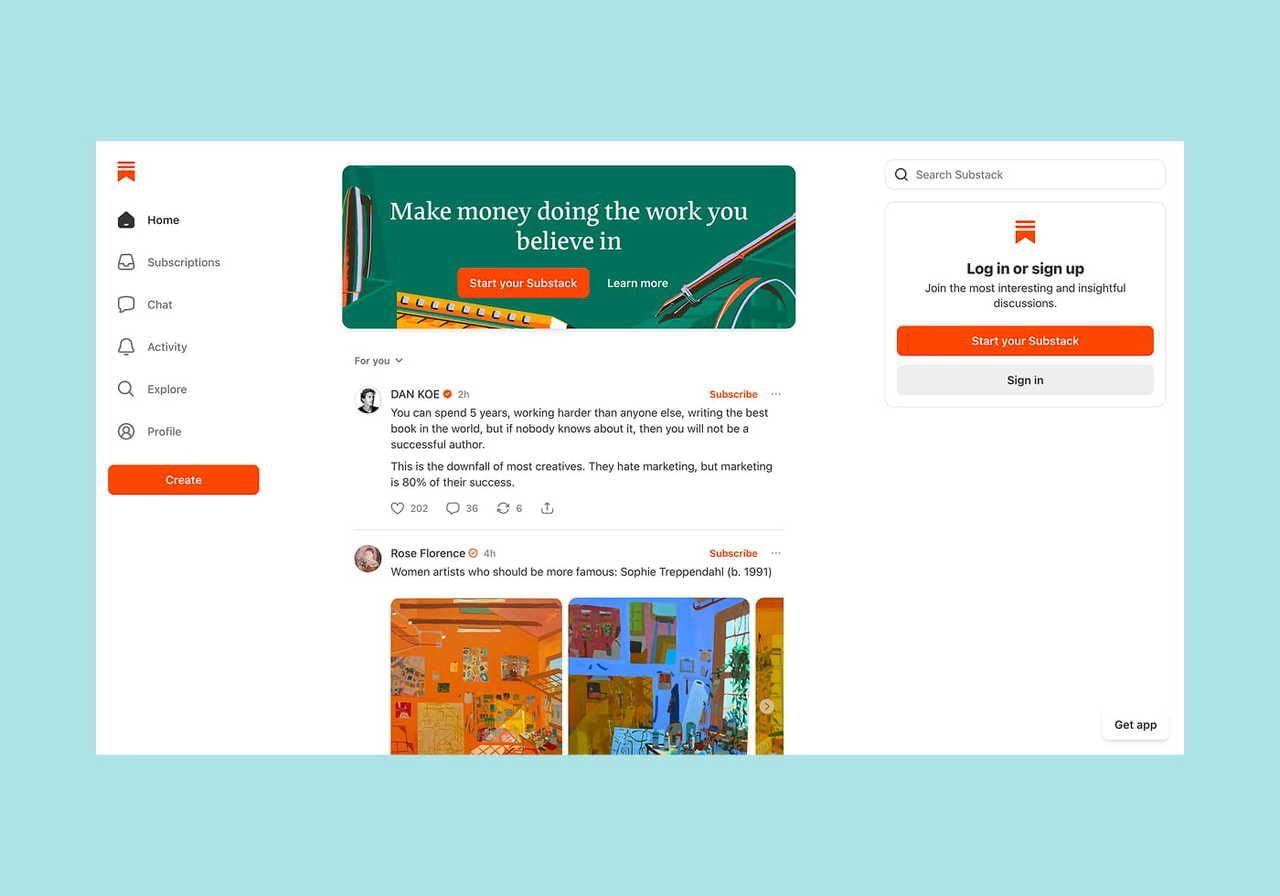
Substack is the best Patreon alternative for monetizing newsletters. Every post goes out by email to free or paid subscribers, and you can add audio, video, and livestreams if your work isn’t text-based.
Highlights:
-
The Notes feed, recommendations network, and category leaderboards can help bring readers from across Substack, not just the ones you bring yourself.
-
The Pledges feature lets free readers promise to pay before you switch on paid subscriptions, helping you gauge demand before committing.
Pricing and fees: Publishing is free at any subscriber count. For paid subscriptions, Substack takes 10% of the revenue, plus Stripe processing fees.
The trade-off: Substack is built for paid newsletters, not tiered memberships. Its 10% fee also matches what Patreon charges new creators.
4. Gumroad
Best for: Selling digital products or memberships through a simple platform.
Gumroad lets you sell to your audience without a monthly subscription – simply upload a file, set a price, and share the link to your digital product or membership.
Highlights:
-
Use Gumroad as your entire storefront, or embed a buy button on your existing site.
-
Memberships support multiple tiers, free trials, and fixed-length runs, so you can offer recurring access alongside one-off products from the same account.
Pricing and fees: Gumroad charges no monthly fee, but you pay 10% + $0.50 per sale through your own links – the fee drops to 5% + $0.50 once your sales pass $20,000 in a month. If you make a sale through Gumroad’s Discover marketplace, the fee becomes 30%.
The trade-off: Gumroad is designed for selling products one at a time, so you get fewer community and fan engagement tools than Patreon.
5. Ghost

Source: Ghost
Best for: Running paid memberships on a website you fully own and brand.
Ghost is an open-source publishing platform built around newsletters and memberships. Most creators use Ghost(Pro), the managed version where Ghost hosts everything for you – you connect a domain, pick a theme, set up payments, and publish.
Highlights:
-
You get full control over the whole operation – your website, domain, subscriber list, and content – rather than renting space on someone else’s platform.
-
Use Ghost’s built-in SEO tools to boost your posts’ rankings on Google and bring in new readers.
Pricing and fees:
-
Ghost connects directly to your own Stripe account and takes no cut of your membership revenue, so you keep your membership revenue minus Stripe’s processing fees.
-
Plans start at $15/month for the Starter plan, but it covers only a website and a newsletter. To charge for memberships, you need the $29/month Publisher plan.
The trade-off: Ghost gives you more control over your site than a hosted platform like Patreon, but it asks more of you in return – you need to set up and design the site yourself.
6. Podia
Best for: Selling digital products, courses, and memberships from one simple platform.
Podia is the best Patreon alternative for creators who want to sell more than memberships. Besides monthly memberships, you can package your skills into courses, digital downloads, and coaching, and sell them all from one storefront.
Highlights:
-
A single Podia subscription covers tools most creators would otherwise buy separately – a course builder, a store for digital downloads, a booking system for coaching, and email marketing.
Pricing and fees: Podia charges no transaction fee on some of its paid plans, so you keep everything beyond standard processing fees. Plans start at $42/month for Mover, but that plan charges a 5% transaction fee. To drop the fee to 0%, you need the $84/month Shaker plan.
The trade-off: Podia is built for selling digital products, so creators who only want recurring memberships may be paying for courses, coaching, and event tools they may never use.
7. Mighty Networks
Source: Mighty Networks
Best for: Creators building an interactive community, not just a feed of exclusive content for fans.
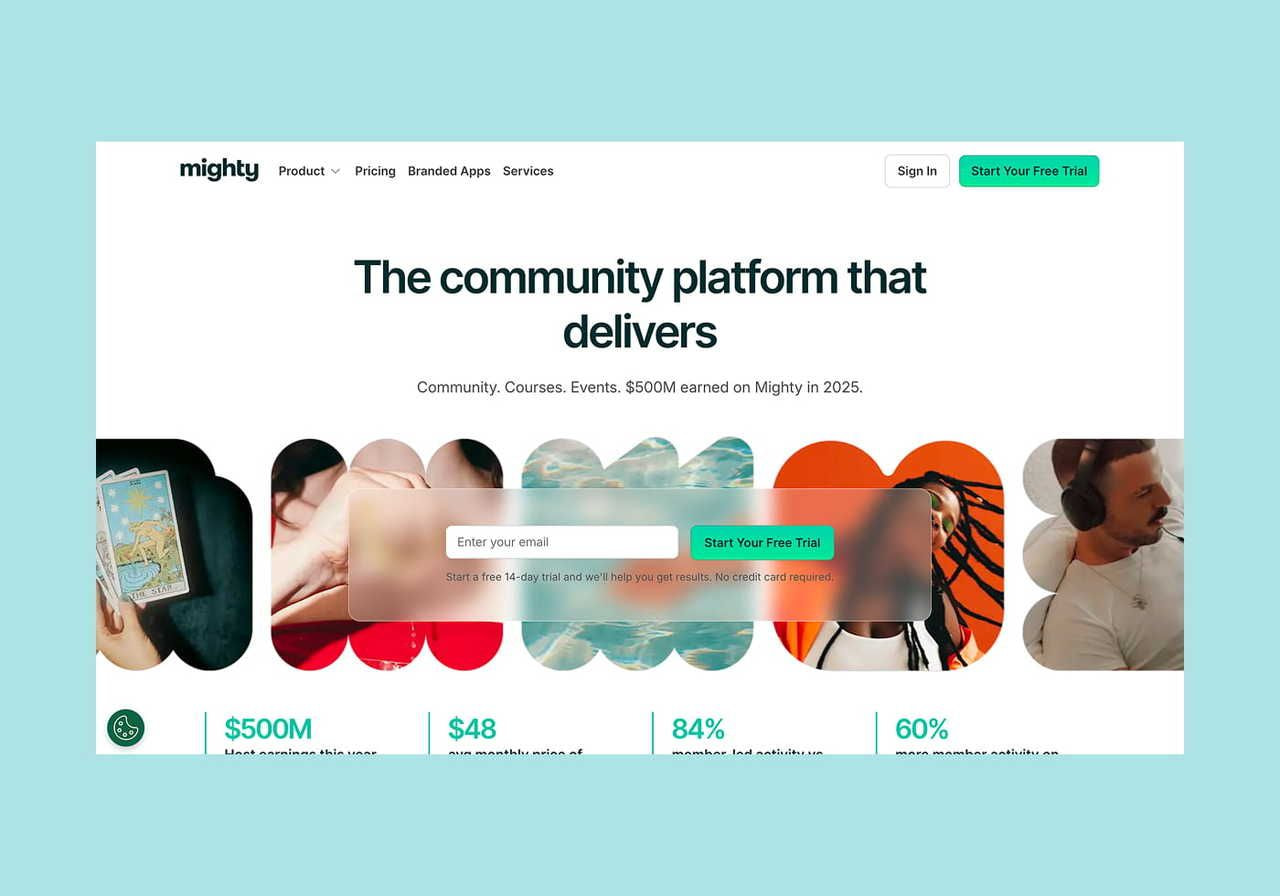
Mighty Networks is a community platform that combines discussion spaces, courses, live events, and paid memberships in one place. Where Patreon centers on a creator posting to fans, Mighty is built for members to connect.
Highlights:
-
Members get profiles, direct messaging, and group spaces, so your community can build around member-to-member connections rather than only creator-to-fan posts.
-
Courses, live events, and challenges are built in, so you can sell learning and membership in one tool.
Pricing and fees:
-
Mighty has no free plan beyond a 14-day trial, and it charges a monthly subscription plus a per-sale fee that decreases as you move to higher-tier plans.
-
Plans start at $79/month for the Launch plan, which includes community spaces, courses, and events, plus a 2% transaction fee.
The trade-off: Solo creators might find Mighty Networks overwhelming if they only want to post exclusive content and collect payments.
8. Circle
Best for: Running an entire creator business on one platform.
Circle leans toward being the whole operating system for a digital business, not only a community platform. Everything you need – memberships, courses, events, payments, email, and a website – lives in one place, so there’s no need to pay for and connect separate tools.
Highlights:
-
Circle’s branded checkout and website builder let you sell memberships, courses, and event tickets under your own brand rather than the platform’s.
-
Circle’s automations handle onboarding, reminders, and member-to-member connections, which can reduce the need for constant hands-on work.
Pricing and fees:
-
Circle offers no free plan beyond a 14-day trial and charges a monthly subscription fee plus a per-sale fee that decreases on higher plans.
-
Subscriptions start at $89/month for the Professional plan, which covers community engagement features, courses, events, payments, and a website, and charges a 2% transaction fee.
The trade-off: Like Mighty Networks, Circle is well suited to community-driven creators who want their members to connect.
9. MemberPress
Best for: Creators who already run a WordPress site and want to turn it into a membership platform.
MemberPress is a plugin that adds memberships, courses, and paywalls to any WordPress site. Because everything runs on your own site, you control the branding, member data, pricing rules, and content.
Highlights:
-
Access rules let you lock any part of your site – pages, posts, downloads, even partial content – behind a membership, so you decide exactly what each tier unlocks.
Pricing and fees:
-
MemberPress is a WordPress plugin sold as an annual license, so you also need your own WordPress site and hosting.
-
Licenses start at $179.50/year for the Launch plan, which covers core membership and course tools but charges a 4.9% transaction fee. The $349.50/year Growth plan adds community and coaching and drops the fee to 0%.
The trade-off: With MemberPress, you need a WordPress site, your own hosting, and the willingness to set up and maintain it.
10. Kajabi

Source: Kajabi
Best for: Course creators and coaches with large audiences.
Kajabi is ideal for creators who already have an audience and want to sell higher-priced courses, coaching, and memberships. It offers more features than most platforms here, from sales funnels and marketing automations to an affiliate program.
Highlights:
-
One Kajabi subscription can replace multiple tools that established creators often juggle – website host, email service, checkout, and course software – so you can consolidate several bills into one.
-
Creators can publish their own branded app to the Apple and Google app stores.
Pricing and fees:
-
Kajabi takes 0% of your sales when you use Kajabi Payments, its built-in payment system. If you use an outside payment processor instead, it charges a small fee ranging from 2% to 0.5%, depending on your plan.
-
Subscriptions start at $143/month for the Basic plan, which covers courses, coaching, memberships, a website, email, and a community.
The trade-off: Kajabi is one of the most expensive options here, and its starting price may make more sense once you’re earning enough to justify the advanced tools.
Key features to look for in a Patreon alternative

Based on our research across these platforms, there are a few key features to consider when choosing a Patreon alternative:
Fee structure
The first question is whether a platform takes a percentage of your sales or charges a flat monthly fee.
Which model works best depends on how much you earn. For example, say you make $1,000 in a month. On Gumroad’s 10% rate, that is about $100 in fees, while Ghost charges a flat $29 no matter what.
But if you only make $200 that month, Gumroad takes about $20, and Ghost still charges $29 – so the percentage-based fee costs less when sales are low, while the flat fee costs less when they’re high.
Read more: How to make money as an influencer
Monetization tools
A creator selling occasional downloads needs very different tools from one running a subscription model, and most platforms are stronger at one than the other.
Start by deciding where your income will mainly come from:
-
One-time tips
-
Recurring subscriptions
-
Digital product sales
-
An affiliate program that pays others to promote your work
Pick the platform that supports your main income stream, not the one with the longest feature list.
If you need flexible monetization – say, memberships plus courses and downloads – an all-in-one platform like Podia or Kajabi may be a good fit, though you pay a higher monthly fee for the range of features it offers.
Membership and community features
This matters most if your paid offer provides ongoing access rather than a one-time purchase – for example if you’re a coach or creator running an exclusive community.
Check two things:
-
Membership levels. Tiers let casual supporters contribute a little and superfans give more, so fans can back you at a level that fits their budget and still get perks.
-
Member interaction. How much does the platform help members connect? Circle and Mighty Networks focus on building interactive communities, while Ko-fi directs members to Discord instead.
Audience discovery
If you’re still building an audience, consider a platform like Substack that puts your work in front of readers who may not have heard of you. Its recommendation network and Notes feed can attract new subscribers.
Meanwhile, tip platforms like Ko-fi and Buy Me a Coffee are built for fans who already follow you, rather than primarily for audience discovery.
Ownership
Ownership is how much control you have over your creator business, audience, and content. On your own site through Ghost or MemberPress, you keep your domain, branding, and member data, giving you more control if a platform changes its policies.
On a hosted platform, that control sits with the company – Patreon, for example, has changed its fees, and creators have to adjust whether they want to or not.
What are the best Patreon alternatives for artists?
-
Ko-fi. Its 0% cut on tips and built-in commission tool make it a strong free Patreon alternative for artists, illustrators, and graphic designers who take on custom work.
-
Buy Me a Coffee. A fan can support you in a couple of taps, no account required, which suits anyone who mainly wants quick one-off support rather than a full membership.
-
Gumroad. If you sell digital products like brushes, presets, print files, or reference packs, Gumroad lets you list them with no monthly fee and earn from each sale.
Many artists also sell physical art – prints, apparel, greeting cards – which these platforms don’t produce or fulfill for you.
To turn your artwork into merch, sign up for an artist-friendly print-on-demand service like Printful. We’ll handle the production and shipping so you can focus on creating more art.
Sell merch that your fans love wearing with Printful

Patreon closed its merch program to new creators, so if you want to sell physical products, you need another way to handle that side of your business.
Whether you stay on Patreon or move to another platform on this list, you can add a merch line with Printful without holding any stock. You design the product, and we’ll print and ship each order only when a customer buys.
It’s an excellent way to expand your creator business and earn alongside your membership tiers and tips.
Here’s how to sell merch with Printful:
-
Sign up for a free Printful account and connect your store through Shopify, Etsy, TikTok Shop, or another supported integration.
-
Browse the Printful Catalog of 584 products, from wall art and t-shirts to tote bags and mugs.
-
Add your artwork or photo with the free Design Maker, or create something new using our clipart, templates, and pattern maker.
-
Preview your design on realistic mockups.
-
List your product for sale and earn whenever your fans place an order.


What is the best alternative to Patreon?
The best Patreon alternative depends on how you monetize your content, so match the platform to your main income source and goals before making the switch.
For indie creators who want to accept tips and commissions, Ko-fi and Buy Me a Coffee keep things simple and affordable. Meanwhile, Substack is popular for paid newsletters, and Gumroad offers an easy way to sell digital products.
If you want to expand your creator business into a community or courses, platforms like Mighty Networks, Circle, and Podia give you room to grow – though they cost more and take more work to set up.
FAQ
The best Patreon alternative depends on your preferences. Ko-fi and Buy Me a Coffee charge lower platform fees for tips and one-off support, while Substack also offers built-in audience discovery but focuses on paid newsletters rather than membership tiers. If you want full control to build a community space, Mighty Networks and Circle might be better options.
Creators may look for Patreon alternatives because of fees and platform control. New creators pay a 10% platform fee plus payment processing fees, and Apple adds 30% to purchases made through the iOS app. Patreon is also moving everyone to subscription billing by November 1, 2026, and its merch program is no longer available to new creators.
Ko-fi is a strong free Patreon alternative for many creators. It has no monthly fee, takes 0% on one-time tips, and bundles memberships, commissions, and a shop into a single page. Buy Me a Coffee is another option, with a flat 5% on everything and a setup that takes minutes. Both let you start earning without paying anything up front.

Maisha is a content writer with 6+ years of experience in turning complex topics into clear, search-optimized content. She believes readability always wins, no matter how SEO trends shift. Outside of writing, she’s usually trying new recipes (but never following them), watching niche YouTube videos, or planning food-fueled adventures.

