



Table of contents
Listing uploads, mockups, customer messages, and pricing spreadsheets fill much of the working week for print-on-demand sellers. Artificial intelligence (AI) handles that repetitive, data-heavy work well. Original ideas, final designs, and pricing decisions stay with sellers.
This guide shows print-on-demand (POD) sellers, from first-time merchants to scaling brands, how to save time with AI in ten everyday workflows, each with a sample prompt. The hours AI saves go back into design, niche research, and meaningful tasks that grow the business.
Key takeaways
-
AI saves the most time on repetitive tasks: bulk listing uploads, mockups, customer service replies, repricing, and ads analysis.
-
Time savings grow with use: generative AI users save about 2.2 hours a week on average, and a third of daily users save at least four hours.
-
Humans keep the final version: AI output works as a first draft, and human judgment decides designs, prices, and what gets published.
-
Short limits work better than long prompts: examples of bad output and clear “don’t” instructions improve results faster.
-
Learning time stays separate from production time: an hour of AI tests during listing hours can end with zero new listings.
-
Printful’s Design Maker covers the design side: uploads of AI-generated art, one-click background removal, and free mockups for 602+ products.


What does saving time with AI look like for POD sellers?
Weekly AI use has become a habit for knowledge workers. In Thomson Reuters’ 2026 Future of Professionals survey, 74% of professionals in law, tax, audit, accounting, compliance, and risk use AI tools every week.
In a POD business, the biggest time savings come from listing uploads, mockups, customer service, repricing, and ads and sales data. AI performs poorly on humor, original concepts, and complete designs.
In practice, sellers save time with AI by handing routine tasks with clear inputs to an AI system and keeping creative and pricing decisions for themselves. Offloading the draining stuff leaves more hours and creativity for design.
10 Ways to save time with AI as a print-on-demand seller
Each workflow below follows three steps. Give AI the data and the rules, review the output, and publish only what passes your check. The example prompts work in general AI assistants such as ChatGPT, Claude, or Gemini. Replace the bracketed parts with your own details.
1. Bulk-upload listings and write product descriptions

Listing uploads rank among the biggest time savers. Sellers with large catalogs use AI to write titles, descriptions, and tags for a whole batch of designs in one pass, then load the results into their store. High-volume sellers also automate custom mockups and product syncing between their POD provider and storefront, steps that standard upload tools often can’t handle.
With Printful, merchants save each design as a product template in the Design Maker and push it to a connected store such as Shopify. AI then fills the text fields in bulk. A spreadsheet with one row per design – name, niche, colors, and target keywords – gives the model enough context to write every listing in a single conversation.
Example prompt:
“Write product listings for a print-on-demand shop that sells [niche] t-shirts to [audience]. For each row in the attached spreadsheet, write one title, one 100-word description, and ten search tags. Match the tone of the three sample listings below. Don’t use the words ‘unique,’ ‘perfect gift,’ or ‘high-quality.’ Return a table in the same row order.”
One prompt replaces writing each listing by hand. Sellers still read every title before publishing to avoid repeat phrases across a batch.
2. Create mockups and marketing visuals
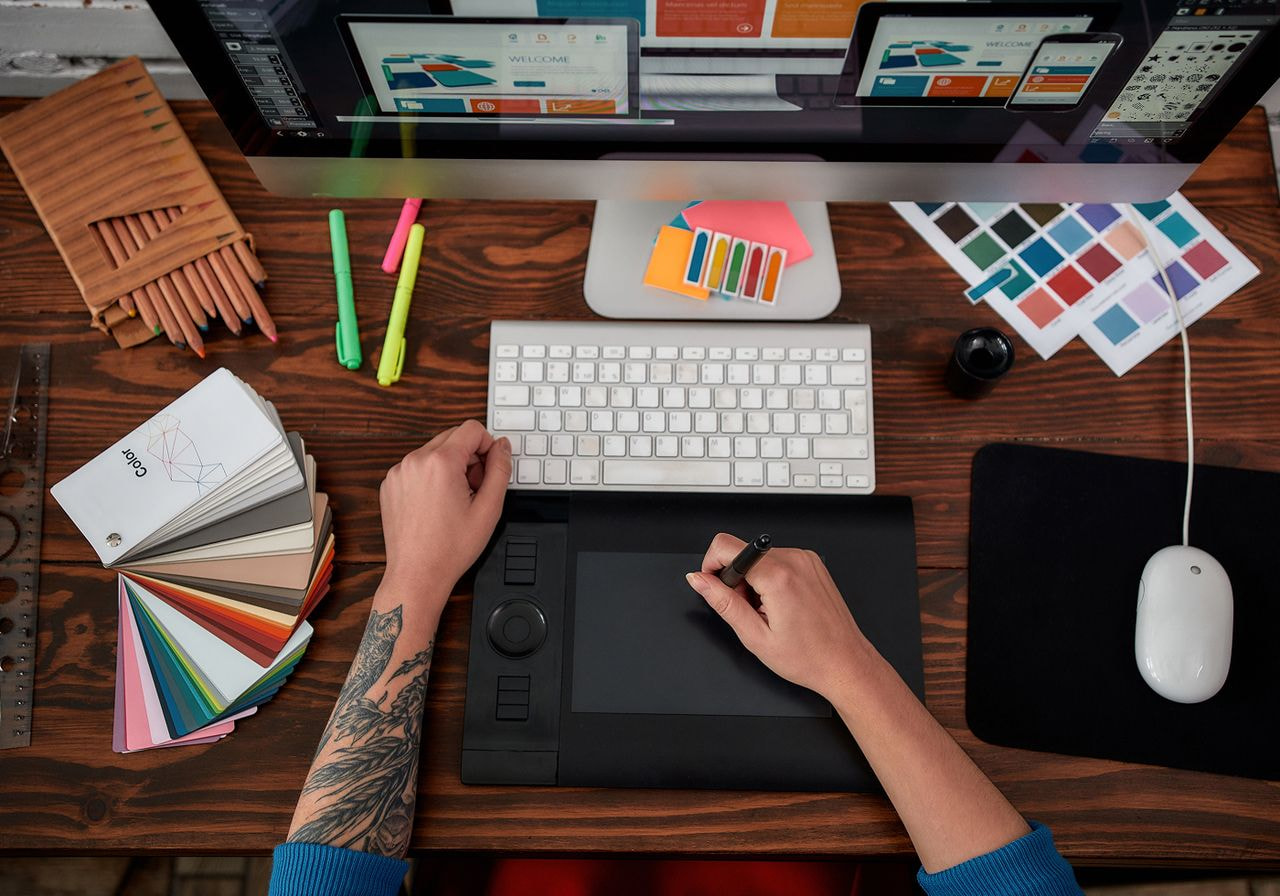
Every new listing needs mockups. Printful’s free Mockup Generator produces product photos for every item in the Catalog, and the Design Maker includes more than 1,400 mockup images.
AI adds variety on top. Sellers generate a background scene with an image model, then upload it as a custom mockup background. Design platforms like Kittl also generate graphics, clean up images, and create design variations.
Example prompt:
“Create a 2048 × 2048 pixel lifestyle background for a t-shirt mockup: a sunlit wooden table in a small coffee shop, soft morning light, and shallow depth of field. Leave the center empty for the product and keep people and text out of the frame.”
Pro tip: A single background prompt produces one consistent scene for a full collection. Every listing in that collection then shares the same look.
3. Draft customer service replies in your own voice
A fast way to answer customer messages and social media comments:
-
Set up a dedicated AI conversation with your greeting, sign-off, and formatting rules.
-
Type out a rough reply, or record yourself talking it through, then paste it into that conversation.
-
All AI-generated responses come back in your voice.
The method proves most helpful for custom orders, where customers ask many questions before buying. It also turns a long list of repeat questions into reusable templates for shipping times, care instructions, sizing, and personalization limits. Answers to the questions most people ask before ordering a custom product then take seconds to send.
Example prompt:
“You’re my customer service assistant. Always open with ‘Hi [first name],’ and close with ‘Thanks for shopping with [shop name].’ Keep replies under 80 words, use short paragraphs, and don’t promise delivery dates. I’ll paste a rough voice note. Turn it into a reply.”
The AI handles wording and format, and sellers make a quick edit before sending.
4. Reprice products when production costs change
The moment production costs change, every price in the shop needs a recheck. Experienced sellers give AI a table of products, current prices, costs, and a target margin, then ask for suggested prices. Sellers make the final call.
AI applies the formula price = cost ÷ (1 − target margin). A product that costs $15 to produce and ship at a 40% target margin requires a $25 price. Include platform fees and payment processing in the cost column to keep the margin accurate.
Example prompt:
“Here’s a table with product name, current price, production cost, shipping cost, and platform fee per sale. Calculate the price that gives a 40% margin after all costs. Round to the nearest .99, flag any product where the new price rises more than 15%, and explain each change in one line.”
A full catalog reprices in one pass. The flagged rows show where to test demand before raising prices.
5. Find what works in your ads and sales data
Ads and sales reports hide patterns across hundreds of listings. Sellers upload their ads data to an AI assistant and ask what’s working and what isn’t. The analysis shows which designs earn their ad spend and which ones eat budget without selling.
Sellers export ads and order reports as CSV files from their sales channel. AI then ranks listings by spend, clicks, orders, and return on ad spend (ROAS).
Example prompt:
“Attached: 90 days of Etsy Ads data. List the ten listings with the highest ad spend and one order or fewer, the ten with the best return on ad spend, and any listing with many clicks and a low conversion rate. Explain your reasoning and show the numbers behind each point.”
Money spent on listings that don’t convert becomes visible in one report. Sellers pause those ads and shift their ad strategy toward proven designs.
6. Plan seasonal listings weeks ahead
Seasonal listings that go live close to an occasion miss the weeks when shoppers start searching for it. Past years’ shop data shows when that demand begins. AI reads your order history, finds the week sales start rising for each occasion, and plans when to publish.
Example prompt:
“Here are my orders from the last two years, by date and product. Identify the occasions that drove sales, the week orders started rising for each one, and the products that sold best. Build a listing calendar for the next 12 months that publishes each seasonal collection at least six weeks before its first sales week.”
The calendar turns past sales into a publishing schedule. Seasonal designs go live before demand starts.
7. Turn rough ideas into first drafts of designs

AI helps with blank pages – a rough idea becomes a first version to react to. Experienced sellers use it for inspiration, layouts, a specific style, or a single illustration, then finish the design themselves with their own text, fonts, and details. Editable text lets sellers create variations, like changing the birth year on a birthday shirt, without rebuilding the file.
Sellers upload their AI-generated artwork to Printful’s free Design Maker, add their own text, and place the design on products. The Background Removal Tool clears an image background with one click in the same editor.
Keep AI-assisted designs simple. One or two elements, usually text or text plus one icon, give buyers fewer reasons to dislike a design. Hand-drawn and slightly imperfect styles help designs feel human. Designing on an artboard in the actual shirt color, such as Comfort Colors Pepper, catches contrast problems before listing.
Example prompt:
“Create a single-color line illustration of a sleeping dachshund for a t-shirt. Use a hand-drawn style with slightly uneven lines and a transparent background. Keep it simple: one subject, flat lines, and empty space below it where I’ll add text.”
The AI draft covers the illustration. Sellers add the text and layout that make the final version their own.
8. Triage emails and urgent messages
Use AI to prioritize your inbox so urgent messages never sit behind newsletters. AI sorts incoming email by type, places the urgent group at the top, and writes draft emails for routine replies. Typical urgent messages include address changes before shipping, damaged items, and wholesale requests from clients who want branded merch.
Sellers paste a batch of messages into an AI assistant or use the AI features built into their email app.
Example prompt:
“Sort these 30 customer emails into four groups: urgent (order problems, address changes before shipping, wholesale requests), questions with a template answer, supplier and platform notices, and marketing. For each urgent email, write a two-sentence summary and a draft reply. For the template group, name the template to use.”
Sellers read the urgent group first and clear the rest in one batch.
9. Organize meeting notes, documents, and your schedule
AI turns meeting notes, supplier calls, and long documents into short lists of decisions and action items. Teams running larger brands record calls with a note-taking tool, then ask AI to extract who owns each task and the deadline for it.
Long documents benefit from the same approach. For platform policy updates and supplier terms, AI summarizes the key points, and sellers read the full text where the summary flags a change.
For time management, AI handles organizing the to-do list: it groups similar tasks, puts them in a logical order, and suggests daily priorities based on deadlines. Sellers then block focus hours on the calendar for design work.
Example prompt:
“Here’s my to-do list for the week with deadlines. Group similar tasks, put them in a logical order, and build a Monday-Friday schedule with a two-hour focus block each morning for design. Flag anything that can’t fit.”
The schedule puts design hours on the calendar before admin work fills them.
10. Plan meals, trips, and family time
The same AI-powered tools free up hours in your personal life, which matters for sellers who run their business around a family schedule.
For meal plans, list the ingredients already in your fridge and ask for five dinners that use them up, plus a short shopping list. Planning the week on Sunday night then takes one prompt.
For family trips, describe the destination, the weather, the number of travelers, and their ages to get a customized packing list. During summer break, ask for fun activities for children by age, budget, and indoor or outdoor space, or have AI create themed days, like a science day or a pirate day.
Example prompt:
“Here’s what’s in my fridge: [ingredients]. Plan five weeknight dinners for a family of [number of family members] that use these first, keep each under 30 minutes of cooking, and list what I still need to buy.”
Daily errands work the same way. A long list sorted by location and opening hours leaves fewer choices to make during the day and reduces decision fatigue.
How to write AI prompts that save time
Two things decide whether AI saves you time or creates rework: how you write the prompt and which AI-powered tool you run it in.
Write prompts with clear limits
Sellers who use AI effectively keep prompts short and specific:
-
Give more context: Describe the audience, niche, brand voice, and output format. Paste two or three examples of output you like.
-
Say explicitly what you don’t want: A bare request for “20 funny dog mom phrases” will return generic results. Add a few bad examples and explicitly rule them out to improve output.
-
Use short negative instructions: Limits like “not overcrowded” often work better than long, detailed prompts.
-
Add reference images: An image shows the model the style, layout, or color palette directly.
-
Expect several attempts: Good results usually take a few rounds. Save the prompt once you’ve figured out a version that works.
Pro tip: See our guide on how to use AI to start a business for prompts that cover planning, branding, and store setup.
Pick the right tool
Most text tasks in this guide run in one general assistant. Specialized tools cover design, mockups, automation, and meetings.
| Tool type | Examples | Time saved on |
|---|---|---|
| Writing and analysis assistants | ChatGPT, Claude, Gemini | Listings, customer replies, repricing, ads and sales data |
| AI design generators | Printful Smart Image Tool, Kittl | Illustration drafts, image upscaling, design variations, background removal |
| Mockup tools | Printful Mockup Generator | Product photos for listings and social media |
| Automation and workflow tools | Zapier, Make | Moving data between store, spreadsheets, and email |
| Note-taking and meeting tools | AI summary features built into video meeting apps | Meeting notes and action items |
Models also differ in strengths, and a routine task that stalls in one tool can work in another. Running the same prompt in two tools shows which one handles a task best.
Integrating AI works best one tool at a time. Add other tools only when a general assistant can’t handle the job, because each new subscription costs money and setup time.
Common AI mistakes that cost POD sellers time
AI tools meant to save time can still eat hours when sellers point them at the wrong jobs. Watch for these potential risks:
-
Handing over the whole process: Fully automated designs and listings read as generic AI slop, and that content won’t convert. Human insight into the niche keeps a shop distinct.
-
Publishing unedited AI art: Stray artifacts and crowded compositions put buyers off. Zoom in on every image before listing, clean up artifacts, and upscale low-resolution files so they print sharp.
-
Listing weak designs and running ads on them: Low-contrast or cluttered designs get clicks from curious shoppers who then leave. The conversion rate drops, the marketplace shows the listing less, and ads charge for every wasted click.
-
Experimenting during production hours: Keep AI tests out of listing time. An hour of experiments can end with zero new listings.
-
Choosing volume over depth: Generic designs across dozens of niches rarely build a brand. Knowing one niche well – inside jokes, interests, and what buyers already own – brings repeat customers and gives email subscribers a reason to wait for the next drop.
-
Losing your own skills: Design and market research skills keep a shop running when a tool changes or goes down.
-
Sharing private data: Keep customer names, addresses, and payment details out of AI tools your business hasn’t approved. Check each tool’s terms for commercial use of generated images.
Save time running your store with AI and Printful
AI print-on-demand workflows bring efficiency to the work before a sale: design, mockups, and listings. Printful’s print-on-demand service handles what comes after – once a customer buys, Printful prints, packs, and ships the order under your brand.
Printful’s free design tools pair well with print-on-demand AI tools. The Design Maker covers 602 products and includes over 3,500 pre-made graphics, text tools, and reusable product templates. Its AI Smart Image Tool upscales images automatically during the design process.
The Background Removal Tool, free for all Printful customers, clears an image background with one click. The Mockup Generator creates free mockups for every product in the Catalog, with custom backgrounds on supported products.
-
Through the Shopify integration, product templates push to a Shopify store with mockups, titles, and descriptions, and Printful fulfills each order automatically
-
Print-on-demand AI tools cover the design and listing steps
-
Printful’s in-house production covers everything after the sale, from first-time sellers to scaling brands
Pro tip: Explore how to make money with AI, from AI-generated art on products to automation services.
Conclusion
AI saves POD sellers the most time on repetitive tasks: product listings, mockups, customer replies, pricing, sales data, and schedule planning. AI drafts and sorts – human judgment decides what goes live.
A smart first step: Track one week of work and note which routine tasks repeat. Then leverage AI on the most repetitive one. That way, one reliable prompt pays off every week. Once it runs smoothly, move to the next task and spend the saved hours on strategic work: new collections, niche research, and relationships with repeat customers.
Frequently asked questions about saving time with AI
Yes. For POD sellers, the biggest time savings come from listing uploads, mockups, customer replies, repricing, and data analysis, as long as sellers review every output before it goes live.
Generative AI users in a St. Louis Fed survey saved about 2.2 hours in a 40-hour workweek. Results depend on how often sellers use AI and which tasks they hand over. High-repetition work like bulk listings and email triage delivers the biggest weekly savings.
Start by automating one repetitive task with clear inputs and outputs, such as writing listings from a spreadsheet or sorting customer emails. Connect your apps with an automation tool like Zapier or Make, add an AI step for the writing or sorting, and review the results for two weeks before you trust the workflow.
Keep complex, meaningful tasks, original concepts, humor, final design decisions, and pricing calls in human hands. AI performs poorly on fresh ideas and jokes, and fully automated designs tend to look generic. Use AI for the first version of a design or a price suggestion, then apply your own judgment before anything reaches customers.
Yes, with limits. Keep customer personal data, payment details, and confidential supplier terms out of AI tools your business hasn’t approved. Check each tool’s terms for commercial rights to generated images, run a reverse image search before listing AI art, and fact-check any figures AI produces before you publish them.
The best free tool depends on the task. The free tiers of ChatGPT, Claude, and Gemini cover most text work, including listings, replies, and data summaries. For product design, Printful’s free Design Maker lets sellers upload artwork, remove backgrounds, and create mockups.

Published author, scholar, and musician, Andris draws on over 11 years of experience in and outside academia to make complex topics accessible – from SEO and website building to AI and monetizing art. Devoted to his family and self-confessed introvert, he loves creating things, playing musical instruments, and walking around forests.

