



Table of contents
Amazon dropshipping moves fast – and the sellers who automate scale the fastest. Between order fulfillment, managing inventory, repricing, and product research, there’s too much happening daily to handle it all manually.
The right dropshipping software saves you hours every week, cuts errors, and lets you focus on growth instead of busywork.
In this guide, we break down the leading tools for automating Amazon dropshipping – covering everything from full-stack dropshipping automation platforms to focused tools for repricing, analytics, and product sourcing. Whether you’re just getting started or running multiple stores, there’s a fit here for every stage.
What does Amazon dropshipping automation involve?
Amazon dropshipping automation is the use of dropshipping software to handle repetitive operational tasks. Those include forwarding orders to suppliers, syncing inventory, adjusting prices, and updating tracking info – so sellers can run their dropshipping business without doing everything by hand.
Running a dropshipping business on Amazon involves many moving parts. Without automation, it’s easy to fall behind on orders, miss stock changes, or lose margin to pricing shifts. That’s why many Amazon sellers use dropshipping automation to handle the most repetitive tasks – and stay competitive.
What you can automate
Most automation software helps with:
-
Order fulfillment: Automatically send orders to your dropshipping supplier
-
Inventory management: Update inventory levels when stock changes
-
Print-on-demand workflows: Manage orders and listings for custom products
-
Order processing: Confirm orders and send shipping info to suppliers
-
Price monitoring: Track market and competitor price changes
-
Product research tools: Find profitable products from reliable suppliers
-
Product listings: Auto-upload or sync new products
-
Customer messaging: Send order updates or standard replies
-
Shipping costs: Estimate and update for buyers
Many platforms – like Printful – offer Amazon integration with Print on Demand, letting you automate everything from design syncing to custom product fulfillment. It’s a seamless way to launch personalized items without manual work.


What you shouldn’t automate
Some parts of the dropshipping process are better handled manually – or at least with a human in the loop:
-
Customer experience: Complex support issues deserve real attention
-
Policy-sensitive actions: Anything that could conflict with Amazon’s dropshipping policy – like third-party branding on packaging or supplier invoices slipping through
-
Supplier vetting: Don’t automate onboarding wholesale suppliers without review
-
Strategic planning: Picking the right business model, pricing strategy, or niche still needs human thinking
Use dropshipping automation software to remove busywork – but not your judgment. The smartest sellers automate with intention.
Top tools for automating Amazon dropshipping

We grouped these tools into two sections: dedicated dropshipping automation platforms that handle core operations like fulfillment, repricing, and inventory; and supporting tools that complement your stack with email marketing, customer service, and storefront management. Every tool listed is active, verified, and relevant to Amazon sellers in 2026.
Here’s a quick comparison if you’re in a rush:
|
Tool |
Best for |
Starting price |
Free trial |
|
AutoDS |
All-in-one dropshipping automation |
$49.90/mo |
– ($1 trial) |
|
DSers |
AliExpress bulk orders + supplier management |
$19.90/mo |
✓ (free plan) |
|
WebScraperApp |
Amazon inventory + orders |
$139/mo |
✓ (7 days) |
|
Sellerboard |
Profit tracking + PPC ads |
$15/mo |
✓ (1 month) |
|
Easync.io |
Multi-marketplace automation |
$49.99/mo |
✓ (7 days) |
|
Jungle Scout |
Product + market research |
$29/mo |
✓ (7 days) |
|
RepricerExpress |
Automated repricing |
$79/mo |
✓ (14 days) |
|
Inventory Source |
Supplier network + syncing |
$199/mo |
✓ (free plan) |
|
Zapier |
Custom workflow connections |
$19.99/mo |
✓ (free plan) |
|
Mailchimp |
Email marketing automation |
$13/mo |
✓ (free plan) |
|
Zendesk |
Customer support at scale |
$19/mo per agent |
✓ (14 days) |
|
Shopify |
Storefront + app ecosystem |
$29/mo |
– ($1/mo for 3 mo) |
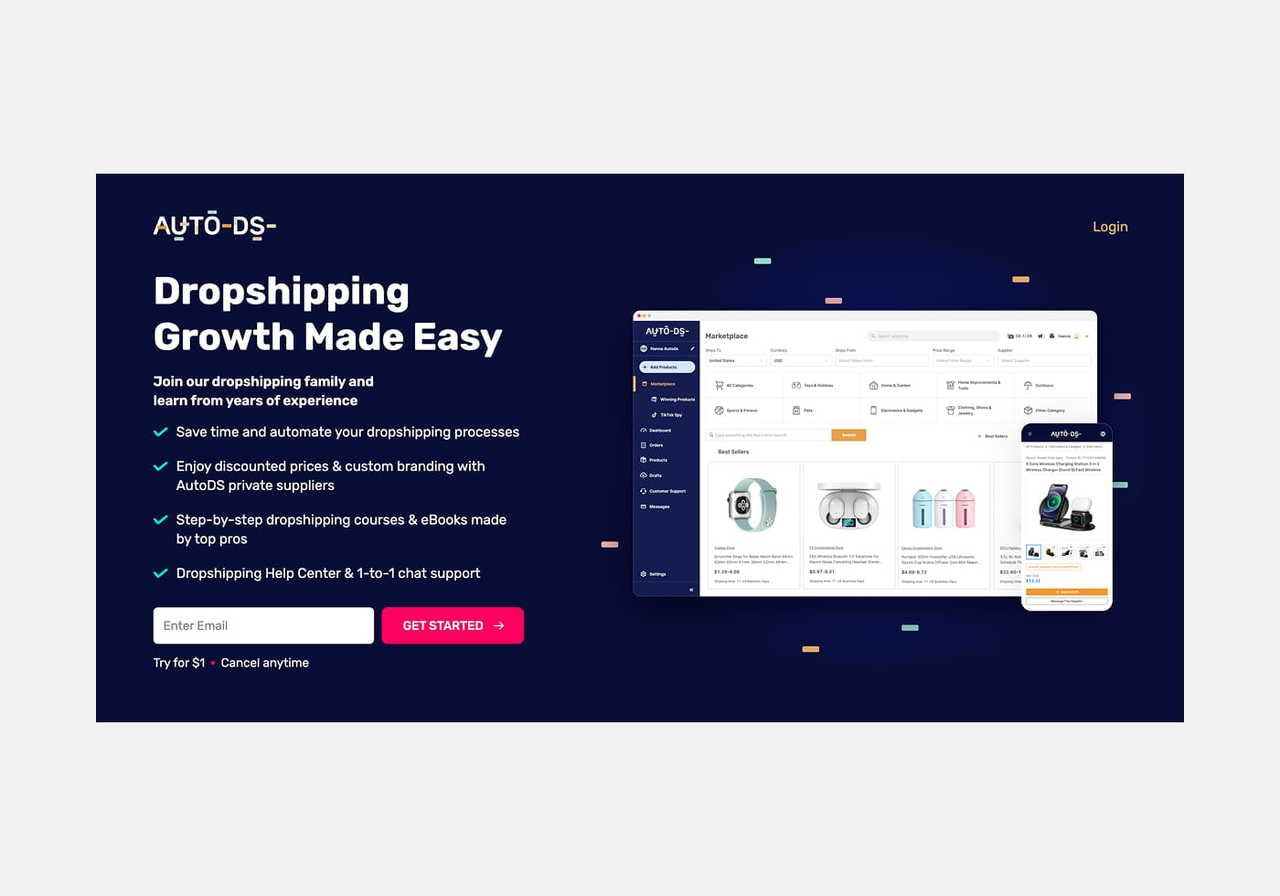
1. AutoDS
Source: AutoDS
Best for:
All-in-one dropshipping automation across multiple stores and sales channels.
Key features:
-
End-to-end order fulfillment with auto-sending to your dropshipping supplier
-
Smart inventory management with real-time inventory level tracking
-
Built-in automated dropshipping software for price monitoring and optimization
-
Product sourcing, uploading product listings, and tracking trends
-
Connects with multiple suppliers across Amazon, eBay, and Shopify
Amazon Policy compliance:
AutoDS supports Amazon-compliant automation when configured correctly. You must remain the seller of record and ensure no third-party branding or supplier invoices reach customers.
Pricing:
AutoDS Amazon plans start at $49.90/month (billed annually) for up to 200 products, with higher tiers reaching $149.90/month for 1,000 products, with custom enterprise pricing available.
Pros:
-
Handles most tasks in one dashboard
-
Reduces manual errors and saves time
-
Supports multi-channel and eBay dropshipping workflows if you want to expand
Cons:
-
May feel complex for new online store owners
-
Pricing increases with larger catalogs
2. DSers
Source: DSers
Best for:
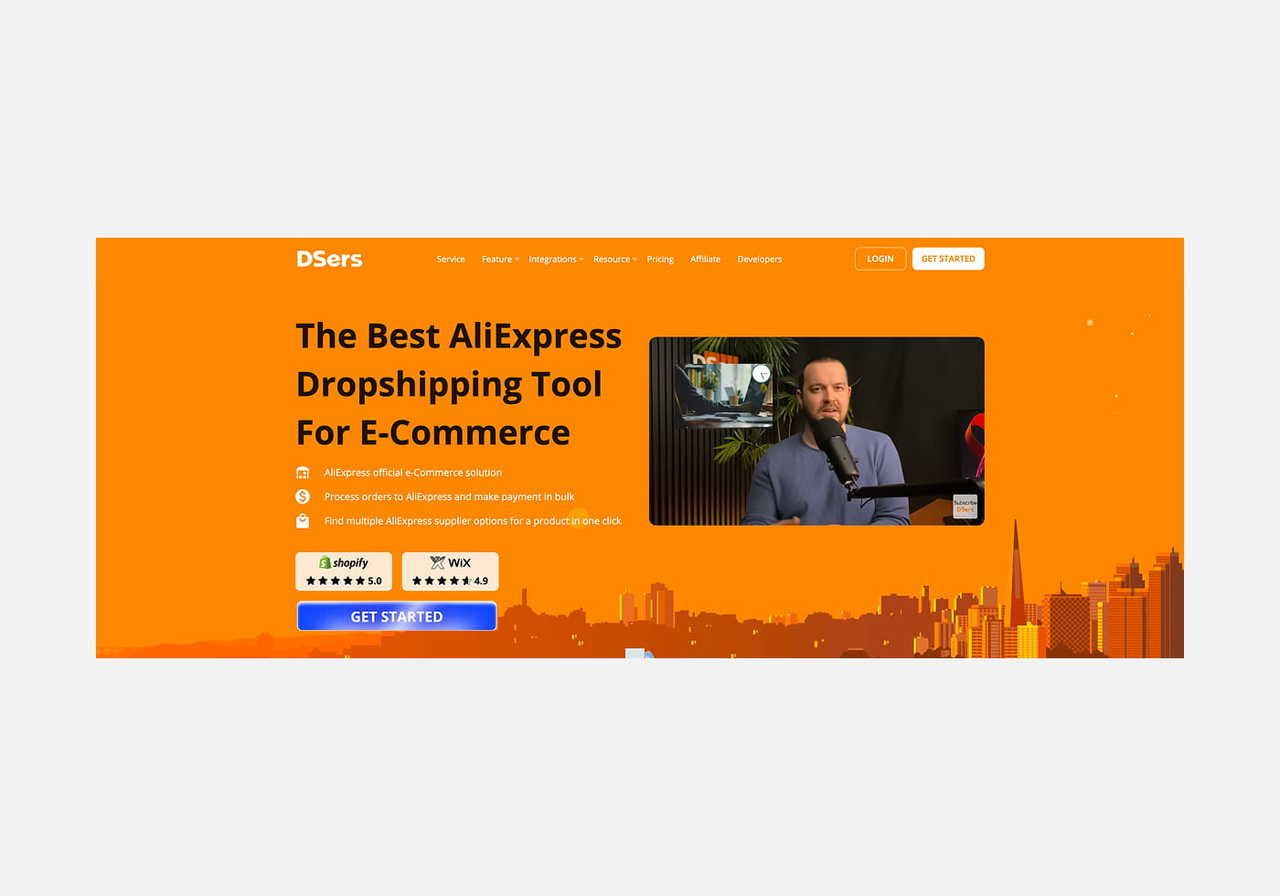
AliExpress-based dropshippers who need fast bulk order processing and supplier management.
Key features:
-
Official AliExpress partner – bulk order placement, one-click imports, and supplier optimization
-
Amazon integration for automated order fulfillment and tracking sync
-
Smart supplier mapping that auto-switches if stock or price changes
-
Real-time inventory management and automated pricing rules
-
Supports multiple platforms: Shopify, WooCommerce, Amazon
-
Chrome extension for fast product sourcing directly from AliExpress
Amazon policy compliance:
Sellers must ensure no AliExpress branding or packaging reaches customers. You remain the seller of record and are responsible for customer service.
Pricing:
Free plan available (basic features, limited product count). Paid plans start at $19.90/month (Advanced), with Pro at $49.90/month. All paid plans include a 14-day free trial.
Pros:
-
Free plan is sufficient for beginners testing the waters
-
Bulk order processing saves time at scale
-
Strong AliExpress integration with built-in supplier optimization
Cons:
-
Primarily AliExpress-focused
-
No built-in repricing or advanced features beyond order/supplier management
3. WebScraperApp
Source: WebScraperApp
Best for:
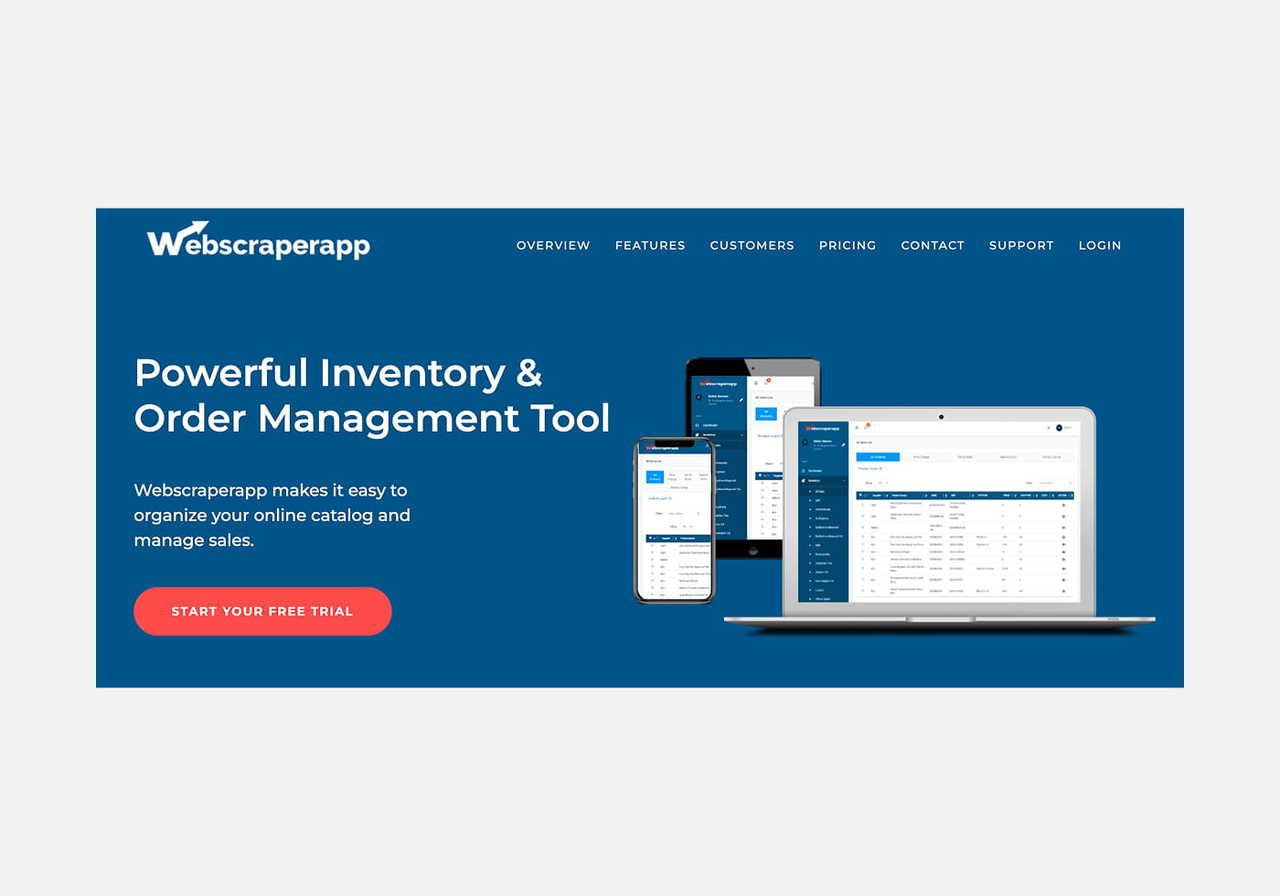
Amazon inventory management and order processing for dropshipping businesses – focused and reliable, no unnecessary extras.
Key features:
-
Live updates of inventory levels, pricing, and stock status across multiple suppliers
-
Bulk uploads, auto‑detection of duplicates, and easy supplier data editing
-
Order placement tool to speed the ordering process: shipment confirmations and returns processing
-
Integration with many suppliers (85+ supported)
-
Integrates with external repricers for competitive pricing
Amazon Policy compliance:
Ensure tracking updates are delivered on time, you remain the seller of record, and no supplier branding or invoices slip through.
Pricing:
WebScraperApp offers a 7-day free trial, with plans starting at $139/month for up to 500 products and scaling to $1,299/month for 15,000 products; enterprise pricing is available for unlimited catalogs.
Pros:
-
Strong supplier integration and real-time stock syncing
-
Solid order fulfillment automation without over-complication
-
Scales via integrations with external tools
Cons:
-
Limited built-in price optimization – you’ll need a separate repricing tool
-
No built-in analytics or reporting
-
Expensive dropshipping software for sellers with small catalogs
4. Sellerboard
Source: Sellerboard
Best for:
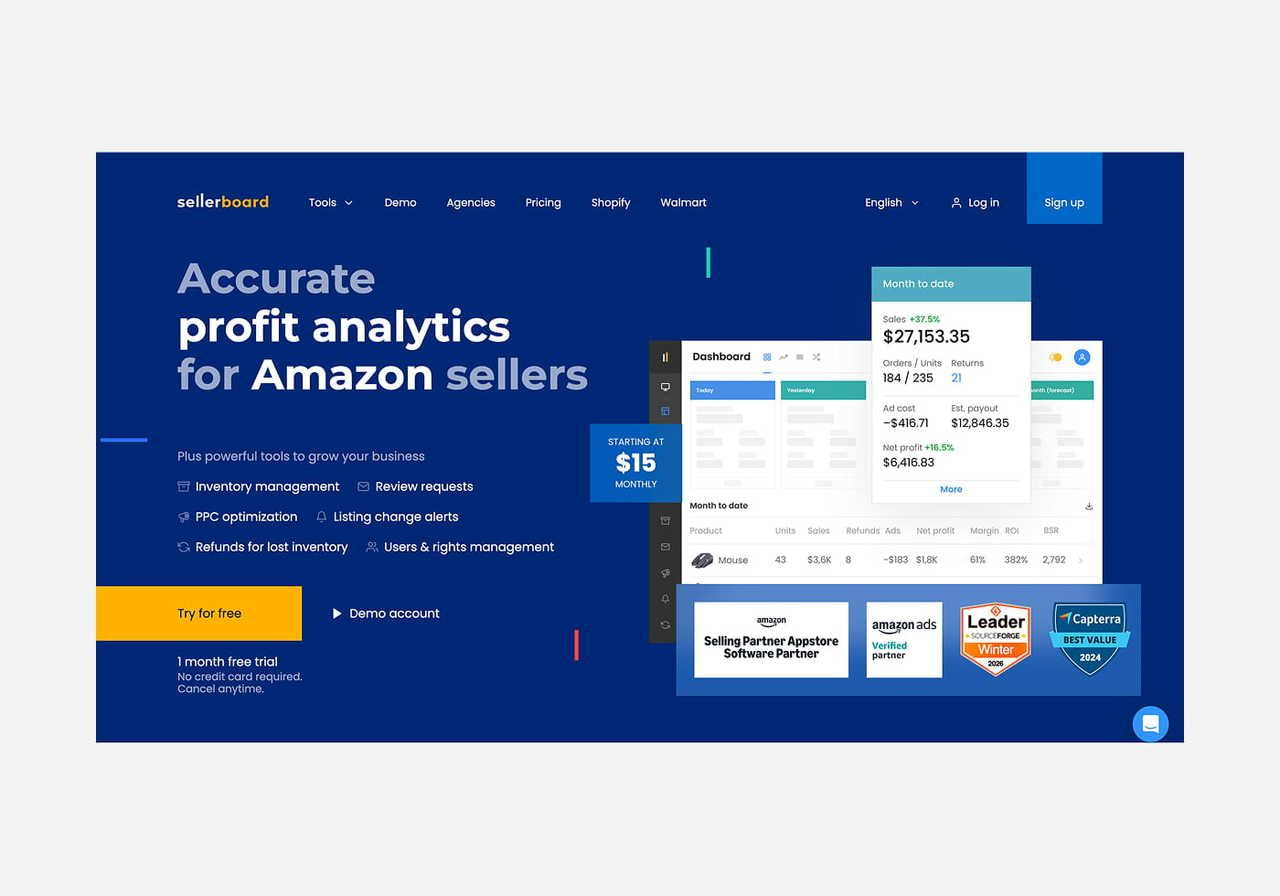
Amazon sellers who want profit tracking and PPC ads optimization. Not a fulfillment tool – this is analytics and advertising.
Key features:
-
Automated Amazon PPC bid adjustments based on profit or ACoS targets
-
Real-time profit margins tracking, including refunds, fees, and ad spend
-
Basic inventory management with restock alerts
-
Automated review request emails to boost sales through social proof
-
Alerts for listing changes, hijackers, or inventory issues
Amazon Policy compliance:
Sellerboard focuses on analytics and advertising, not product delivery – no conflict with Amazon’s dropshipping policies when used correctly.
Pricing:
Starts at $15/month (billed annually), with higher tiers like Enterprise priced at $63/month. All plans include a 1-month free trial.
Pros:
-
Excellent for optimizing ads and tracking real profitability
-
Lightweight setup, no complex onboarding
-
Great reporting for small-to-mid-sized sellers
Cons:
-
Doesn’t manage product sourcing, suppliers, or shipping
-
Not a replacement for dedicated dropshipping software – pair it with a fulfillment tool
5. Easync.io
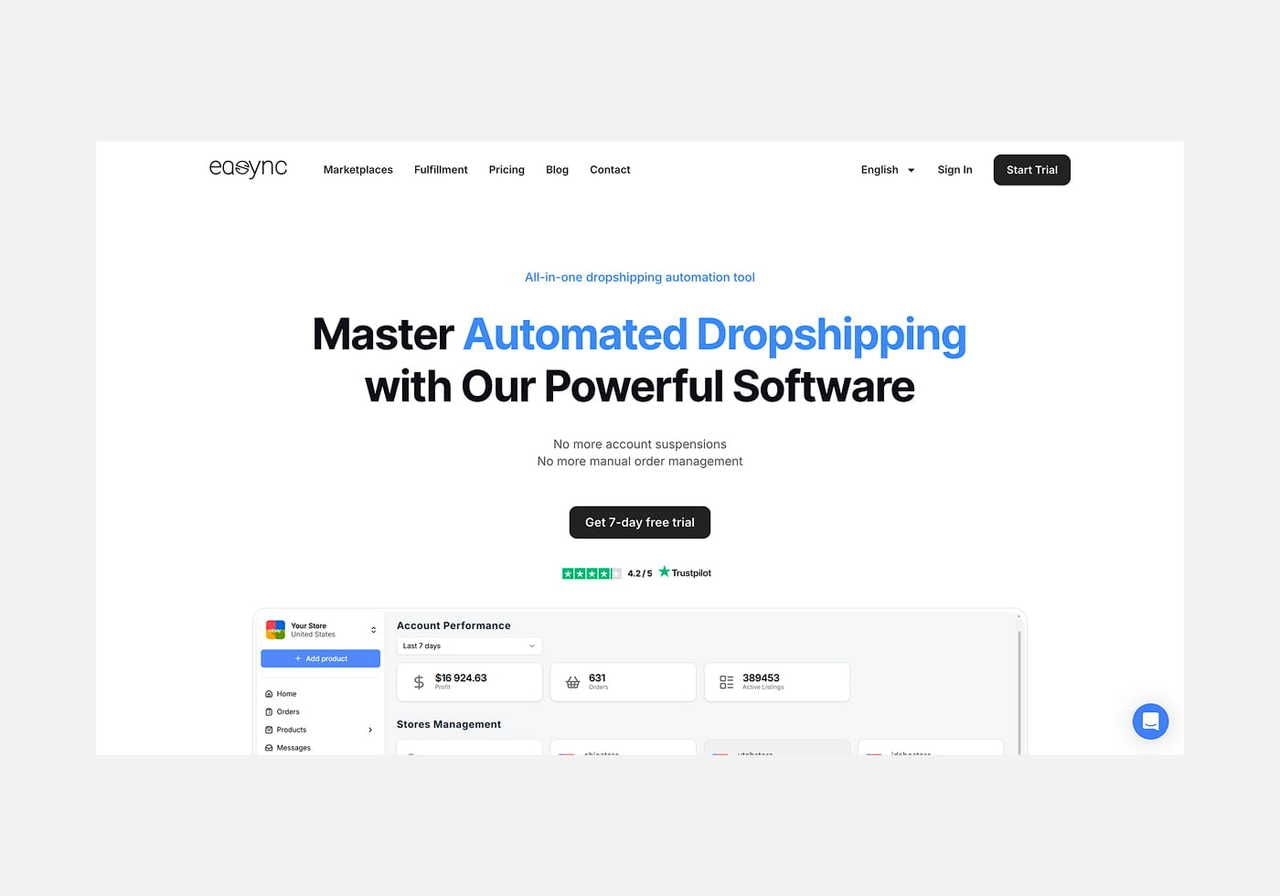
Source: Easync.io
Best for:
Multi-marketplace dropshipping automation across Amazon, eBay, and Walmart at a reasonable price.
Key features:
-
End-to-end order fulfillment with auto-orders and tracking number updates
-
Live inventory management across Amazon, Walmart, and eBay dropshipping
-
Dynamic price optimization and price monitoring
-
In-platform product sourcing, “Hot Items” finder, and listing generator
-
Supports multiple stores and integrations with various dropshipping suppliers
Amazon Policy compliance:
Easync supports dropshipping automation for Amazon, but sellers must upload tracking promptly, stay the seller of record, and filter out supplier branding.
Pricing:
Starts at $49.99/month for the Starter plan (200 auto-orders, 2,000 repricing listings), with higher tiers up to $99.99/month for Expert-level features. All plans include a 7-day free trial.
Pros:
-
Strong all-in-one automation stack (ordering, sourcing, pricing)
-
Affordable compared to enterprise tools
-
Great for sellers on multiple platforms, like eBay dropshippers
Cons:
-
Interface feels technical for beginners
-
Some users report occasional syncing delays during high-volume periods
6. JungleScout
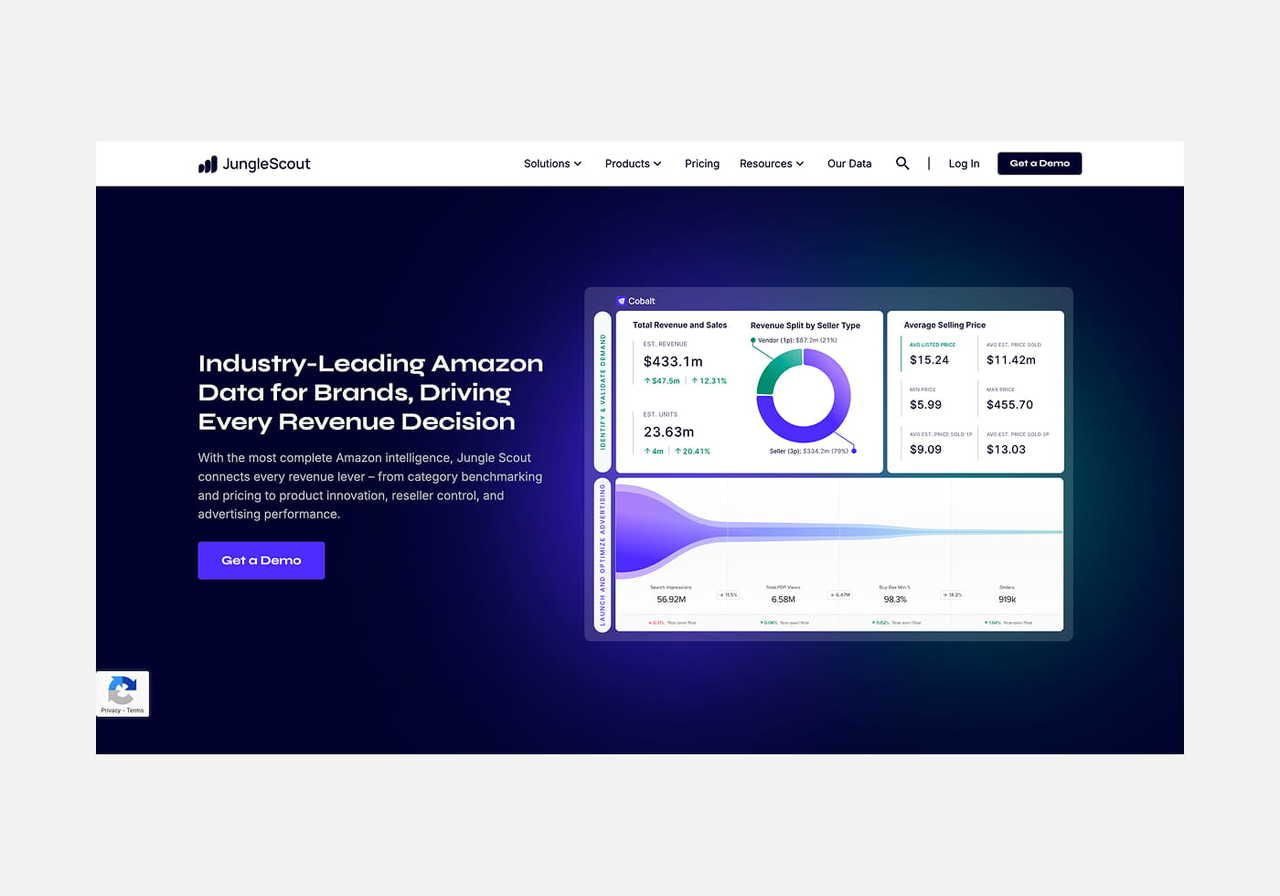
Source: JungleScout
Best for:
Amazon sellers who need reliable product research tools and market data – not dropshipping automation software for fulfillment.
Key features:
-
Deep product research with estimated sales, competition, and keyword demand
-
Database of high-potential and profitable products
-
Chrome extension for quick research directly on Amazon
-
Tools for creating optimized product listings with keyword suggestions
-
Supplier Database to identify and vet reliable suppliers
Amazon Policy compliance:
JungleScout doesn’t automate fulfillment or pricing. It’s fully policy-safe since it focuses on research and listing optimization.
Pricing:
Starts at $29/month for Basic (annual billing), with Suite ($49/month) and Professional ($84/month) for advanced analytics and historical data.
Pros:
-
Excellent for finding best-selling products
-
Helps build optimized product listings
-
Trusted brand with a massive dataset
Cons:
-
Doesn’t support order fulfillment or automation software
-
Not ideal for day-to-day store management
7. RepricerExpress
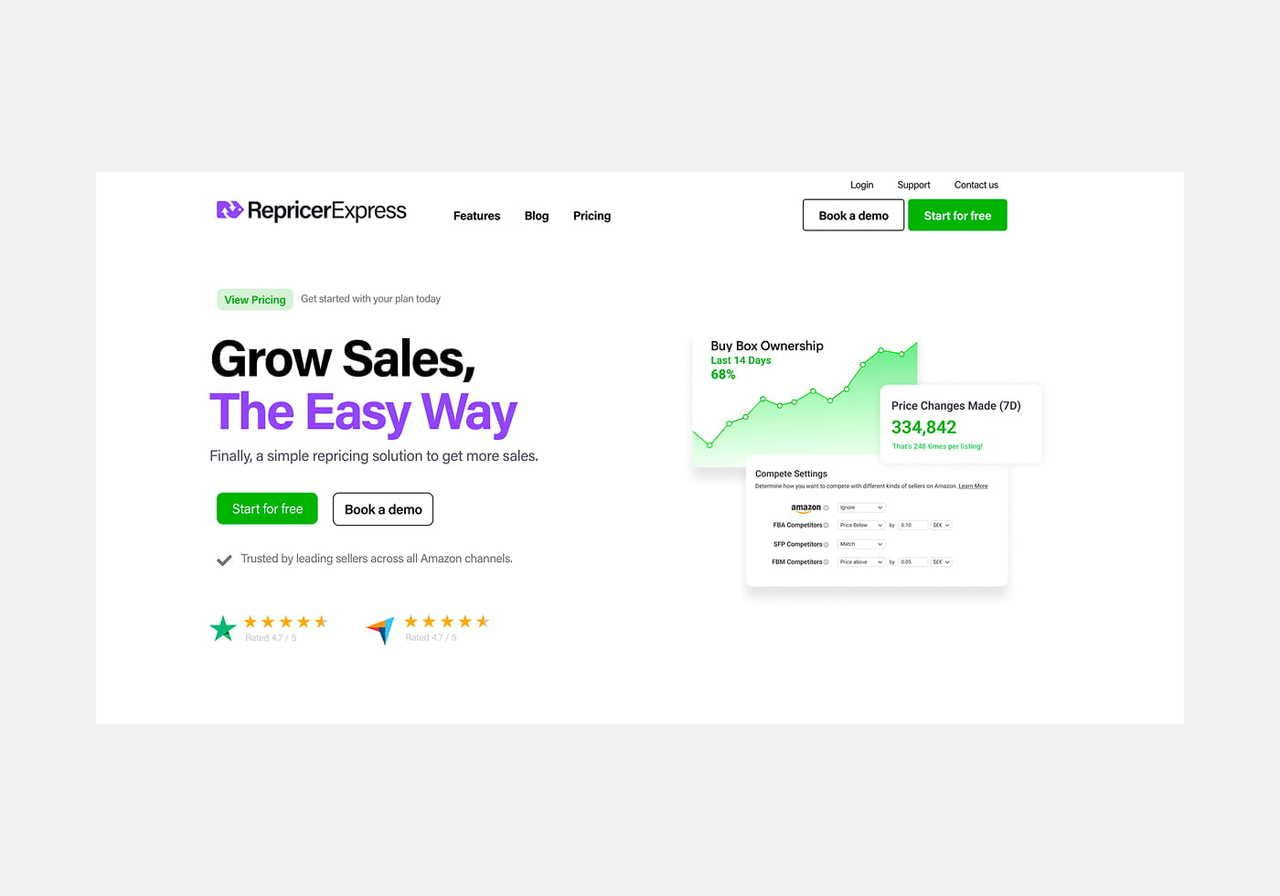
Source: RepricerExpress
Best for:
Automated repricing – essential for anyone competing for the Amazon Buy Box.
Key features:
-
Real‑time price monitoring and automated repricing across Amazon (and other channels)
-
Set min/max price rules to protect your profit margins
-
Ability to ‘price up’ when competitors go out of stock, or your Buy Box status is strong
-
Analytics and reporting to see which listings win the Buy Box, pricing history, and performance
-
Integration across marketplaces, channels, and support for multiple SKUs
Amazon Policy compliance:
RepricerExpress works purely on pricing – no order fulfillment, supplier branding, or delivery involved. Minimal policy risk.
Pricing:
14-day free trial (no credit card). Entry plan starts at $79/month.
Pros:
-
Powerful price automation tool
-
Helps maintain a competitive edge without manual work
-
Detailed pricing analytics and Buy Box reporting
Cons:
-
Doesn’t help with order fulfillment or product sourcing
-
Repricing is one piece – you’ll need other dropshipping tools for full automation
8. Inventory Source
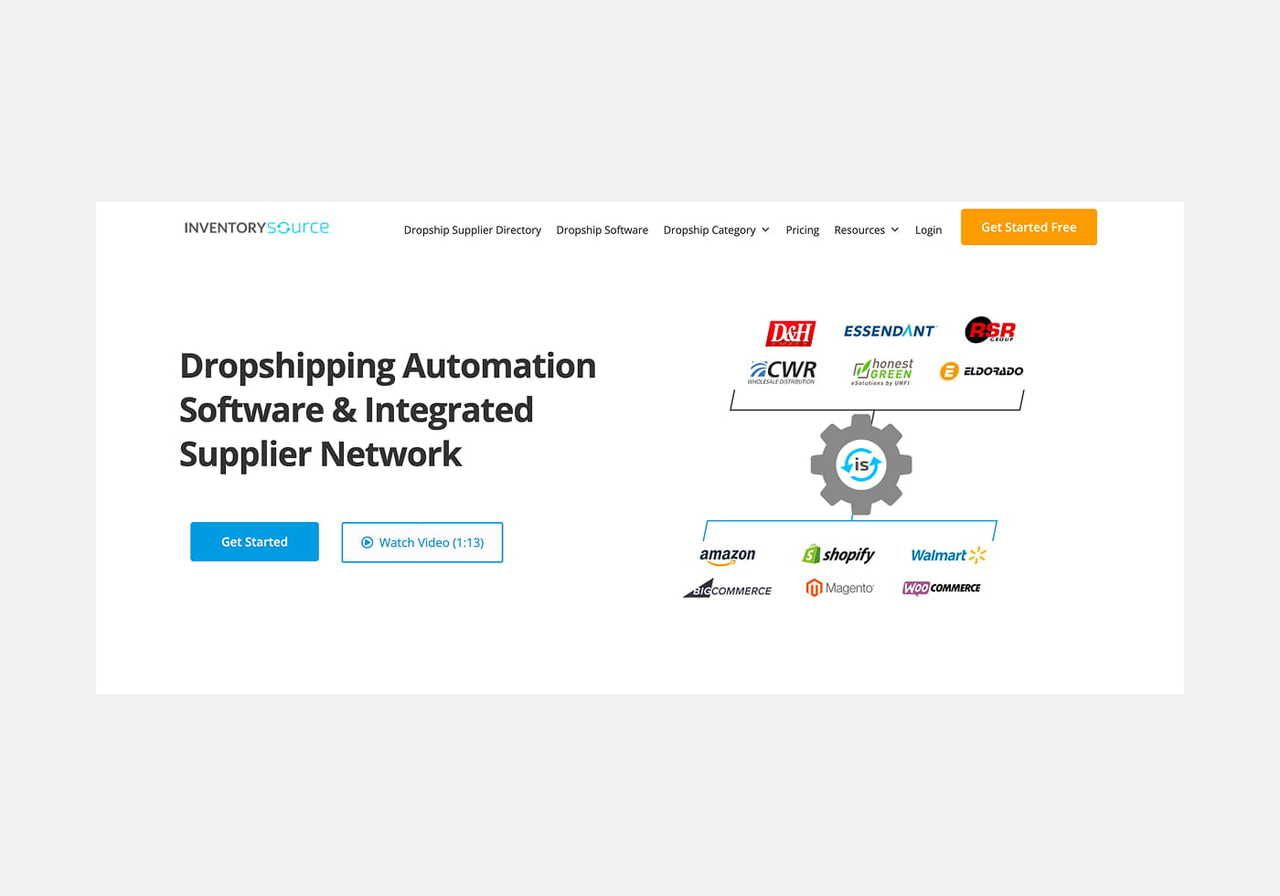
Source: Inventory Source
Best for:
Supplier network and syncing – especially useful for sellers working with wholesale suppliers or building a multi-brand catalog.
Key features:
-
Pre-built integrations with over 100 reliable suppliers
-
Auto-upload of product listings, inventory syncing, and automated tools for feed customization
-
Optional order processing automation (via their “Full Automation” plan)
-
Built-in supplier directory and product research software with filtering by category, location, and MOQ
-
Support for multi-channel platforms like Amazon, Walmart, eBay
Amazon Policy compliance:
Inventory Source focuses on syncing and sourcing, not fulfillment. Sellers must still manage shipping, branding, and customer service to meet Amazon’s dropshipping terms.
Pricing:
Inventory Source offers a free plan to preview suppliers and feeds. Paid plans start at $199/month (Starter, 2 integrations) and go up to $499/month (Power Seller, 10 integrations), with an additional $50/month per integration.
Pros:
-
Extensive supplier database with advanced filtering
-
Reduces manual work through smart syncing and processing orders
-
Great for scaling across multiple platforms
Cons:
-
Full automation comes at a premium
-
Doesn’t include analytics, ad, or repricing tools
Supporting tools to complement your dropshipping stack
The tools above handle the core of Amazon dropshipping – fulfillment, inventory, pricing, and research. But a successful dropshipping business also needs solid email marketing, customer support, and storefront infrastructure. These platforms aren’t dropshipping-specific, but they round out your stack.
9. Zapier
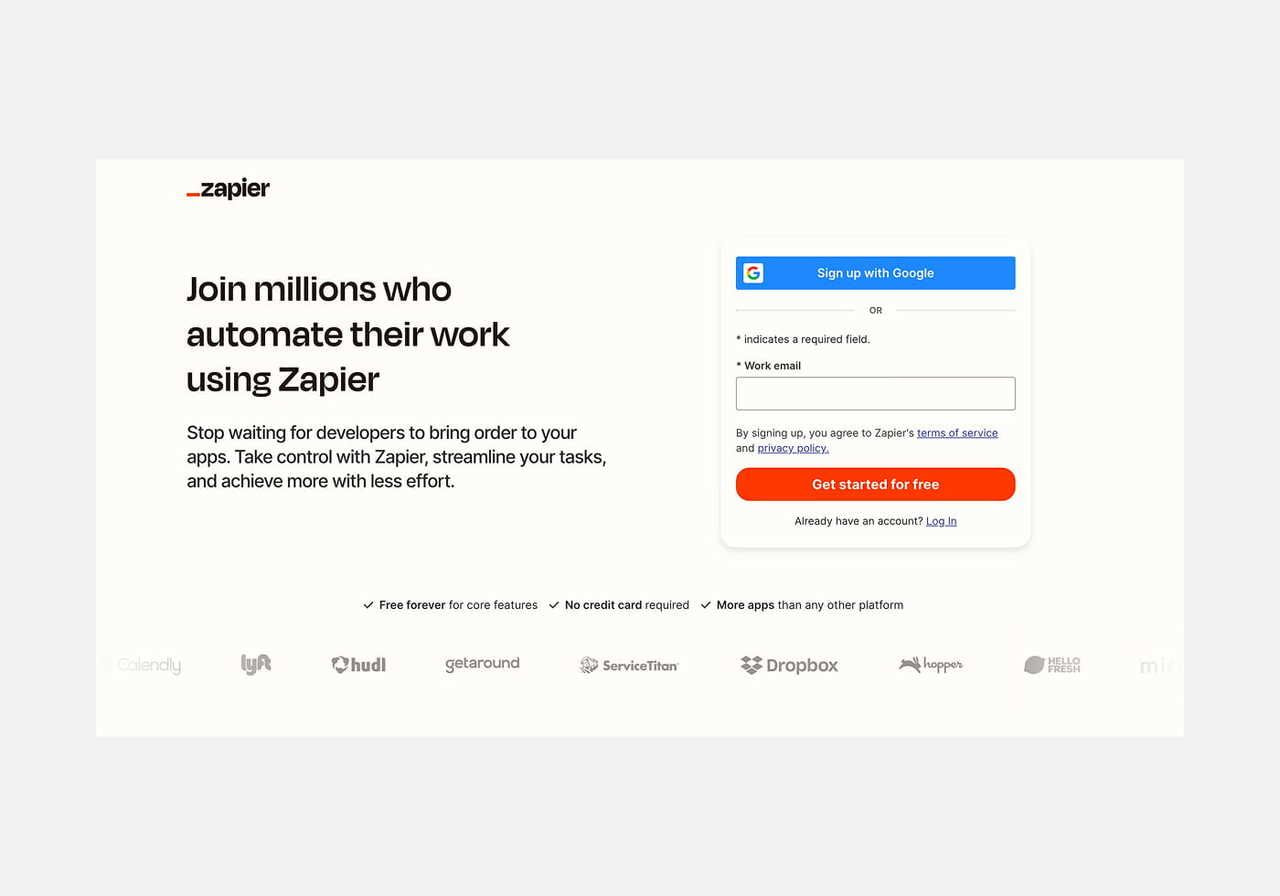
Source: Zapier
Best for:
Sellers who want to build custom workflows and bridge tools that don’t natively talk to each other (e.g., your dropshipping store, email, CRM, analytics).
Key features:
-
Connects over 8,000 apps so you can automate data flow (e.g., new order, send to supplier, update inventory spreadsheets, etc.)
-
Multi-step Zaps, conditional logic (filters, paths), webhooks, and automation branching
-
Automates multiple tasks like sending customer emails, updating CSV stock files, notifying teams, etc.
-
Works as a connector between your core Amazon automation software and tools like Zendesk, Mailchimp, or Google Sheets
Amazon Policy compliance:
Zapier itself is neutral – it doesn’t directly perform fulfillment or order routing. As long as you automate only the allowed parts (e.g., sending tracking updates, notifications) and you remain the seller of record, it fits within Amazon’s terms.
Pricing:
Offers a free plan, with 100 tasks per month and support for two-step Zaps. Paid plans begin at $19.99/month for more tasks and multi-step workflows. Team and Enterprise tiers are available for shared automations, more tasks, admin controls, etc.
Pros:
-
Extremely flexible – fills gaps between automation tools that don’t connect natively
-
No coding required
-
Automates notifications, data syncs, reports, and more
Cons:
-
Task‑based pricing means heavy automation becomes costly
-
Free plan is limited (100 tasks, simple Zaps)
-
Doesn’t replace dedicated dropshipping software (e.g., full order automation or supplier integrations)
10. Mailchimp
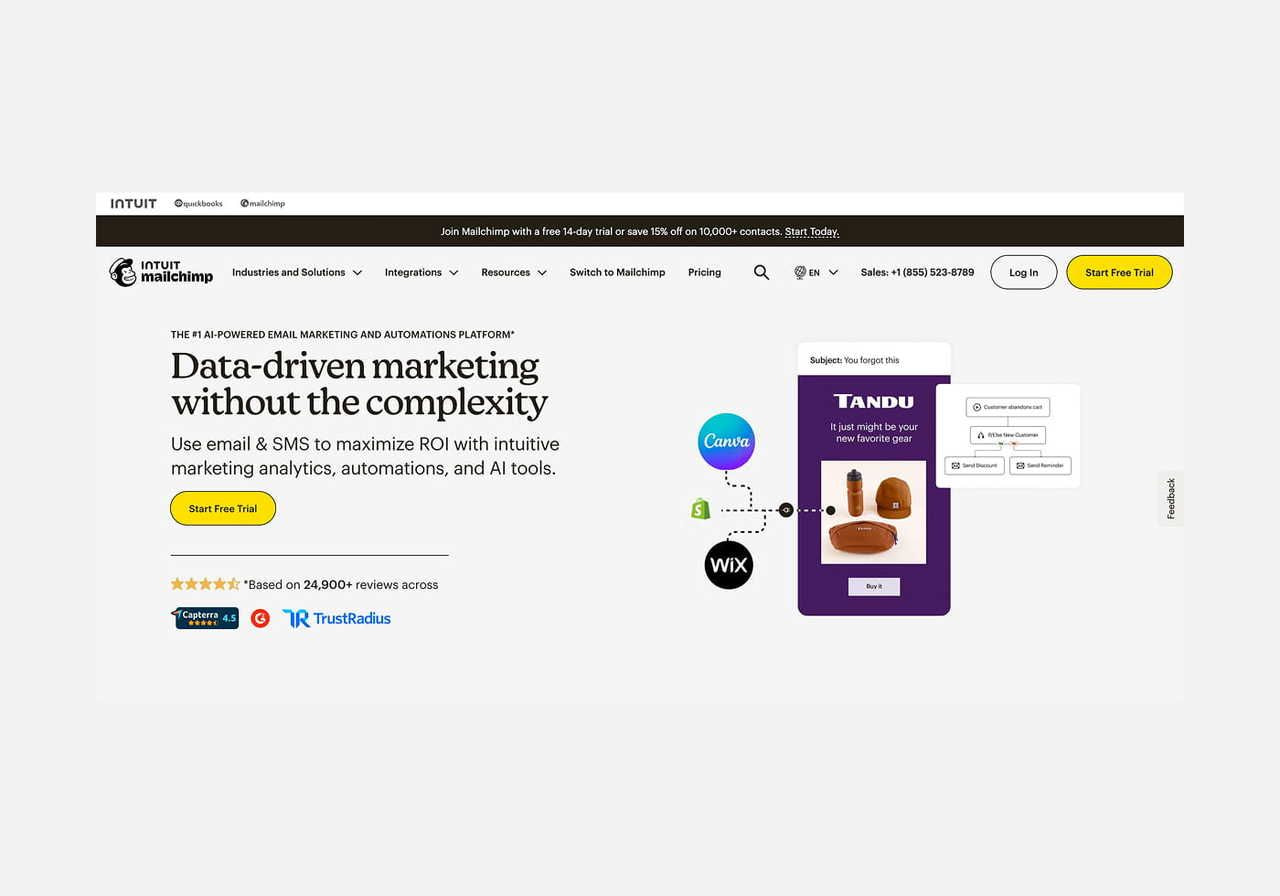
Source: Mailchimp
Best for:
Email marketing automation – driving repeat purchases and customer loyalty for online store owners.
Key features:
-
Email marketing automation (welcome emails, shipping confirmations, cart recovery)
-
Tools to create engaging campaigns, segment audiences, and schedule messages
-
Built-in analytics to track opens, clicks, and repeat purchases
-
Easy-to-use drag-and-drop editor and templates – no coding required
-
Integrations with Shopify, WooCommerce, and even dropshipping tools like AutoDS
Amazon Policy compliance:
Mailchimp works outside of Amazon’s ecosystem, so make sure email campaigns comply with Amazon’s communication policies. Don’t promote off-Amazon sales unless Amazon allows it.
Pricing:
Free plan available. Paid tiers start at $13/month (Essentials), with Standard and Premium options. 14-day free trials included.
Pros:
-
Great for building loyalty and improving customer satisfaction
-
Templates and automations make it easy to get started
-
Works across platforms – not limited to one eCommerce business
Cons:
-
Not suitable for order routing or supplier integration
-
Amazon messaging rules can limit its use for direct sales communication
11. Zendesk
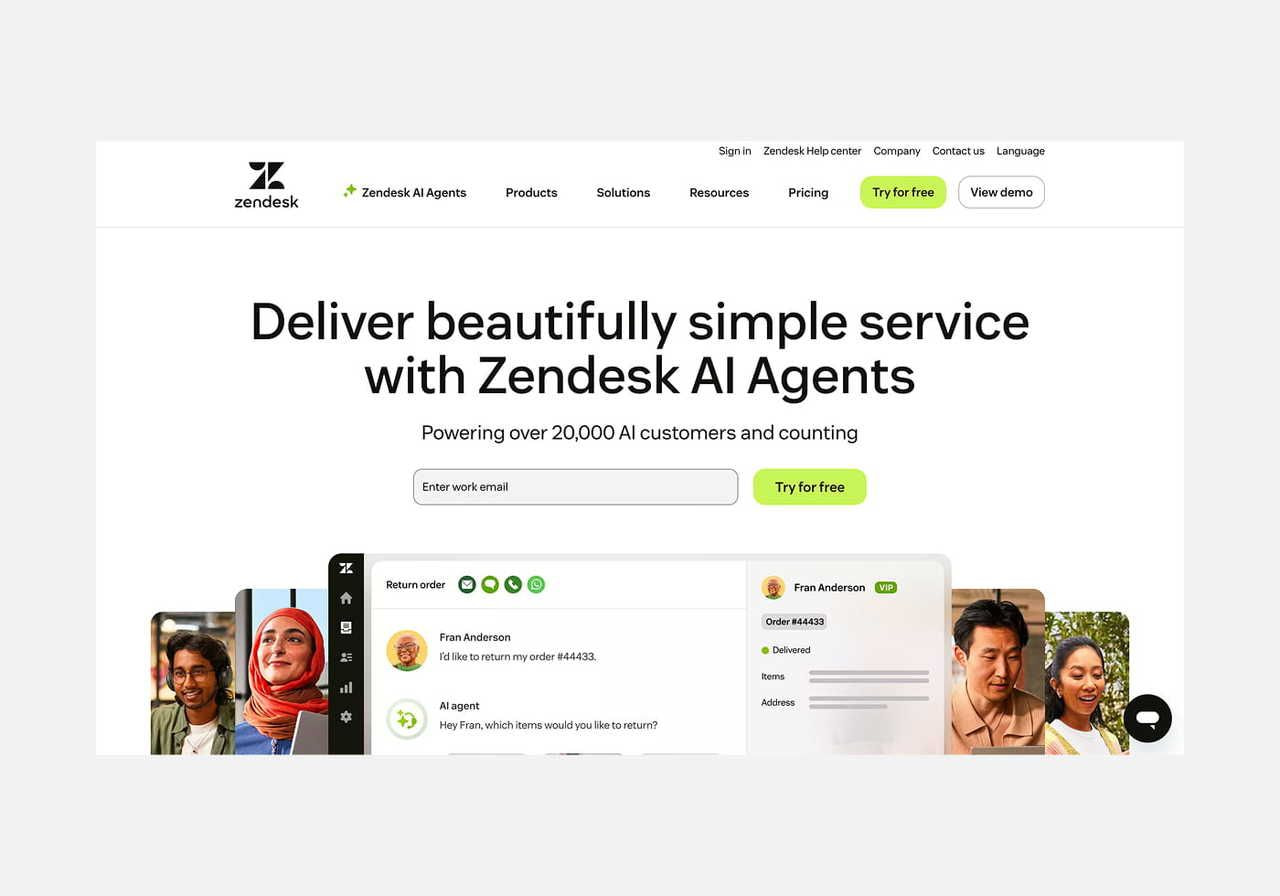
Source: Zendesk
Best for:
Sellers who want to deliver excellent customer service and support at scale.
Key features:
-
Centralized helpdesk for email, chat, and social media messages
-
Automation for ticket routing, canned replies, and customer segmentation
-
Analytics and satisfaction surveys to measure performance
-
Integrates with Amazon, Shopify, and other eCommerce business platforms
-
Great for managing support across multiple stores or brands
Amazon Policy compliance:
No conflict with Amazon’s core policies. Ensure automated replies follow Amazon’s communication guidelines – no off-platform purchase solicitation.
Pricing:
Starts at $19/month per agent (Support Team), with Professional at $55 and Enterprise at $155/month per agent. Suite plans with AI and omnichannel features start at $55/agent/month. All billed annually.
Pros:
-
Built to support growing teams and manage multiple stores
-
Helps maintain fast response times and high customer satisfaction
-
Includes workflows and macros to reduce manual work
Cons:
-
Doesn’t offer product or supplier automation
-
Overkill for solo sellers – better suited for teams
12. Shopify
Source: Shopify
Best for:
Storefront + app ecosystem – sellers who want their own online store alongside Amazon.
Key features:
-
Drag-and-drop store builder with customizable themes
-
App Store includes essential tools for product sourcing, inventory syncing, and order automation
-
Supports Print on Demand, dropshipping apps (like DSers, AutoDS, Zendrop)
-
Built-in SEO tools to boost product visibility
-
Integrates with Amazon, eBay, TikTok, and other sales channels
Amazon Policy compliance:
Sellers must ensure apps or workflows interacting with Amazon follow all policy requirements – especially branding, fulfillment, and customer experience.
Pricing:
Shopify offers plans starting at $29/month (Basic), $79/month (Grow), and $299/month (Advanced), all billed annually – with a promotional $1/month for the first 3 months on most plans. Shopify Plus starts at $2,300/month for enterprise users.
Pros:
-
Full-featured platform that supports complete dropshipping journeys
-
Flexible for scaling a successful dropshipping business
-
Huge ecosystem of third-party tools and seamless integrations
Cons:
-
Monthly costs add up with paid apps
-
Doesn’t include native Amazon automation – needs app setup
How to choose the right automation tool?

There’s no single best dropshipping software for everyone. The right software depends on where you are in your dropshipping journey, what’s eating up your time, and how you plan to scale.
Start with your store’s level
Starting out? Look for guided setup and simple dashboards – DSers and AutoDS are both beginner-friendly.
Running an agency or managing multiple stores? Prioritize bulk controls, multi-account support, and flexible connectors like Zapier.
Fix your biggest bottlenecks first
Losing sales to stockouts? Start with real-time inventory management – WebScraperApp and AutoDS both handle this well.
Losing margin to pricing? A dedicated repricing tool like RepricerExpress will have more impact than a general platform.
Struggling with product selection? Start with product research tools like Jungle Scout before investing in automation.
Align with your business model
Standard Amazon dropshippers need different tools than sellers offering print-on-demand or branded products.
If you’re selling products through customization (apparel, accessories, home decor), platforms like Printful let you automate design-to-fulfillment workflows through Amazon integration – a different business model than traditional product-flipping.
Prioritize smart integrations
The best dropshipping tools offer seamless integration with selling platforms, CRMs, and suppliers – so your data flows automatically without extra work.
Try before you commit
Most platforms offer free trials. Test a few options before upgrading to a paid plan.
Conclusion
Dropshipping automation isn’t optional anymore – it’s how Amazon sellers stay competitive as their dropshipping business grows. The tools in this guide cover every stage, from first-sale basics to multi-store scaling.
But tools are only as good as the strategy behind them. Start with your biggest bottleneck, test before committing to annual plans, and build your stack one layer at a time. The goal isn’t to automate everything – it’s to automate the right things so you can focus on what actually grows your profitable business model.
FAQ
Yes, as long as you follow Amazon’s dropshipping policy. You must remain the seller of record (meaning your name – not your supplier’s – appears on all packaging and invoices), remove all third-party branding, and handle customer service yourself.
Using automation tools for tasks like inventory sync or tracking updates is allowed – as long as you maintain full responsibility for fulfillment.
Yes – most dropshipping tools support accurate order fulfillment by syncing tracking numbers directly to Amazon. This keeps you compliant and maintains customer satisfaction without manual work.
Not at all. Most software offers user-friendly dashboards, and many even help you create compelling titles, set competitive pricing, and boost sales without any technical experience.

By Una Berzina
Una’s a Senior SEO Content Writer with a knack for SEO-friendly copywriting and building stunning landing pages. In her spare time, she's an avid reader and keeps close tabs on all things social media and mental health.

