



Table of contents
Roughly seven in ten online shoppers abandon their shopping cart before paying, and most of that is recoverable. Show shipping costs before checkout, enable guest checkout, cut your form fields in half, and add one-tap payment options – four changes that address the majority of fixable abandonment.
This guide is for anyone running an eCommerce store who’s watching sales slip away at the final step. Below: what research says about why buyers leave, 20 fixes with exact setup instructions, and recovery flows for the carts you still lose.
Key takeaways
-
The average shopping cart abandonment rate sits at 70.22% and has barely moved in 13 years.
-
About 42% of shoppers abandon because they were window shopping. Build your strategy around the rest.
-
Among fixable causes, high shipping costs lead at 40%, then slow delivery, payment security concerns, and mandatory account creation.
-
Better checkout design lifts conversion rates by 35.26% for the average large eCommerce site.
-
Prevention beats recovery, but recovery flows still win back a share of the lost sales you’d otherwise write off.
What is shopping cart abandonment?
Cart abandonment occurs when someone adds products to their shopping cart and leaves without buying. It’s the most common revenue leak in the online shopping experience, and among the most expensive, since every abandoned cart represents a customer who wanted the product enough to select it.
Abandoned shopping carts differ from ordinary site exits. Online shoppers who browse and leave showed curiosity. Someone who filled a cart showed intent, and intent converts far more easily.
How to calculate your shopping cart abandonment rate
Divide completed purchases by carts created, subtract from one, multiply by 100.
If your online store created 1,000 carts last month and 250 buyers checked out, your rate is 75%.
Where to find the numbers:
-
Shopify – Analytics, then Reports, then “Online store conversion over time.” It shows sessions that added to cart versus sessions that completed checkout.
-
Google Analytics 4 – Reports, Monetization, Purchase journey. This breaks the buying process into stages so you can see exactly where people drop.
-
WooCommerce – install a plugin like CartFlows or Metorik, since WooCommerce doesn’t track this natively.
Track monthly. Weekly figures swing too wildly in smaller stores to mean anything.
The average cart abandonment rate
Baymard Institute puts the average documented rate at 70.22%, calculated across 50 separate studies. It has hovered near 70% for over a decade despite enormous improvements in checkout technology.
Mobile runs higher than desktop. Small screens, fiddly forms, and interrupted sessions all push mobile buyers to abandon more often.
If your rate sits between 65% and 75%, you’re typical. That isn’t comfort – typical means roughly $7 of every $10 in potential revenue walks away as lost sales.
Why shoppers abandon carts
Before fixing anything, work out which problems deserve your time. Baymard’s research explains why customer abandon carts in two very different ways, and only one group is winnable.
The 42% you won’t win back
42% of US shoppers abandon a cart because they were “just browsing / not ready to buy.”
This is window shopping, and it’s normal. People use carts as wish lists, price comparison tools, and shortlists. No amount of checkout optimization changes that, and chasing this group with discounts trains buyers to wait for coupon codes.
Treat it as the cost of running an online business.
The reasons you can actually fix
Setting browsers aside, here’s what drives the rest of online shopping cart abandonment:
| Reason | Share |
|---|---|
| Extra costs too high (shipping, tax, fees) | 40% |
| Delivery was too slow | 20% |
| Didn’t trust the site with credit card information | 19% |
| The site wanted me to create an account | 18% |
| Too long or complicated checkout process | 17% |
| Website had errors or crashed | 17% |
| Returns policy wasn’t satisfactory | 13% |
| Couldn’t see total order cost up front | 12% |
| The credit card was declined | 10% |
| Not enough payment methods | 9% |
Every one is a design or policy decision, which means the fixes sit within your control. That’s the encouraging part of online shopping cart abandonment – almost all of it responds to changes you can make this month.
The payoff is measurable. Baymard’s testing shows the average large eCommerce site can gain a 35.26% increase in conversion rate through better checkout design alone – across US and EU eCommerce, roughly $260 billion in recoverable orders.
Let’s see what else you can do to make sure potential customers actually convert and don’t become cart abandoners.


20 Ways to reduce shopping cart abandonment: Fix pricing first
High shipping costs cause more lost sales than anything else you can control. Start here.
1. Eliminate unexpected shipping costs
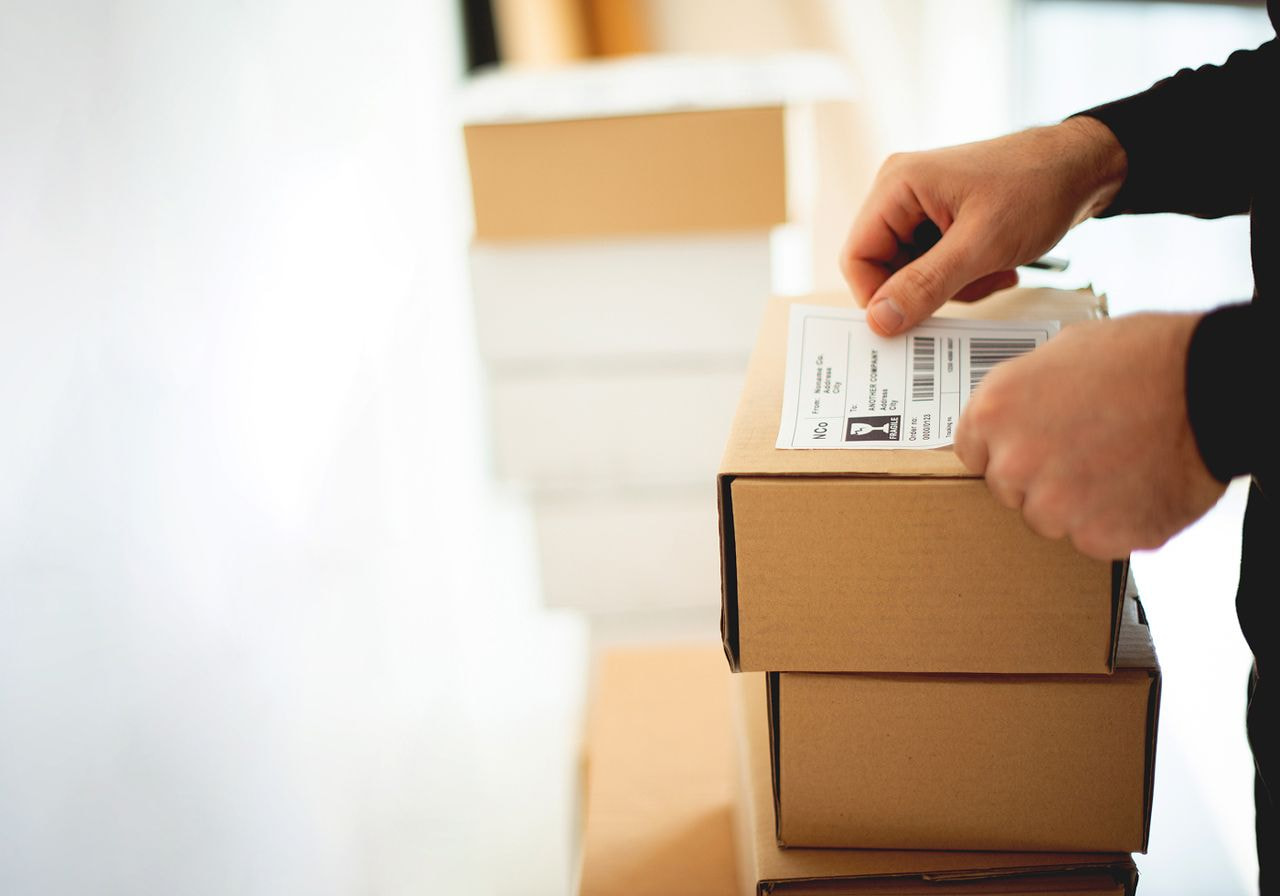
The issue isn’t that delivery costs money. It’s that buyers discover the cost after mentally committing to a price.
How to fix it – pick one of three approaches:
Build shipping into product prices. Take your average shipping cost per order, divide by average units per order, and add that to each product price. Then set shipping to free at checkout. Buyers consistently prefer one higher number to two smaller ones totaling the same.
Show shipping fees on product pages. If margins won’t absorb them, display costs before the cart. Most platforms support a shipping estimate widget on product pages – in Shopify, apps like Shipping Rates Calculator Plus add this in minutes.
Add a calculator to the cart page. Let people enter a postal code and see real numbers before checkout. This works well for stores with genuinely variable rates by region.
Work out which protects your margins using our guide to eCommerce shipping pricing.
2. Show transparent pricing throughout the customer journey
A separate 12% abandon because they couldn’t calculate the total up front. That’s about uncertainty rather than expense, and unexpected costs appearing at final checkout are the most avoidable mistake in this entire guide.
How to fix it: display a running total in the cart that includes estimated tax and shipping. Enable tax estimation in your platform settings – Shopify does this automatically once you’ve set tax regions under Settings → Taxes and duties. Never introduce a new line item at the payment stage. If you charge handling or packaging fees, name them on the product page.
Transparent pricing costs nothing and removes the most avoidable cause of cart abandonment.
3. Set a free shipping threshold
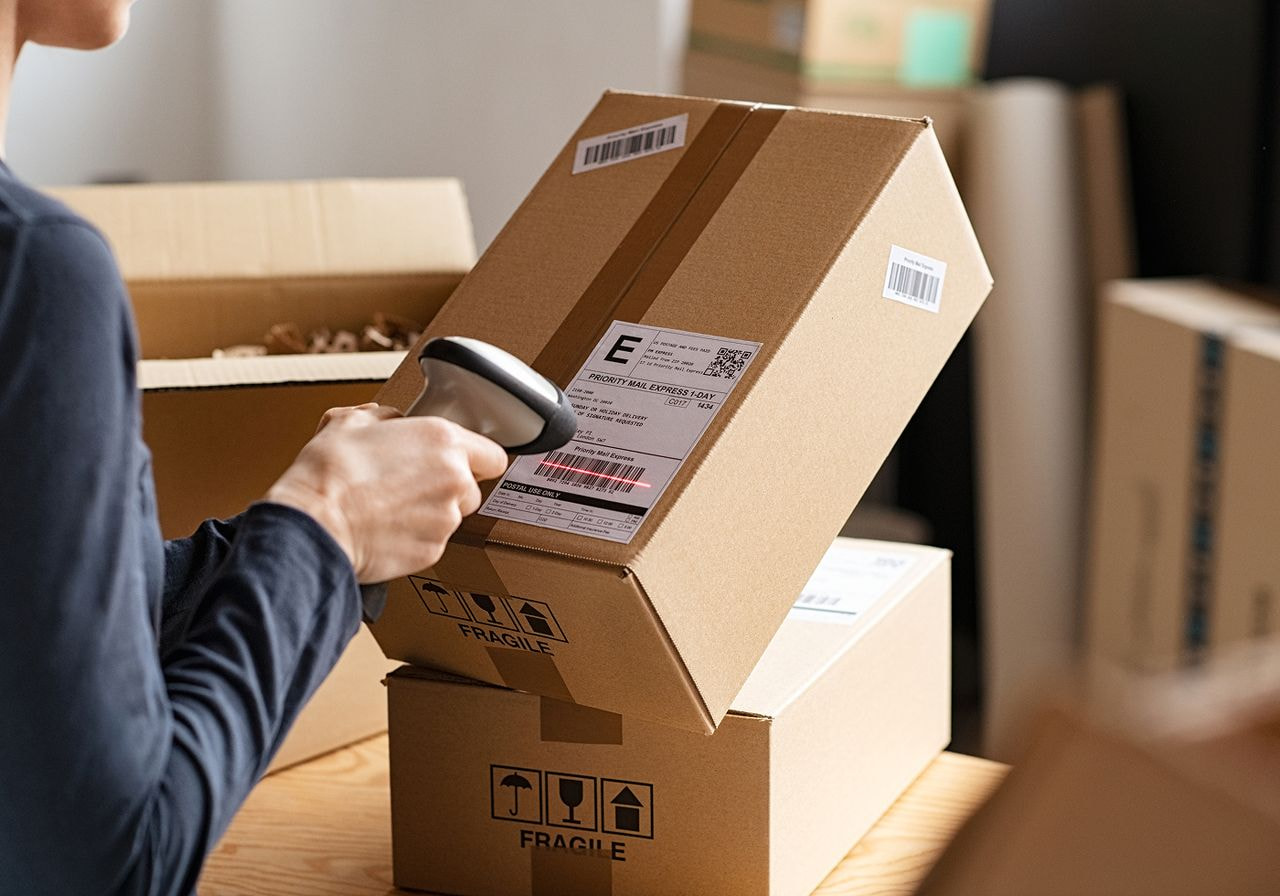
Free shipping above a minimum spend solves two problems: it removes the cost objection and lifts average order value as buyers add items to qualify.
How to set it: find your current average order value in your analytics, then offer free shipping above a threshold roughly 20-30% higher. A store averaging $45 per order should test $55 or $60. Too low and you give away margin on orders that would have converted anyway. Too high and nobody reaches it, so conversion rates drop instead of rising.
How to display it: add a progress message in the cart – “Add $12 more for free shipping.” Shopify themes like Dawn include this natively under theme settings; otherwise, apps like Essential Free Shipping Bar handle it. Turning a cost into a goal measurably increases completed purchases.
Many online retailers offer free shipping only above a threshold precisely because blanket free shipping destroys margin on small orders.
4. Offer payment plans on higher-priced items
Flexible payment options matter more as baskets grow. Services like Klarna, Afterpay, and Affirm split payments into installments, making a $200 order feel like four payments of $50.
How to add them: in Shopify, Shop Pay Installments activates under Settings → Payments if you’re in a supported region. For Klarna or Afterpay, install their app and connect a merchant account – approval usually takes a few days. On WooCommerce, both offer official plugins.
These providers pay you in full upfront and absorb the credit risk, so your cash flow is unaffected.
Speed up delivery
Slow delivery is the second-biggest fixable cause, and the one most stores ignore entirely.
5. Show delivery dates, not shipping speeds
“Standard shipping: 5-7 business days” tells a buyer almost nothing. “Arrives Thursday, March 12” tells them everything they need.
How to do it: most platforms calculate this once you set processing times. In Shopify, go to Settings → Shipping and delivery → Processing time, and enable “Show delivery dates at checkout.” Apps like Estimated Delivery Date extend this to product pages, which is where it does the most good.
6. Add at least one faster shipping option
You don’t need overnight delivery on everything. You need a choice.
Create a second shipping rate at a higher price with a shorter window. Even if 80% of buyers pick standard, having an express option converts the ones on a deadline. Set it up under your shipping profiles, and make sure the delivery estimate for each option displays side by side at checkout.
For Printful merchants, local fulfillment shortens transit times considerably, since products print in the customer’s region rather than crossing borders.
Build payment trust

Nearly one in five buyers abandon over payment security concerns – they simply don’t trust the site with their card details. Payment security is a design problem before it’s a technical one, and the fixes are mostly visual.
7. Display security signals at checkout
-
Confirm your SSL certificate is active – your URL should show HTTPS with a padlock on every page, not just checkout. Hosted platforms include this automatically; self-hosted stores can get free certificates through Let’s Encrypt.
-
Add payment provider logos near the card fields. Visa, Mastercard, PayPal, and Apple Pay transfer their credibility to you.
-
Place a trust badge beside the payment form rather than in the footer, where nobody looks.
-
Keep the checkout page visually consistent with the rest of your site. A checkout that looks like a different website triggers instant suspicion.
Addressing these customer concerns costs an afternoon and removes a 19% objection.
8. Add social proof near the point of purchase
Reviews do more for payment trust than any badge, because buyers trust other buyers.
How to do it: install a review app – Judge.me, Loox, and Okendo all integrate with major platforms – and enable automatic post-purchase review requests. Display star ratings on product pages and collection pages, then add a short line of social proof to the checkout page itself, such as a total order count or a single strong testimonial. Social proof answers the unspoken question: has anyone else risked this?
9. Make contact details visible
A phone number, email address, and business address signal that a real company stands behind the transaction. Many people check for these before entering card details, even though they’ll never call.
Add them to your footer, your contact page, and ideally a line in the checkout sidebar. Live chat helps too – Tidio and Gorgias both offer free tiers that cover basic coverage.
Remove account friction
Required signups can deter customers at the exact moment they were ready to pay, and it hits new customers hardest since returning buyers already have logins.
10. Skip mandatory account creation by enabling guest checkout
The easiest fix in this guide. Let people buy without registering.
How to do it: in Shopify, Settings → Checkout → Customer accounts → select “Don’t use accounts” or “Accounts are optional.” In WooCommerce, Settings → Accounts & Privacy → tick “Allow customers to place orders without an account.” BigCommerce and Wix have equivalent toggles.
A guest checkout option lets buyers skip account creation entirely, which speeds the purchase process and removes a step that delivers nothing to them. You can still invite registration on the order confirmation page, where the friction costs you nothing.
If your store currently requires registration, this should be the first change you make today.
11. Solve confusing checkout processes with express checkout buttons
Shop Pay, Apple Pay, Google Pay, and PayPal Express let returning buyers complete a purchase in one or two taps with shipping details and card already stored.
How to do it: in Shopify, Settings → Payments → Shop Pay and “Accelerated checkouts,” then enable each wallet. Crucially, turn on dynamic checkout buttons in your theme settings so they appear on product and cart pages, not just at the final step.
Shoppers who see a one-tap option early skip the standard checkout flow entirely, which sidesteps every form field problem at once. It also means the payment process uses whichever wallet is already their preferred payment method, rather than forcing a card entry.
This matters most on mobile, where typing an address is genuinely tedious.
12. Offer social sign-in
For buyers who do want accounts, letting them register with Google or Apple removes the password step. You get the customer data, they get through in seconds. Shopify supports this natively through customer accounts; WooCommerce needs a plugin such as Nextend Social Login.
Simplify the checkout process
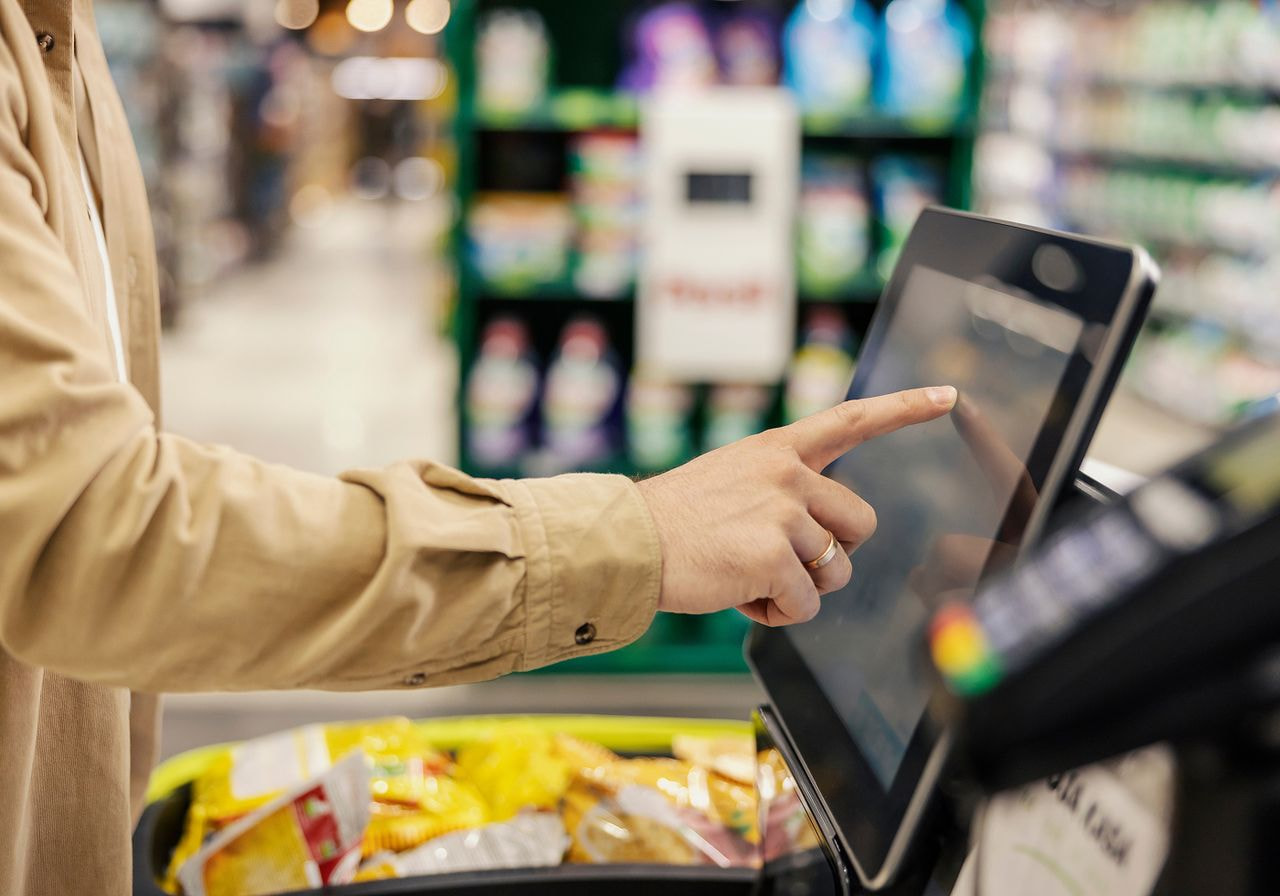
A confusing checkout process pushes away 17% of people who had already decided to buy. Shortening the checkout flow is usually the highest-return work available, because it improves the checkout experience for every single buyer rather than one segment.
13. Cut your form fields
The most quantified fix available. Baymard’s testing shows an ideal checkout flow can be as short as 12-14 form elements, while the average US checkout contains 23.48, meaning most stores can cut 20-60% of what they show.
How to audit yours: open your own checkout and count every field. Then remove or make optional:
-
Company name (unless you sell B2B)
-
Second address line
-
Phone number, unless your carrier requires it
-
Separate first and last name fields – combine into one
-
Middle name, title, and any demographic questions
Then enable address autocomplete so the city and region populate from the postal code. Shopify includes this; WooCommerce users can add it through a Google Places plugin. Default the billing address to match the shipping address with a checkbox to change it.
Every field you delete is a reason to abandon that no longer exists.
14. Add a progress bar
A progress bar is the row of labeled steps at the top of checkout – typically “Information → Shipping → Payment” – showing where someone is and how much remains. It reduces abandonment because uncertainty about length is itself a reason to quit.
How to add one: Shopify’s default checkout automatically includes a breadcrumb progress indicator. On WooCommerce, multi-step checkout plugins like CheckoutWC or Funnelkit add one. If you’ve built a custom checkout, the component is straightforward – three labels with the active step highlighted.
Keep your checkout to three steps or fewer. If yours runs longer, consolidate rather than adding more indicators.
15. Optimize the checkout experience for mobile
Mobile abandonment runs well above desktop, largely because flows built for keyboards get used with thumbs.
How to fix it:
-
Set input types correctly so numeric keypads appear for card, postal code, and phone fields. In HTML that’s inputmode=“numeric” – most themes handle it, but custom checkouts often miss it.
-
Make tap targets at least 44 pixels tall.
-
Enable browser autofill by using standard field names, so saved addresses populate with one tap.
-
Test on a real phone, not a resized desktop browser. Anything requiring pinch-zoom is costing you sales.
16. Keep buyers on your site
Redirecting to a third-party payment page breaks the customer journey and raises doubt at the worst moment. Use an embedded payment gateway – Shopify Payments, Stripe, or Square all keep the transaction inside your own checkout page rather than bouncing people to an unfamiliar domain.
Fix technical problems

Site errors cause as much abandonment as a complicated checkout, and they’re entirely preventable.
17. Test your checkout monthly
Enable test mode in your payment settings – Shopify calls this Bogus Gateway, Stripe has a test mode – then place a full order on desktop and mobile. Run through a discount code, try a different payment method, and confirm the order confirmation email arrives. Note the date and repeat monthly.
Broken checkouts rarely announce themselves. You usually discover them weeks later through a sales dip.
18. Improve site speed
Slow pages lose people before the cart and lose them mid-purchase.
How to do it: run your store through Google PageSpeed Insights and fix the flagged items in order. Usually, that means compressing product images (using TinyPNG or your platform’s built-in compression), removing apps you no longer use, since each adds scripts to every page, and enabling lazy loading for images below the fold.
Speed affects visibility too, since page experience factors into rankings. Our eCommerce SEO guide for beginners covers the overlap.
19. Reduce declined cards
10% of abandonment comes from declined payments. Some is unavoidable, but you can reduce it.
-
Accept international cards in your payment settings, since blocking foreign cards silently kills legitimate orders.
-
Write clear error messages that say what went wrong rather than “payment failed.”
-
Let buyers retry with a different method without re-entering their whole order.
-
And check your fraud filters – overly aggressive rules decline real customers.
20. Offer flexible payment options
9% abandon because their preferred payment method wasn’t there. Widening the payment process costs almost nothing and removes an entire category of abandonment.
How to do it: review your payment settings and add PayPal, Google Pay, and Shop Pay at minimum. If you sell internationally, research regional favorites – iDEAL in the Netherlands, Sofort in Germany, Boleto in Brazil. Each takes minutes to enable. Offering multiple payment options is among the cheapest fixes here.
Reassure hesitant buyers to stay on your eCommerce site
Two remaining categories need policy fixes rather than technical ones.
Write a clear returns policy
13% abandon over an unsatisfactory returns policy. People can’t touch products before buying, so the policy is their safety net.
State the return window in days, clearly state who pays for return shipping, and explain the refund timeline. Then link it from the cart, the checkout page, and the product page rather than burying it in the footer. A generous policy costs less than the sales a restrictive one prevents, and it lifts customer satisfaction on the orders that do go through.
Strengthen your product pages
Many abandonments start before the cart. Thin product details leave doubt, and doubt compounds at payment.
Use at least five images per product from different angles, including a scale reference, add size charts for anything worn, and answer the three questions your support inbox receives most often directly on the page. Strong photography does more work than any other element – our guide to product photography trends covers what performs now.
Cart abandonment solutions for the sales you still lose
Prevention handles most of the problems. Recovery handles what’s left, turning a share of your abandoned carts back into orders.
Cart abandoners are the warmest potential customers you’ll ever have – they chose the product and stopped at the final step. A recovery flow costs one afternoon to build and runs indefinitely.
Set up abandoned cart emails
Automated emails remain the most reliable way to re-engage potential customers. Omnisend’s benchmark data puts abandoned cart emails at a 37.12% open rate, 4.13% click rate, and $3.59 revenue per email.
Here’s how to build the flow: in Klaviyo or Omnisend, create an abandoned checkout flow triggered by the “Started Checkout” event. Build three emails:
-
Email 1, one hour after abandonment. Product image, a “return to cart” button linking straight back to the filled cart, and nothing else. No discount.
-
Email 2, 24 hours later. Add social proof – reviews of the exact product left behind – and address a likely objection like shipping or returns.
-
Email 3, 48 to 72 hours later. This is where coupon codes belong, if you use them at all.
Keep discounts in the final email only. Sending discount codes immediately teaches customers to abandon deliberately, which costs more than it recovers.
Add SMS and push notifications
SMS reaches people faster than email and suits time-sensitive reminders.
Collect phone numbers at checkout with explicit opt-in consent – this is a legal requirement, not a preference. Then add an SMS step to the same flow, roughly four hours after abandonment, with a short message and a direct checkout link. One message per cart, never three.
Push notifications work similarly for anyone who opted in through your site. Both complement email rather than replacing it.
Use exit-intent offers carefully
Exit-intent overlays detect cursor movement toward the browser close button and display an offer before the visitor leaves.
They work, but carry costs. Intrusive interstitials hurt mobile search rankings, and buyers who learn that leaving triggers a discount will leave on purpose.
How to use them sensibly: restrict to desktop only, limit to cart and checkout pages, and cap frequency at once per visitor per week. Offer something other than money where possible – free shipping, a size guide, or a reminder that returns are free.
Retarget with realistic expectations
Retargeting ads still work, but less reliably since privacy changes limited third-party tracking.
How to improve results: install server-side tracking – Meta’s Conversions API and Google’s server-side tagging both recover signal lost to browser restrictions. Build audiences from your own customer list rather than pixel data alone. Cap frequency at three to four impressions per week. Ads that follow people for a fortnight damage your brand more than they recover carts.
How to reduce abandoned carts: Where to start
You can’t fix everything at once, so work in order of impact.
-
Start with shipping transparency, since that single category accounts for 40% of fixable cart abandonment.
-
Enable a guest checkout option next – it’s the fastest change with the clearest payoff.
-
Then audit your checkout and cut every unnecessary field.
Once prevention is solid, layer recovery on top. An email flow takes an afternoon to build and runs indefinitely, quietly converting abandoned carts into more completed purchases every month.
Measure before and after. Most online retailers benchmark against industry averages, but your own baseline is the only number that matters – no two stores lose sales for identical reasons, and the lost sales on your ecommerce site come from your specific products, prices, and audience.
Track your rate monthly, and you’ll see which changes worked within a single cycle of online shopping behavior.
FAQ
The most effective strategies target the biggest causes: show all costs, including shipping early, enable guest checkout, cut checkout form fields, add express payment options, and display trust signals beside the card form. Together, these address roughly 85% of fixable abandonment and lift purchase completion measurably.
You can't eliminate it – 42% of abandoners were browsing rather than buying. What you can do is remove the friction causing the other 58% to leave by simplifying the checkout process, setting up multiple payment options, enabling guest checkout, and adding clear policies.
Enable guest checkout and turn on express payment buttons. Both take under an hour and address two categories worth 18% and 17% of abandonment, respectively. Then work on shipping transparency, which is the single biggest factor, but takes longer to implement properly.
You can't, and chasing that goal wastes effort. Window shopping is normal behavior in online shopping, and those buyers were never converting today. Focus on the fixable 58% by enabling guest checkout, adding multiple payment options, and simplifying the entire process.
Trigger a recovery sequence. Send an email within an hour with the product image and a direct link back to the filled cart, follow up at 24 hours with social proof, and send a final reminder at 48 to 72 hours. Add SMS if the customer opted in.
Measure your baseline, use checkout analytics to find where people drop out, then fix the largest leak first. Most stores find bigger gains in shipping transparency and checkout length than in recovery emails, though both help.
Final thoughts
Knowing how to reduce cart abandonment isn’t about clever tricks. It’s about removing reasons to leave.
Roughly 42% of your abandoners were never buying today, and that’s fine. The other 58% told researchers exactly what stopped them: surprise costs, slow delivery, trust concerns, forced accounts, and checkouts that drag. Fix those in order of size, recover what’s worth chasing, and measure your own numbers rather than industry averages.

By Baiba Blain
With 7+ years of experience in translation and creative writing, Baiba now leads a squad of talented writers, balancing research-backed storytelling with team guidance, quality assurance, and SEO processes. Outside of work, she enjoys exploring old castles, spontaneous road trips, and talking back to her cats. 10/10 arguments won so far.

