



Table of contents
Etsy had about 88 million active buyers in the third quarter of 2026, and reported strong growth in purchases for holidays, weddings, and other special occasions.
To sell Print on Demand (POD) on Etsy, sellers need to open an Etsy shop, connect a POD provider such as Printful, and publish listings with Printful as their production partner. We’ll then print and ship each order after a customer completes a purchase.
In this article, we’ll cover how to do Print on Demand on Etsy, step by step, for first-time sellers and brands adding Etsy as a sales channel.
Key takeaways
-
Print on Demand (POD) is allowed on Etsy when sellers create the designs and disclose their production partner, such as Printful.
-
Opening an Etsy shop costs a one-time setup fee that varies by location. After that, Etsy charges $0.20 per listing, a 6.5% transaction fee, and payment processing fees on each sale.
-
Choosing a niche before setup helps shape the shop name, the product line, and the keywords sellers target.
-
Etsy search matches the keywords in titles, tags, categories, and attributes, and it also weighs review rating, message response rate, and case rate to rank shops.
-
Printful syncs products to Etsy as draft listings, then prints, packs, and ships each order under your brand.


Why choose Etsy?
Etsy lets sellers sell products inside a marketplace that already has buyers. In the third quarter of 2026, Etsy marketplace sales reached $2.6B, up 8.8% from a year earlier. Etsy also reported growth in home decor and in custom monogrammed back-to-school bedding, categories where personalized print-on-demand products naturally fit.
That built-in traffic makes Etsy a great option for first-time sellers – no need to build a website and find visitors for it. Shop Manager covers listings, buyer messages, order tracking, and ads in one place.
But Etsy charges fees for every listing, while platforms like Shopify charge a monthly plan with no extra listing fees. Sellers also compete with more than 100 million listings, so a clear niche matters from day one.
How does Print on Demand work with Etsy?

Can you sell Print on Demand on Etsy? Yes. Etsy allows custom-designed products, provided the seller creates original designs and discloses the production partner, like Printful. Reselling ready-made items from other companies breaks Etsy’s rules.
POD is a business model where each product gets made after a customer orders it – sellers skip inventory and bulk orders. The production process on Etsy runs in four stages:
-
A buyer orders from your Etsy shop.
-
The order syncs to Printful automatically.
-
Printful prints the item and handles packaging and shipping under your brand.
-
Tracking details sync back to your Etsy shop.
Some costs come before the first sale – Etsy’s setup fee, listing fees, and any samples you order. Printful charges for production and shipping only when an order comes in, and our Etsy integration has no monthly fee. That makes POD practical for solo creators testing ideas and for brands that want to test a new product line before ordering stock.
The POD provider you choose controls print quality, production times, and how reliably orders are fulfilled. Check its Etsy integration, product range, and sample quality before you list products.
On Etsy, custom apparel, personalized home decor, wall art, and pet accessories all suit the POD model, since buyers often want a name, date, or design made for them. Demand for custom apparel keeps growing, with the global custom t-shirt printing market hitting $5.2B in 2024 and projected to reach $9.8B by 2030.
How to sell Print on Demand on Etsy in 9 steps


The steps below show how to start a print-on-demand business on Etsy.
1. Define your audience and niche

Decide who you’re selling to before you open the shop. The niche shapes the shop name, products, designs, and keywords you’ll target. Changing it later means redoing most of the setup.
Start with three questions:
-
Who is my ideal customer?
-
What custom products do they look for?
-
Do they shop on Etsy?
Then, choose a niche that matches those answers. A defined niche lets you create products for a specific group of buyers.
Examples include pet-themed t-shirts for dog lovers, eco-friendly tote bags for farmers market shoppers, zodiac-inspired wall art, and funny mugs for over-caffeinated bookworms.
A narrow niche changes five parts of the business:
-
Stronger marketing: Promotional materials can target the exact keywords those buyers search for.
-
Lower competition: Narrow niches have fewer direct competitors than broad categories like funny t-shirts.
-
Better products: Knowing the audience tells you which designs and product types to create.
-
Repeat customers: Buyers who find a shop built around their interest come back for new designs.
-
Focused spending: Listing fees and ad budgets go to products with proven demand.
Use Etsy as a research tool. Search your niche, open the top shops in the results, and read their reviews to find complaints you could solve.
Google Trends shows whether interest in a theme grows, holds steady, or peaks around special occasions and life events like weddings. Long-tail searches such as “retro cat mom shirt” face less competition than one-word terms like “shirt.”
Let keyword research guide your design choices. If shoppers search for “nurse coffee mug” more often than “nurse tote bag,” start with mugs.
Micro-niches, such as gifts for retired firefighters, give new listings a better chance to rank than broad themes. Look for underserved niches, where a search returns few listings that match what the shopper typed – just make sure there’s actual demand.
Tip:
Learn how to find the right niche for your online business and explore 20+ print-on-demand niches to watch.
2. Create an Etsy account
This step covers how to start a print-on-demand shop on Etsy. Have your government ID, bank details, and a debit or credit card ready, since most sellers need all three to finish setup.
-
Create your accounts: Sign up on Etsy and create a free Printful account.
-
Set up your shop: On Etsy, go to Sell on Etsy and select Get started.
-
Select your shop preferences: Choose your shop language, country, and currency. You can’t change the shop language later.
-
Choose a shop name: Etsy accepts names with 4-20 characters and no spaces or special characters. You can change the name after the shop opens. For help, read our guide on how to come up with a catchy brand name. Pick a memorable name that fits your niche and still works as a brand if you expand beyond Etsy.
-
Set up payments and billing: Add your bank details for payouts and a debit or credit card for Etsy fees.
-
Pay the setup fee: Etsy charges a one-time, non-refundable setup fee that varies by location.
-
Verify your identity: Upload a photo of your government ID and a selfie.
-
Turn on two-factor authentication: This completes your Etsy seller account setup. The shop will open once you add your first listing.
Tip:
Learn how to make money on Etsy.
3. Create your first product listing
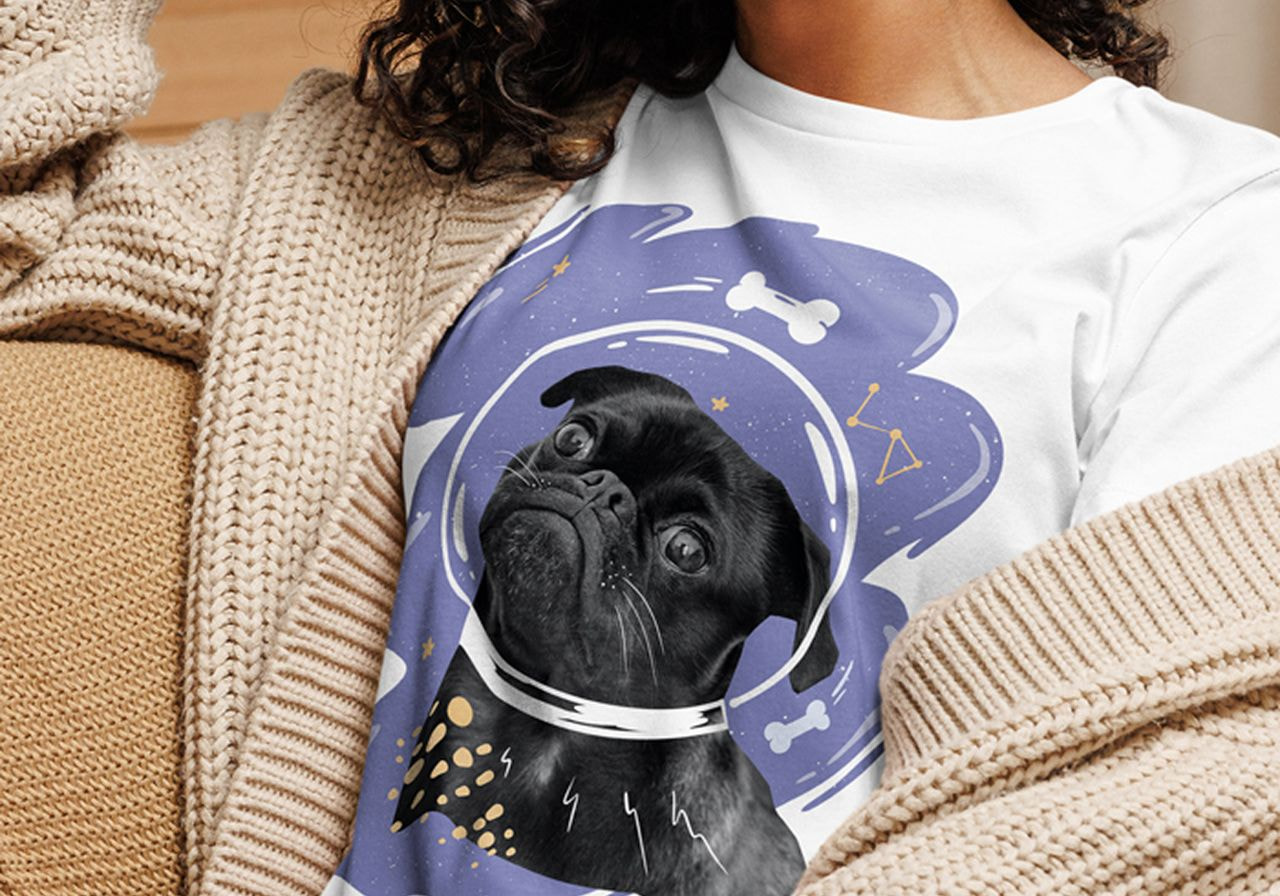
Etsy requires at least one listing to open a new shop, and Printful connects only to a shop that’s launched. Create a listing for a real product you plan to sell. Etsy will charge the $0.20 listing fee.
Once you’ve connected Etsy to Printful, you can edit this first listing, replace it with a Printful product, or deactivate it. When the listing is ready, click Open your shop.
Tip:
Discover the best things to sell on Etsy.
4. Customize your storefront
Etsy offers limited storefront customization. These are the elements you control:
-
Shop logo or icon: Choose a simple logo that stays legible at small sizes, since Etsy doesn’t always show it at full size.
-
Shop banner: Use the banner to show your brand’s look, or use the carousel option to display several products.
-
About section: Tell the story behind the brand and explain how you design your products.
-
Shop policies: List your shipping times, returns, and any guarantees.
-
Shop announcement: Use this space for updates and promotions.
-
Shop owner photo: Add a photo of yourself so buyers see the person behind the shop.
Group products into shop sections, such as apparel and accessories. Consistent colors, fonts, and mockup styles across a collection make your shop read as a cohesive brand, building trust with first-time buyers.
5. Connect Etsy to Printful

Add Printful as your production partner:
-
In Etsy, go to Shop Manager → Settings → Partners you work with.
-
Select Add a new production partner.
-
Enter Printful’s details and a short public description of how you work together, then select Save partner.
If you prefer not to show Printful’s name, Etsy lets you enter a descriptive title such as “Apparel printer.”
Next, authorize Printful’s Etsy integration:
-
In your Printful Dashboard, go to Stores → Choose platform → Etsy.
-
Click Connect to Etsy.
-
When prompted, select Allow access to finish the connection.
Tip:
Read our beginner’s guide to selling on Etsy.
6. Pick your products and create designs
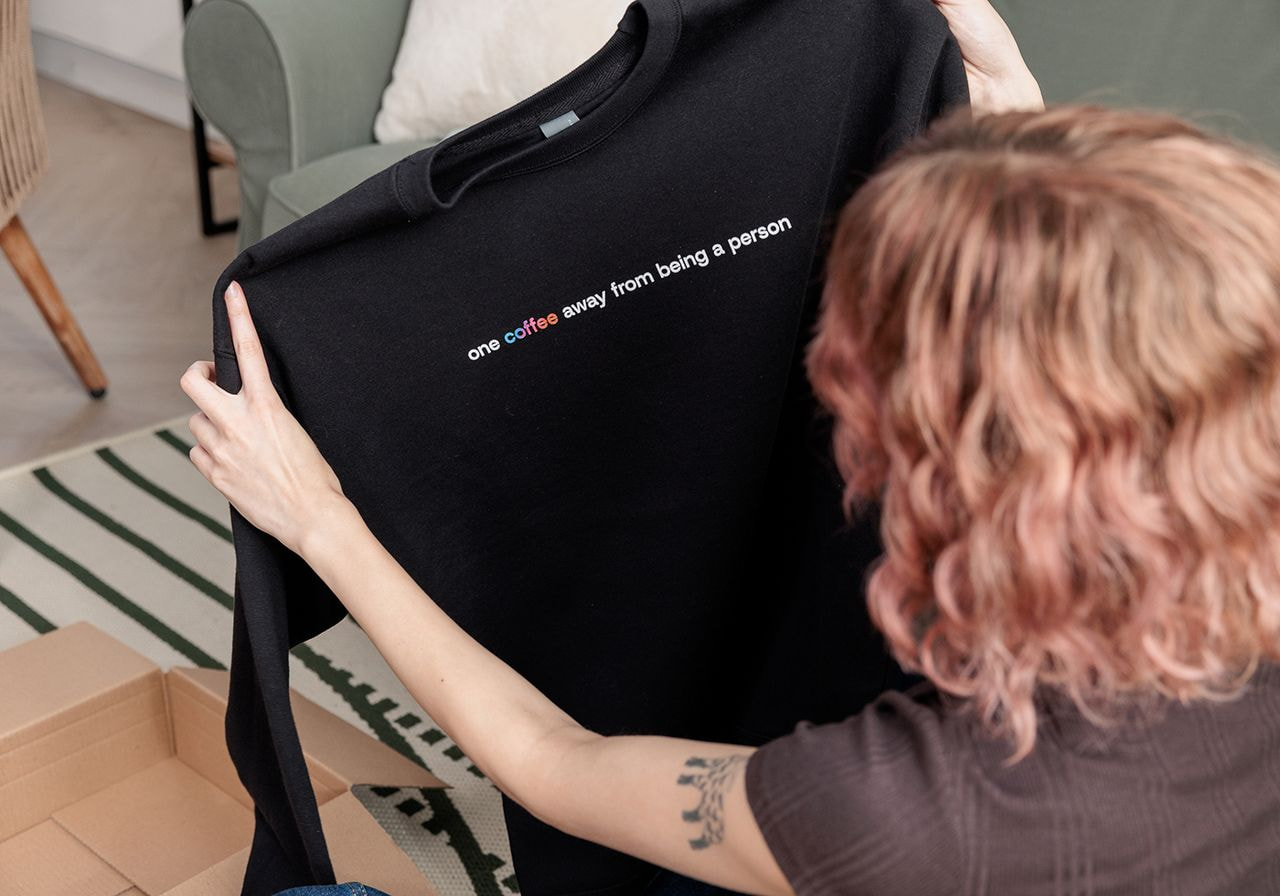
Print-on-demand suppliers differ in catalog size and print techniques. Printful’s Catalog has more than 607 products, from t-shirts, hoodies, and mugs to framed posters, phone cases, and tote bags.
Pick products your target audience already buys, then build designs for that niche. Wall art fits Etsy well, since many buyers already browse for Etsy prints and poster listings for home decor.
Printful’s personalization tool lets Etsy buyers add custom text or details in the listing’s personalization field – perfect for premium gifts. Personalized orders are imported to Printful as drafts, so you can adjust and approve the design before sending it to print.
Research tools such as EHunt show trending items and top Etsy shops for inspiration. Etsy doesn’t publish shops’ sales numbers, so EHunt estimates them from listing data. Seasonal demand gives you another sales angle, since holiday, wedding, and back-to-school designs sell in predictable windows.
Whatever product you choose, create your own take on it. Use only artwork you made or hold a commercial license for, and avoid brand logos, characters, and song lyrics. Etsy removes listings reported for intellectual property infringement, and repeated reports can put your whole shop at risk.
To create a product, open Stores in your Printful Dashboard, select your Etsy store, and click Add product. Or, go to My products, open the Published tab, select your Etsy store, and click Create product.
Then, upload designs or create from scratch in Printful’s Design Maker. Choose sizes, colors, and a mockup style that fit your brand. Check the file guidelines for each product before you start creating artwork. We recommend at least 150 DPI for DTG products and 300 DPI for DTFlex products.
Order a sample before you list a new product. Printful gives 20% off sample orders to connected stores, starting the month after you connect. Use the sample to make strong listing images.
Tip:
Running low on ideas? Explore 56 t-shirt design ideas that sell.
7. Perfect your listings
Before you publish products to Etsy, fine-tune each listing in Printful. Strong product listings help drive traffic to your shop from Etsy search.
Use strong visuals
Etsy shows the first photo in search results, and that photo has a big impact on whether shoppers click. Use every photo slot – a lifestyle mockup, a close-up of the print, and a size chart for apparel. For the first photo, have a clear product shot with a clean white background – Etsy advises against text overlays and collages.
Printful’s Design Maker creates mockups with custom layouts and backgrounds. Etsy allows up to 20 photos per listing and recommends images at least 2,000 pixels wide and tall.
Tip:
Explore more Design Maker features and create unique designs for your Etsy shop.
Write keyword-rich titles and product descriptions
Clear product descriptions manage customers’ expectations and support search visibility. Research the phrases your target audience searches for, then put the most important keyword at the start of the title, since Etsy cuts off long titles in search.
In descriptions, answer the questions buyers would want to know – material, fit, care, and production time.
Think like a shopper. What phrase would you type to find your own product?
Set the right price
Add up Printful’s product price, shipping, and Etsy fees, then set a retail price that protects your target margin.
Compare what similar items sell for, and leave room for promotions and bundles. Consider working shipping into your selling price to improve conversions.
8. Publish products on Etsy and make adjustments
When the product is ready, publish it to Etsy from Printful – it’ll be saved as a draft. In Etsy, go to Shop Manager → Listings → Drafts, and open the listing to complete the last steps.
-
Production partner: In the Production partners section of Listing details, confirm that Printful appears. To update several listings at once, select them on the Listings page and choose Editing options → Change production partners.
-
Etsy tags: Etsy recommends filling all 13 tags to maximize visibility. Each tag should describe what the product is, how it’s made, who it’s for, or the occasion it suits. Etsy treats irrelevant tags as missed opportunities, and it prohibits descriptors that mislead buyers, such as tagging a cotton-blend hoodie as “cashmere.” If a phrase doesn’t describe your item, leave it out.
-
Multi-word tags: Use natural phrases a shopper would type, such as “dog mom sweatshirt” in place of “dog” and “sweatshirt” as separate tags. Make each tag unique, and skip phrases that already appear in your category or attributes.
-
Videos: Add a short video that shows how the fabric moves or how the print looks up close to build trust with potential customers.
-
Categories and attributes: Pick the most relevant category, and fill in attributes like color and occasion. Etsy uses both to match listings to searches.
-
Shipping: Check the shipping profile Printful created. Etsy counts free shipping as a search factor for US shoppers, and you can enable free shipping in Printful before you push a product.
Once you’re done, select Publish.
9. Market your print-on-demand Etsy shop
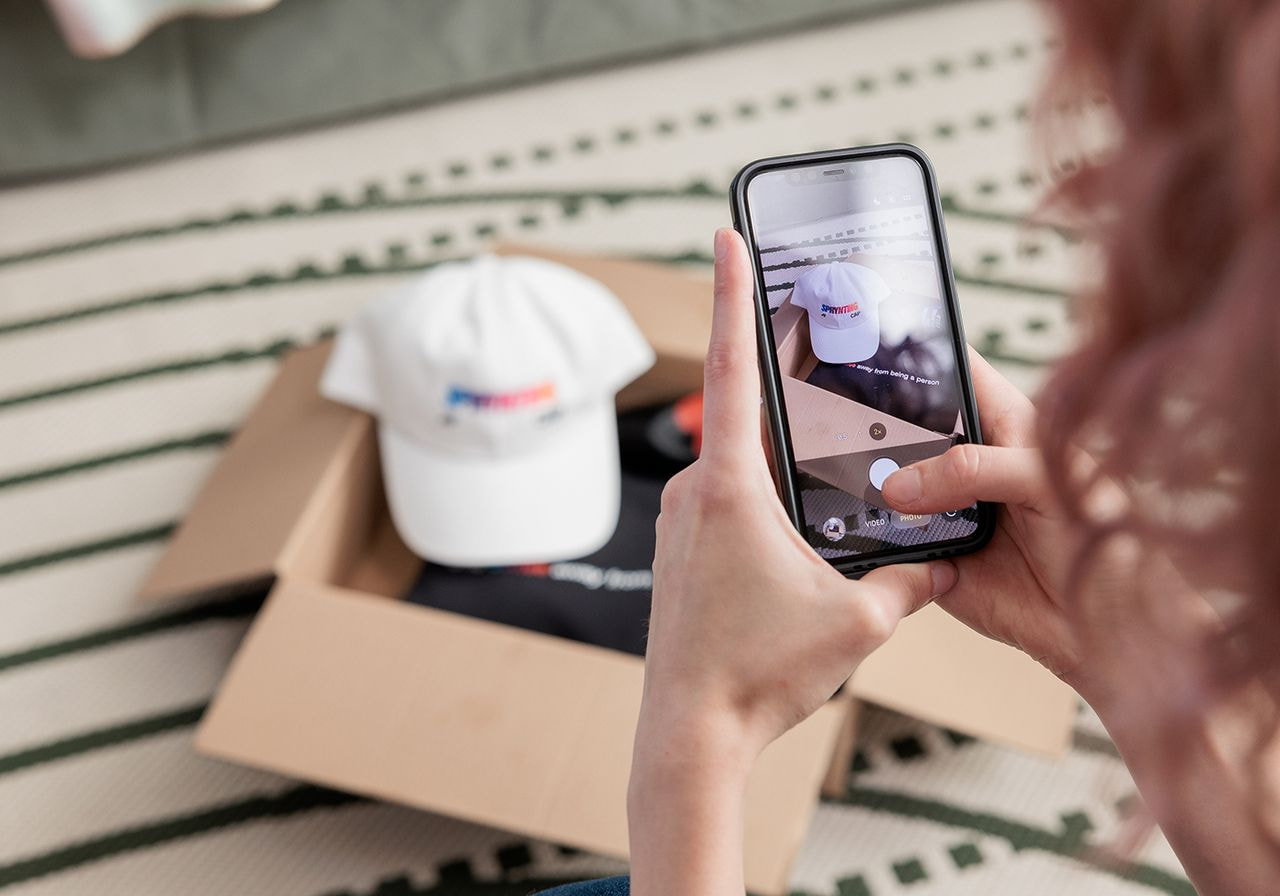
Once your storefront is filled with products, start marketing it to bring in buyers. Our tips for succeeding on Etsy cover promotion along with listings and pricing.
Tip:
Feature your best-selling or newest items at the top of your storefront so visitors see them first.
Start with Etsy SEO (search engine optimization). Etsy matches searches to the keywords in your titles, tags, categories, and attributes. Its ranking also considers your shop’s average review rating, message response rate, and case rate over the past three months.
Use Etsy Stats to find listings that need work, and check it every few weeks. Listings with views but few sales usually need better photos or a more competitive price. Listings with few views might need stronger titles and tags. Change one element at a time and compare results over a few weeks to see which change worked.
A wider range of listings also helps visibility, because each listing matches a different set of searches. Add new designs and product types regularly, and keep the ones that sell as the core of each collection.
Next, use social media marketing. Share product listings on Instagram, Pinterest, TikTok, and YouTube, and use lifestyle photos, videos, and customer reviews as social proof. External promotions reach shoppers who never search on Etsy and send them straight to your listings.
Etsy’s own marketing tools add paid reach. With Etsy Ads, you set a daily budget to promote listings in Etsy search. Test ads on listings that already sell, then compare ad spend with the extra orders you get to track the success of each campaign.
Etsy’s sales and discounts tools let you run sales for a set period and send targeted offers – for example, to shoppers who favorited your items. A sale with an end date gives shoppers a reason to buy now.
Customer service also matters. Answer questions quickly, encourage buyers to leave reviews, and include a thank-you note or a discount code for their next order. Shops that keep this up can earn the Etsy Star Seller badge. To qualify, shops need to:
-
Reply to 95% of first messages from buyers within 24 hours.
-
Ship 95% of orders on time with tracking or an Etsy shipping label.
-
Keep an average review rating of 4.8 or higher.
-
Have at least five orders and $300 in sales over the past three months.
Read more:
Discover tips to get more sales on Etsy.
Common Etsy challenges and how to overcome them
Etsy had 5.8 million active sellers in the third quarter of 2026. Competition, customer service, and costs impact every print-on-demand business on Etsy. Here’s how to tackle each one.
Dealing with Etsy competition
Popular categories like t-shirts, tote bags, and home decor attract the most sellers. A clear niche and a reason to buy from your shop help your products stand out.
If your designs blend in with the search results, refine the niche or the style. Keyword research shows low-competition phrases that match your designs, and those phrases bring more targeted traffic.
Research similar print-on-demand listings on Etsy to see how other shops price and present items. Then, look for what you can offer that they don’t, such as a personalization option, better photos, or a more specific design.
Tip:
Etsy buyers compare photos, reviews, and personalization options along with price. Shops with consistent branding can price above the cheapest results.
Handling customer service and returns
Buyers expect fast replies and clear answers, especially for personalized and made-to-order items.
Write shop policies that state shipping times, return rules, and how to contact you. Clear communication about production and shipping sets expectations before the purchase.
Printful acts as your print provider and handles print quality and shipping. If an item arrives damaged or misprinted, submit a report in the Printful Dashboard within 30 days of delivery for a return or refund. Reply to the buyer quickly while the issue gets resolved, since response rate and reviews count toward the Star Seller badge.
Maximizing profits and reducing costs
Etsy fees apply at different stages of selling. Here’s what sellers pay:
-
Setup fee: A one-time, non-refundable fee that varies by location. Etsy shows the amount during shop setup.
-
Listing fee: $0.20 per listing. Listings renew every four months, and a multi-quantity listing renews for $0.20 each time an item sells.
-
Transaction fee: 6.5% of the item price plus shipping and gift wrap.
-
Payment processing fee: 3% + $0.25 per order for US sellers. Rates vary by country.
-
Offsite Ads fee: 15% of an order that comes from Etsy’s ads on other sites, or 12% for shops with $10,000 or more in sales over the past 365 days. The fee never exceeds $100 per order, and shops under $10,000 in sales can opt out.
-
Etsy Ads: Optional, with a daily budget you set.
Sellers in the UK, France, Italy, India, Spain, Türkiye, Hungary, Vietnam, and Canada also pay a regulatory operating fee. Listing in a currency other than your bank account’s currency adds a 2.5% currency conversion fee.
For example, a US shop selling a $35 t-shirt with free shipping pays about $2.28 in transaction fees, $1.30 in payment processing, and a $0.20 listing renewal, or $3.78 in total. Printful’s product price and shipping cost come out of the remaining $31.22.
Start by calculating all your costs – production, shipping, and Etsy fees. Our Etsy fees and profits calculator shows your margin per product before you publish, helping you avoid underpricing.
Ready to start your print-on-demand business on Etsy?
Right now, someone on Etsy is searching for a design you haven’t listed yet. Four steps get it in front of them – open your shop, connect Printful, add your production partner disclosure, and build listings around your niche.
Then comes the fun part. Printful prints, packs, and ships every order, so your POD business can run on fresh designs, product tests, and marketing that builds a following. Selling print-on-demand products on Etsy gets easier with every listing.
The Printful Academy and blog cover each next step, from Etsy SEO to building a brand people recognize and come back to.
FAQs
Yes, Print on Demand can be very profitable on Etsy in 2026 when retail prices cover product cost, shipping, and fees.
For a $35 Gildan 64000 t-shirt with Printful’s $9.63 base price, $4.95 shipping, and about $3.78 in Etsy fees, the profit comes to roughly $16.64, a 47.5% margin before ads and taxes.
Etsy takes about $9.95 from a $100 order by a US seller – $6.50 in transaction fees, $3.25 in payment processing, and a $0.20 listing fee. If the order came from Etsy’s Offsite Ads, add $15, or $12 for shops with $10,000 or more in yearly sales. Taxes and Etsy Ads cost extra.
Yes, but earning that takes time. In the third quarter of 2026, Etsy’s 5.8 million active sellers sold $2.6B in total, about $150 in sales per seller per month.
At roughly $16.64 profit per t-shirt, $1,000 in monthly profit takes about 61 orders. Plan several months of adding listings and testing designs to reach that level.
Yes. Etsy allows clothing that sellers make themselves or apparel they design and have printed by a production partner such as Printful, as long as each listing discloses that partner.
Etsy doesn’t allow sellers to resell or dropship ready-made clothes from other companies, including suppliers on sites like AliExpress.
Etsy lets sellers run multiple shops and doesn’t publish a limit. Each shop needs its own Etsy account and email address, since one account can hold only one shop.
You must list all your shops in each account’s Public Profile, and every shop must follow Etsy’s Seller Policy, which bans duplicate shops. Each new shop also goes through Etsy’s standard onboarding, including the setup fee.

Published author, scholar, and musician, Andris draws on over 11 years of experience in and outside academia to make complex topics accessible – from SEO and website building to AI and monetizing art. Devoted to his family and self-confessed introvert, he loves creating things, playing musical instruments, and walking around forests.

