



Table of contents
Here’s how to sell Print on Demand on Amazon in a nutshell: create an Amazon Professional seller account, connect a print-on-demand service, design the products you want to offer, and list them in your store. From there, you can start selling and scale your Amazon POD business with smart marketing and ongoing optimization.
We’ll cover everything from account setup and product design to Amazon integration and listing optimization so you can confidently start your print-on-demand business.
1. Create an Amazon seller account
Before you can start your POD business on the Amazon marketplace, you’ll need a seller account. It’s where you’ll manage listings, track orders, and review the performance of your Amazon store.
Step 1: Choose the Professional plan
Amazon has two main seller accounts – Individual and Professional. To sell print-on-demand products, you’ll need to upgrade to the latter.
At $39.99/month, the Professional plan gives you access to the Amazon Selling Partner API (SP-API). This is what lets your POD supplier automatically receive and fulfill your orders. You’ll also unlock tools like bulk listing, analytics, and eligibility for Amazon Ads.
Step 2: Sign up for your Amazon seller account
Submit your business details and upload verification documents. Here’s what the process looks like:
-
Visit Amazon Seller Central and click Sign Up.
-
Enter your business and legal identity information (name, address, and entity type).
-
Add bank account details that match your business name or personal name.
-
Provide a valid credit card for subscription fees.
-
Upload a clear copy of your government-issued ID and a recent Proof of Address (such as a utility bill or bank statement dated within the past 180 days).
The whole process for approval can take anywhere from a few hours to a week. Once you’re in, you can start preparing your Amazon store for your first print-on-demand products.
2. Choose your print-on-demand supplier
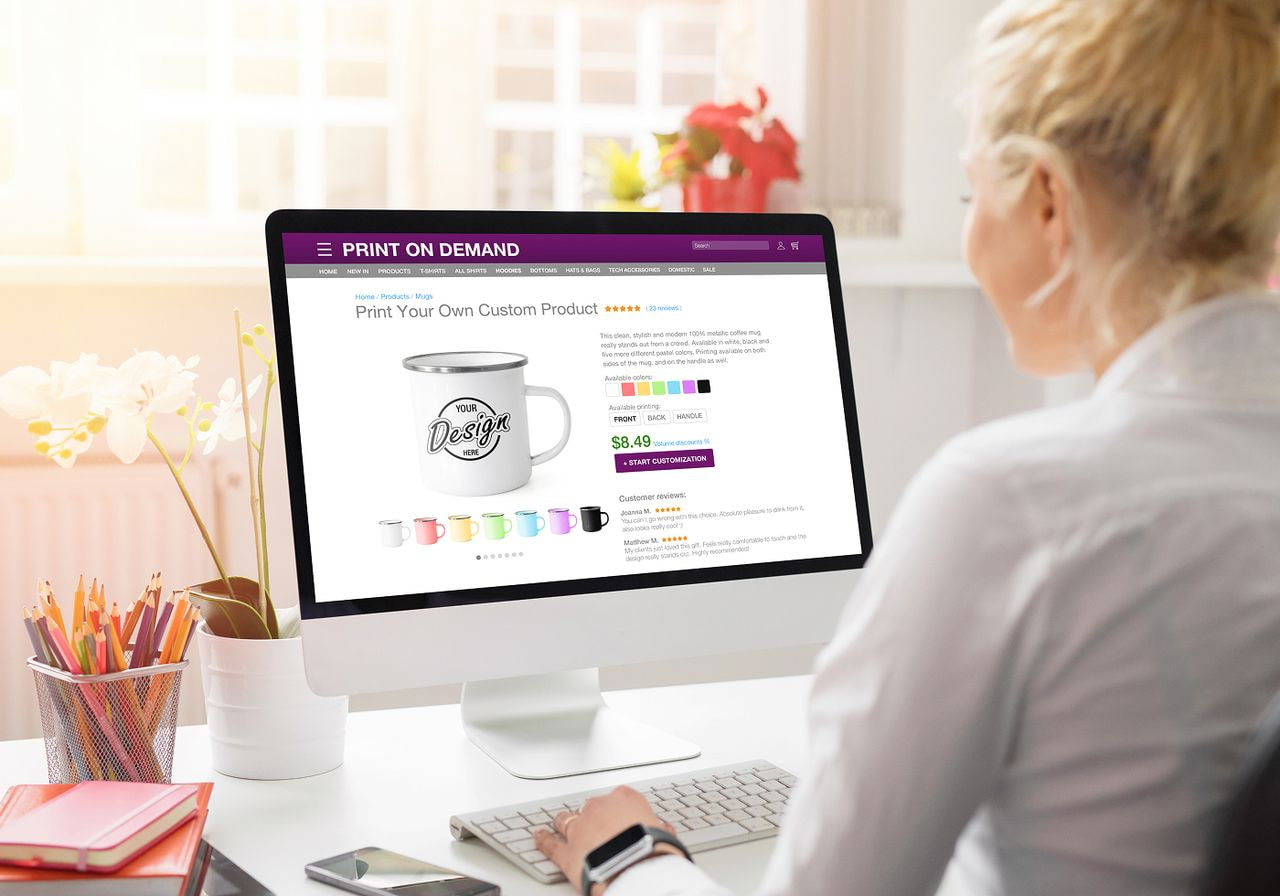
Selling Print on Demand on Amazon becomes easier once you choose the right POD supplier.
Two of the most common POD options for Amazon sellers are Printful and Amazon Merch on Demand. Both work well, but they serve different types of sellers.
Printful
Printful is an all-in-one POD platform with Amazon integration that lets you connect your seller account in just a few steps. Once connected, Printful prints, packs, and ships your orders automatically.
It’s also suitable as an alternative to Amazon dropshipping, since you don’t carry inventory and everything is fulfilled on demand.
Best for: Sellers who want full creative control, strong branding options, and a large product catalog.
Pros:
-
High product quality. Printful uses top-quality materials and printing methods. Our Catalog has 589 products across apparel, accessories, home decor, and more.
-
Beginner-friendly tools. Our free Design Maker helps turn your ideas into reusable product templates – no design skills needed.
-
You control your brand. We print and ship everything under your brand with optional custom labels, pack-ins, and other branding options.
-
Low shipping rates. With multiple fulfillment centers and global carriers, shipping stays affordable and reliable.
Cons:
-
Higher per-unit costs. POD items cost more than bulk inventory, which can reduce margins.
-
Longer production time. Print on Demand requires 2-5 business days to print orders before shipping.
Amazon Merch on Demand
Amazon Merch on Demand is Amazon’s built-in POD program. It operates similarly to Printful – Amazon handles production, inventory, shipping, and customer support. You simply upload your designs, list your products, and get paid when orders come in.
Best for: Sellers who want an automated, hands-off Amazon POD experience.
Pros:
-
Fully automated fulfillment. Printing, shipping, returns, and support are handled by Amazon.
-
Prime eligibility. Merch products are eligible for Prime Shipping, giving your online business a competitive edge with quick delivery.
-
Fast setup. You can use an existing Amazon account to streamline the sign-up process, and there’s no need to connect a third-party POD platform.
Cons:
-
Limited branding. You can’t customize packaging or create a standalone brand experience.
-
Tier restrictions. Sellers start with a limit of 10 new designs and must make sales to unlock higher tiers.
3. Create and list your products

Once your Amazon account and POD supplier are set up, create your products and add them to your Amazon store.
Step 1. Design your products
Your design is what makes your product stand out, so keep it focused and geared toward the audience you want to attract. Think about who you’re designing for and what message or feeling the product should communicate.
Here’s the good news – you don’t need graphic design skills to create unique products. Printful sellers can use the Design Maker, which includes free graphics, text tools, clipart, and built-in product mockups.
If you prefer external tools, any apps that can export high-resolution images will work. Check out our top picks for t-shirt design software.
A few simple tips to keep your designs sharp:
-
Quality. Use clean, high-resolution images and graphics that won’t blur when printed.
-
Readability. Choose fonts that are easy to read at different sizes.
-
Uniformity. Stick to a consistent color palette for a cohesive look.
Use mockups or lifestyle shots so customers can clearly see what they’re buying. Keeping your designs clear and polished makes your Amazon store look more trustworthy, leading to more clicks and conversions.
Step 2. Choose products to sell
The easiest way to narrow down your options is to focus on products your audience already buys often. If you’re looking for ideas, here are the most profitable POD products according to our research.
Custom t-shirts
Custom t-shirts are one of the easiest and most reliable products to sell with POD. They work for almost any niche, offer endless room for creativity, and have steady, year-round demand.
Whether your audience prefers funny quotes, niche artwork, or minimalism, you can create t-shirt designs that match their style.
They’re also affordable to produce, which helps keep your profit margins healthy. Budget-friendly shirts like Gildan are great for everyday use or bulk orders, while premium brands like Bella + Canvas attract potential customers who prioritize softness and comfort.
Custom hoodies
Custom hoodies take comfort and personal style to the next level. The thicker material and added features – like a hood, pocket, and drawstrings – mean customers are more willing to pay a higher price. This gives you better profit potential compared to t-shirts.
This apparel product is especially popular in niches like streetwear, fitness, gaming, and campus wear. You can experiment with large back prints, front graphics, sleeve details, or embroidery, depending on the style you want to create.
Since hoodies are used year-round but peak in colder months, they’re great for both evergreen and seasonal collections.
Baby and kids' clothing
Baby and kids’ apparel is always in demand because new parents, relatives, and gift shoppers buy these items year-round. Sizes turn over quickly as kids grow, which helps attract repeat purchases.
You can offer a wide range of products – bodysuits, toddler tees, hoodies, and more – and personalize them with cute graphics, names, milestones, or character-style designs. These products sell especially well for birthdays, baby showers, holidays, and back-to-school seasons.
Phone cases
Custom phone cases are a strong choice if you want a lightweight, high-demand product with broad appeal. With billions of smartphone users worldwide, people are always looking for ways to protect and personalize their devices. This means phone cases get steady traffic and make great impulse-buy items.
They’re also extremely versatile. You can create cases based on trending aesthetics, memes, niche hobbies, or seasonal themes. Offering different case types – such as tough cases, MagSafe-friendly cases, or clear cases – helps you reach more buyers and match different price ranges.
Personalized notebooks
Custom notebooks are simple yet surprisingly profitable among customers who love writing, journaling, and planning by hand. They’re also highly giftable, making them strong sellers for birthdays, holidays, and back-to-school seasons.
Customize the covers with themed artwork, names, quotes, or brand-specific designs to make them appealing for your niche. Whether your audience wants to jot down ideas or sketch, notebooks are a universal everyday item that keeps sales steady.
Mugs
Mugs are practical, gift-friendly, and easy to customize. People buy them for home, office, birthdays, holidays, and corporate gifts – and they stay in constant demand.
They’re inexpensive to produce and ship, helping to boost your margin. Plus, customization options are endless – quotes, pet portraits, aesthetic designs, and themed collections all sell well.
You can also offer different mug styles like coffee mugs, travel mugs, or metallic finishes to stand out.
Not sure where to start?
Browse Amazon Best Sellers, New Releases, and Movers and Shakers for ideas. Look at what’s trending, read reviews, and note which listing styles seem to convert well.
As you narrow down your choices, consider what your niche is likely to buy, how competitive the category is, production and shipping times, and profit margins.
Once you’ve chosen the products, you can publish them through your Amazon Seller app or upload them directly to Amazon Seller Central. If you’re using Printful, product publishing is even simpler. Designs, product details, and mockups sync directly to Amazon, speeding up your launch process.


Step 3. Write product listings
A clear listing helps turn casual browsers into customers, so keep your titles and descriptions simple and helpful.
Here’s what you’ll need to publish a product listing on Amazon:
-
Stock Keeping Unit (SKU). This is your internal product code. Use a naming system that makes sense to you so it’s easy to track variations like size, color, or design.
-
Product title. Start with the main product type (for example, “Custom graphic t-shirt”) and add key details that make it distinctive.
-
Product description. Explain what the product is, who it’s for, and why someone would want it. Keep sentences short, use bullet points, and highlight the main benefits.
-
Product photos. Use clean, high-quality images or mockups. Show the product from different angles so customers know exactly what they’re getting.
-
Search terms. Add relevant keywords shoppers might use to find your product, but don’t overdo it. Read our Amazon SEO guide for tips and best practices.
-
Product ID. This applies when you create a new listing. If your POD supplier doesn’t provide a Universal Product Code (UPC), apply for a Global Trade Item Number (GTIN) exemption to publish your product.
Now comes the price. Many new POD sellers set theirs too low or too high. If it’s too low, you may not cover production, shipping, and Amazon fees. If it’s too high, shoppers might simply pick a cheaper competitor.
To find the right balance, look at what similar products cost in your niche, then choose a number that stays competitive while still leaving room for profit. Your price should match the product’s quality, customization, and overall value. Our guide on product pricing covers this process in more detail.
4. Manage and grow your business

Launching your first Amazon POD product is a great start, but building a successful store takes ongoing work. Think of it as a cycle – test, learn, adjust, and grow. The more you refine your listings and promote your products, the more your store improves over time.
Market your store
Once your products are live, the next step is to get customers to see them. Amazon lays the groundwork by giving you access to a massive audience, but you still have to compete with around 2 million active sellers on the same platform.
This is why marketing can make or break your venture.
Start by sharing your products on social media platforms. TikTok, Instagram, and Pinterest work well for visual products like apparel, phone cases, and wall art. If you have a website or blog, include your Amazon listings there, too. Email newsletters help keep your audience engaged and bring them back for new product drops.
You can also try Amazon’s own advertising tools. Sponsored Products help your listings show up higher in search results with cost-per-click (CPC) ads, which can be especially useful if your store doesn't have reviews yet.
Keep your marketing simple at first. Pick one or two channels you can manage consistently, and build from there.
Optimize your listings
Updating your listings is one of the easiest ways to boost product visibility on Amazon. You don’t need to change things every day, but reviewing your listings every few weeks helps you spot room for improvement.
Here are a few simple ways to optimize:
-
Refresh your titles and descriptions. Make sure they’re clear, use keywords naturally, and highlight the benefits your customers care about the most.
-
Improve images. Try new mockups, lifestyle photos, or clearer angles if your current ones don’t convert.
-
Add new variations. Additional colors or size options make your products more appealing to a wider audience.
-
Watch your competitors. If similar listings start using new keywords, angles, or mockups, take note and adjust accordingly.
How often should you update your product listings?
While there’s no expected timeframe, you should update Amazon listings every three to six weeks. However, it’s always a good idea to do it when sales slow down, when new trends appear, or when you release improved designs.
Stay updated
Amazon changes fast, and staying informed helps you stay competitive. Check your Amazon Seller Central dashboard regularly for policy updates, new features, or adjustments to listing requirements.
It also helps to do regular market research to spot trends in your niche – seasonal demand, new design styles, or shifts in customer behavior can all impact what sells. When you notice a new trend, try creating or updating designs to reflect it.
POD platforms like Printful often release new products, printing methods, and tools to help you sell smarter on Amazon. Adding new items or improving your designs keeps your store feeling fresh and gives customers a reason to come back.
Final words
Print on Demand is one of the easiest ways to launch a business on Amazon. It’s low-risk, and you can start designing and selling without big upfront costs, managing inventory, or handling order processing yourself – your POD supplier takes care of the heavy lifting.
Amazon’s massive customer base gives you plenty of room to test, learn, and scale. Just don’t rely on one marketplace forever. With Printful, you can easily expand to platforms like Etsy, Shopify, and Squarespace whenever you’re ready.
Sign up to Printful for free and launch your online store on Amazon today.
Frequently asked questions
Yes, Print on Demand on Amazon can be profitable because you only produce items after a buyer places an order – no need for upfront costs.
With POD partners like Printful, you avoid inventory risks, maintain customer satisfaction with high-quality products, and set your own margin. Profit depends on your pricing, design quality, and marketing.
Create a Professional seller account, pay the monthly fee, and complete the application process in Amazon Seller Central. After approval, connect Printful’s POD service through our Amazon integration, design your products, and publish your listings.
Yes, Print on Demand is allowed on Amazon as long as you follow the platform’s product listing guidelines and avoid copyrighted or trademarked material.
You can sell products through your own seller account and leave the fulfillment and shipping to a third-party POD service, or join programs like Merch on Demand, where Amazon handles fulfillment directly.
Amazon charges a referral fee for each item sold, usually between 8%-15% depending on the product category. For a $100 sale, this is typically $8-$15. Additional costs for production and shipping vary by POD service, which can increase the total.

Jordana is a content writer with over 6 years of experience in content writing and technical writing. Her not-so-secret passion is breaking down complex ideas into clear, straightforward content, whether it's explaining tech concepts or crafting stories that connect. When she's not writing, you'll find her enjoying good sushi or falling down movie trivia rabbit holes.

